Check the acquisition promise
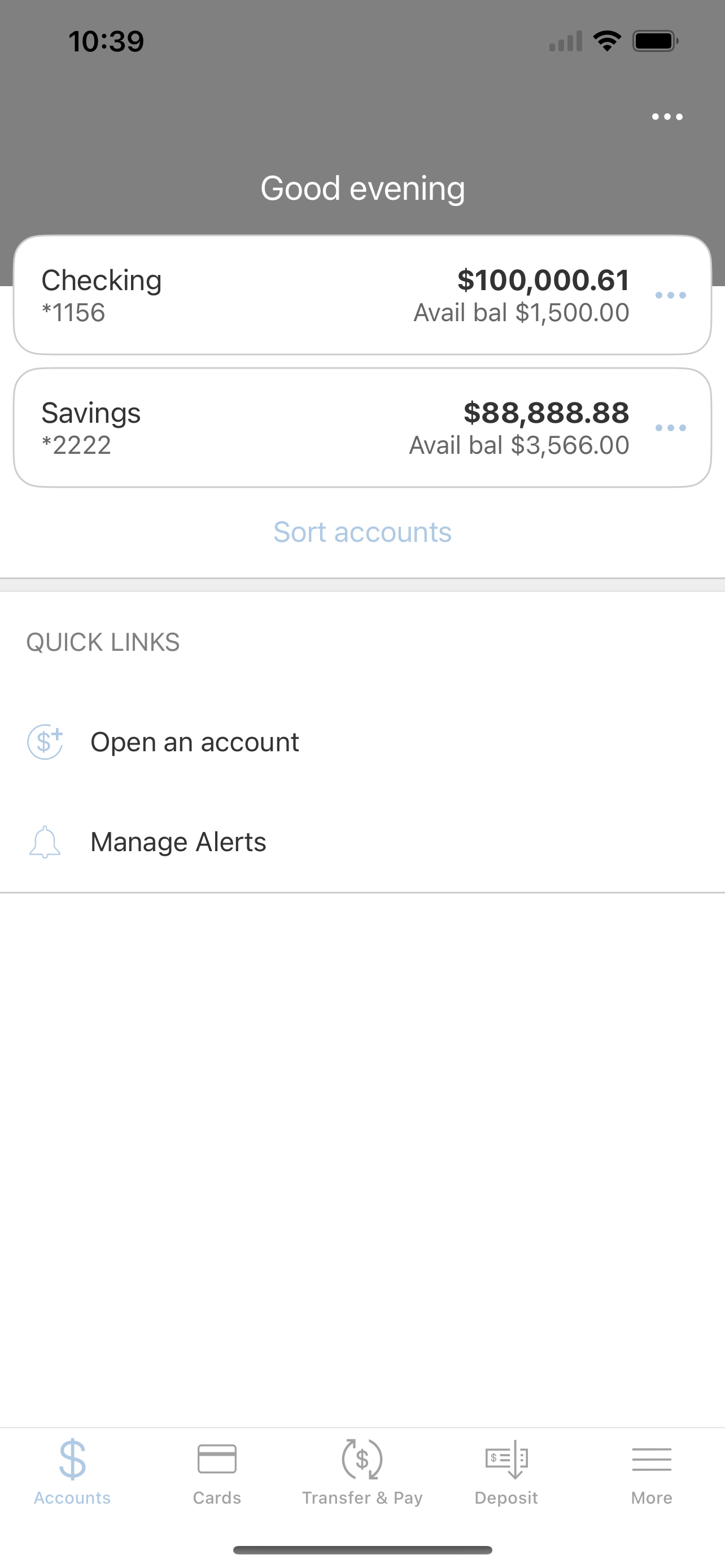
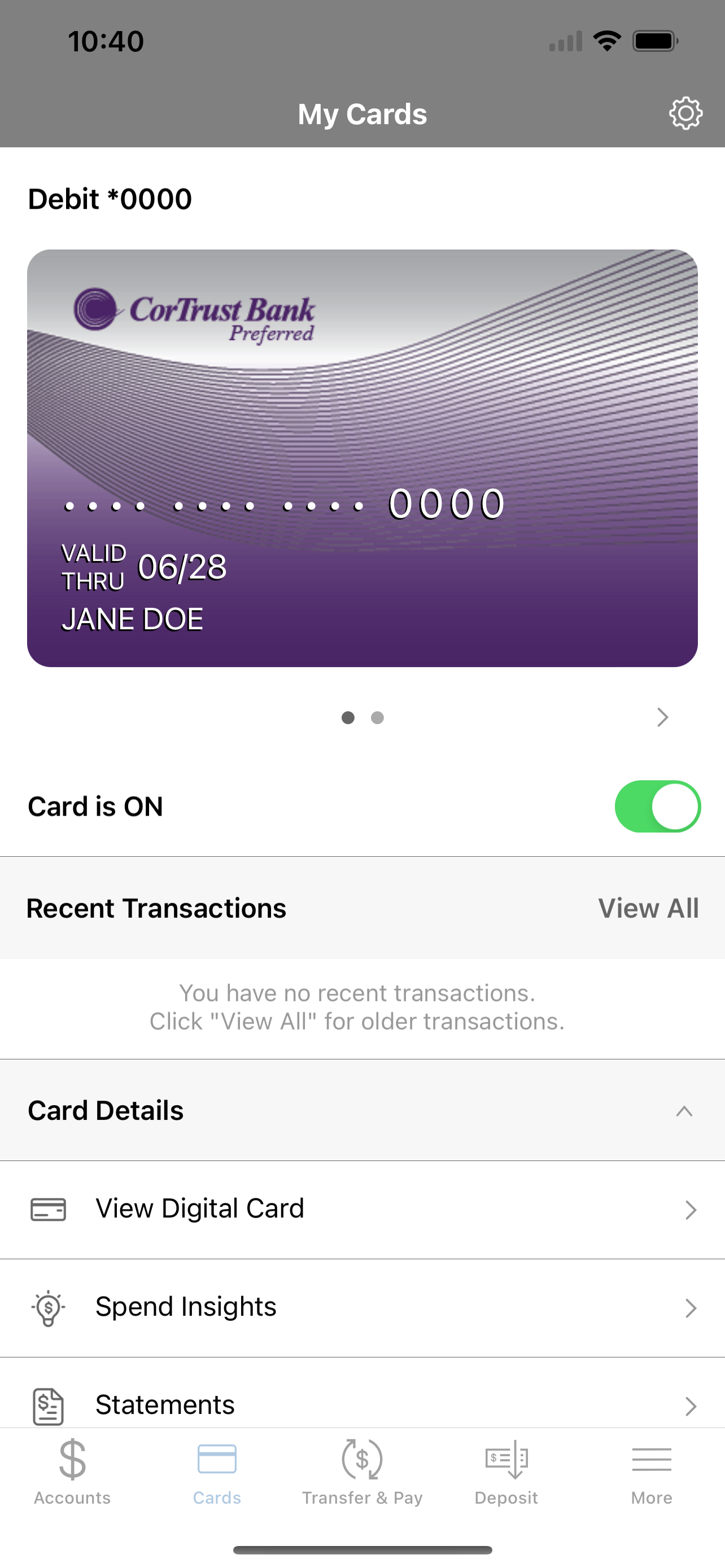
Read the store headline, screenshots and description. What problem is the app promising to solve?
Study the storefront ↗
CorTrust Bank · iOS
Explore the ad evidence, study the storefront, and build your next acquisition hypothesis.
01 / Creative research
Read the store headline, screenshots and description. What problem is the app promising to solve?
Study the storefront ↗Explore apps with direct store-link matches. Compare their hooks and formats without assuming the same approach works here.
Browse observed advertisers ↗Store rankings and revenue estimates describe market context. They do not establish ad spend, conversions or ROAS.
Review the market context ↗02 / Storefront & product
Study the product story and store experience behind the acquisition funnel.



03 / Market context
Keep revenue, downloads and store rankings separate from advertising performance.
Can only see mobile deposits and transactions over the last 30 days. Extremely frustrating and unhelpful! Please fix this!
App was pretty good. No real complaints. Till one of the last updates. I guess ‘feature enhancements’ are sometimes a deal breaker. Now the App does not even start. Just says “for your security, it can not be used on a jailbroke phone.’ What a joke. So App is deleted. And now I have to access everything through the web page. Which is far more risky. Completely ruined the app. But I’m sure it’s all ‘ in the name of security’. Pretty sure we know the risks taken. Forcing your App to not work, is lame.
When comparing CorTrust to my other mobile banking app- it is entirely more frustrating. I was able to make a mobile deposit instantly with my other bank as it was automatically part of my agreement when using their mobile banking site. With CorTrust I had to turn on the option via the website which required a call to a representative to guide me through the steps. Even then, I had to google how to turn on mobile depositing because I couldn’t find it based off the instructions I received via phone. I rarely have to retake check images when using my other banking app. I just had to retake a check image 6 times to get it accepted on the CorTrust app. My other banking app remembers and allows me to use Touch ID to sign in. CorTrust lets me turn on the option to save and use the Touch ID preference, but never actually saves it, requiring me to manually sign in each time. It has all the same features as my other online banking app. The options are just more difficult to obtain or they don’t function as they are supposed to.
Manage Your Accounts ANYTIME – ANYWHERE with the FREE CorTrust Bank mobile app. Getting to the bank isn’t always convenient, so CorTrust Bank is brin...