Check the acquisition promise
Read the store headline, screenshots and description. What problem is the app promising to solve?
Study the storefront ↗
Piet Jonas · iOS
Explore the ad evidence, study the storefront, and build your next acquisition hypothesis.
01 / Creative research
Read the store headline, screenshots and description. What problem is the app promising to solve?
Study the storefront ↗Explore apps with direct store-link matches. Compare their hooks and formats without assuming the same approach works here.
Browse observed advertisers ↗Store rankings and revenue estimates describe market context. They do not establish ad spend, conversions or ROAS.
Review the market context ↗02 / Storefront & product
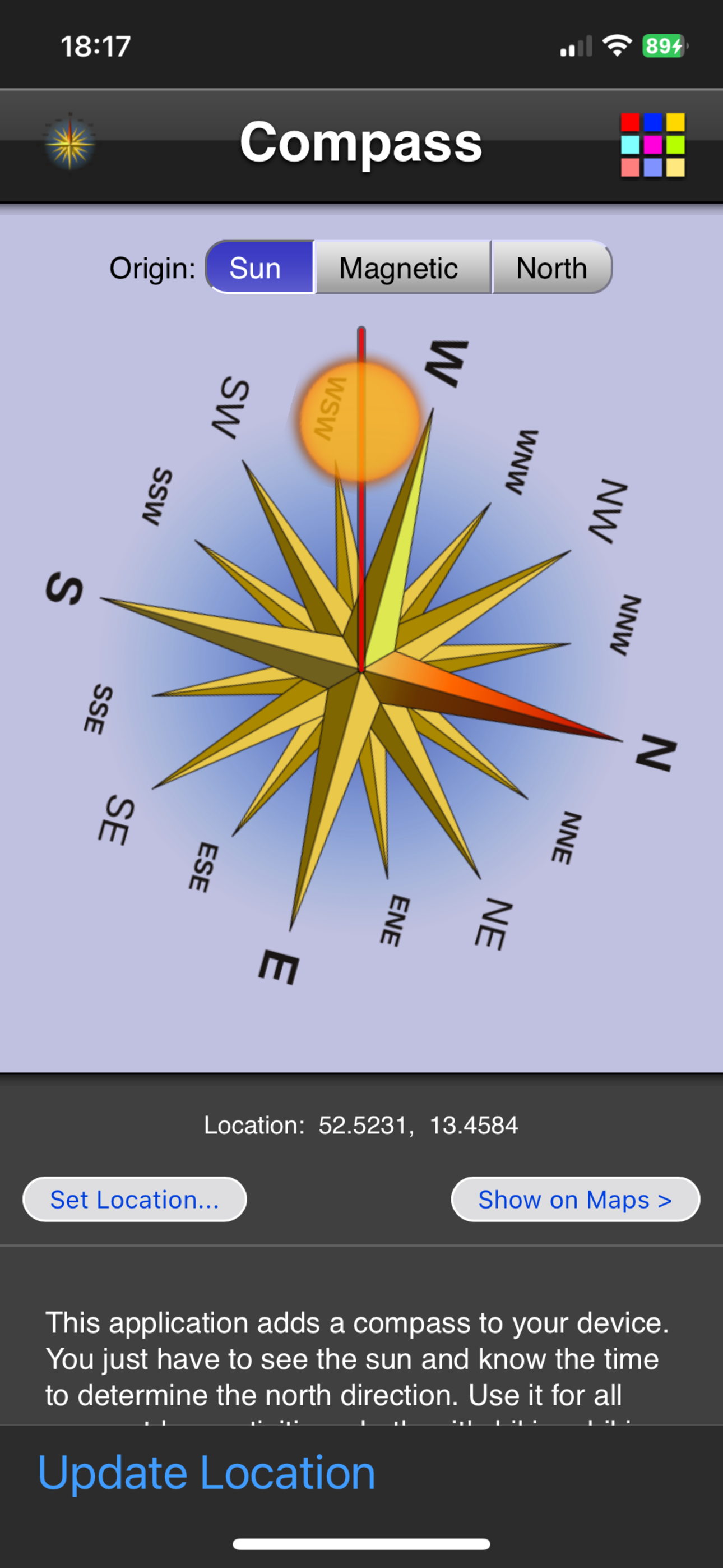
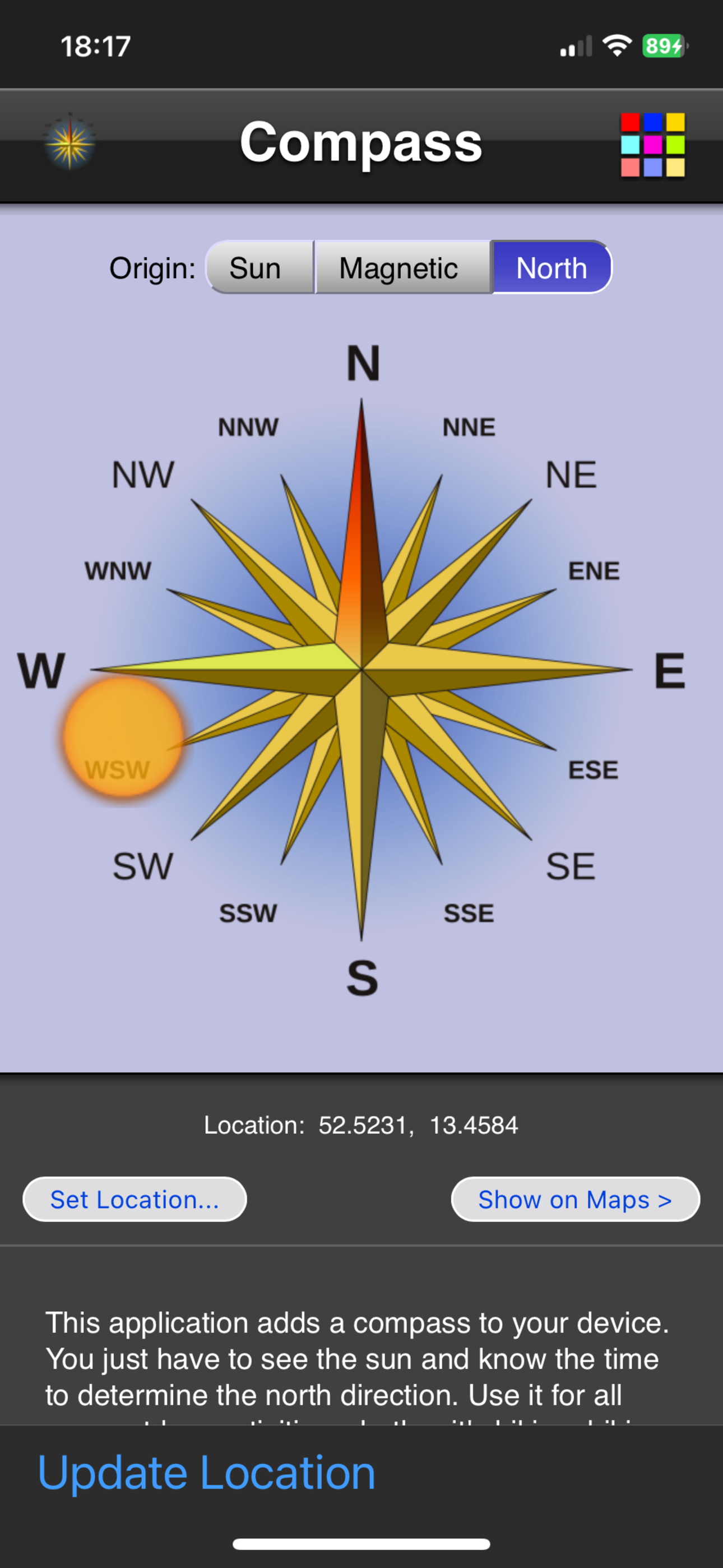
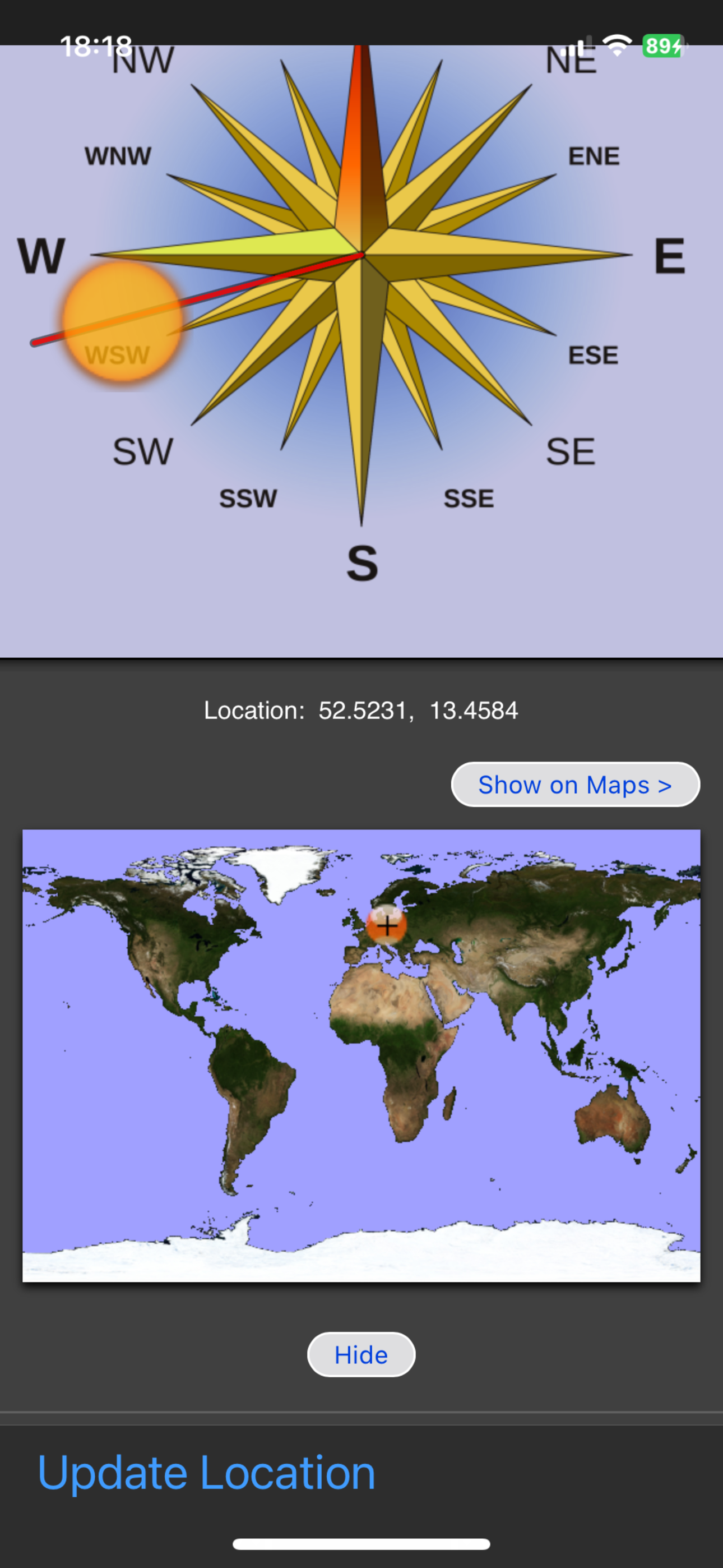
Study the product story and store experience behind the acquisition funnel.


03 / Market context
Keep revenue, downloads and store rankings separate from advertising performance.
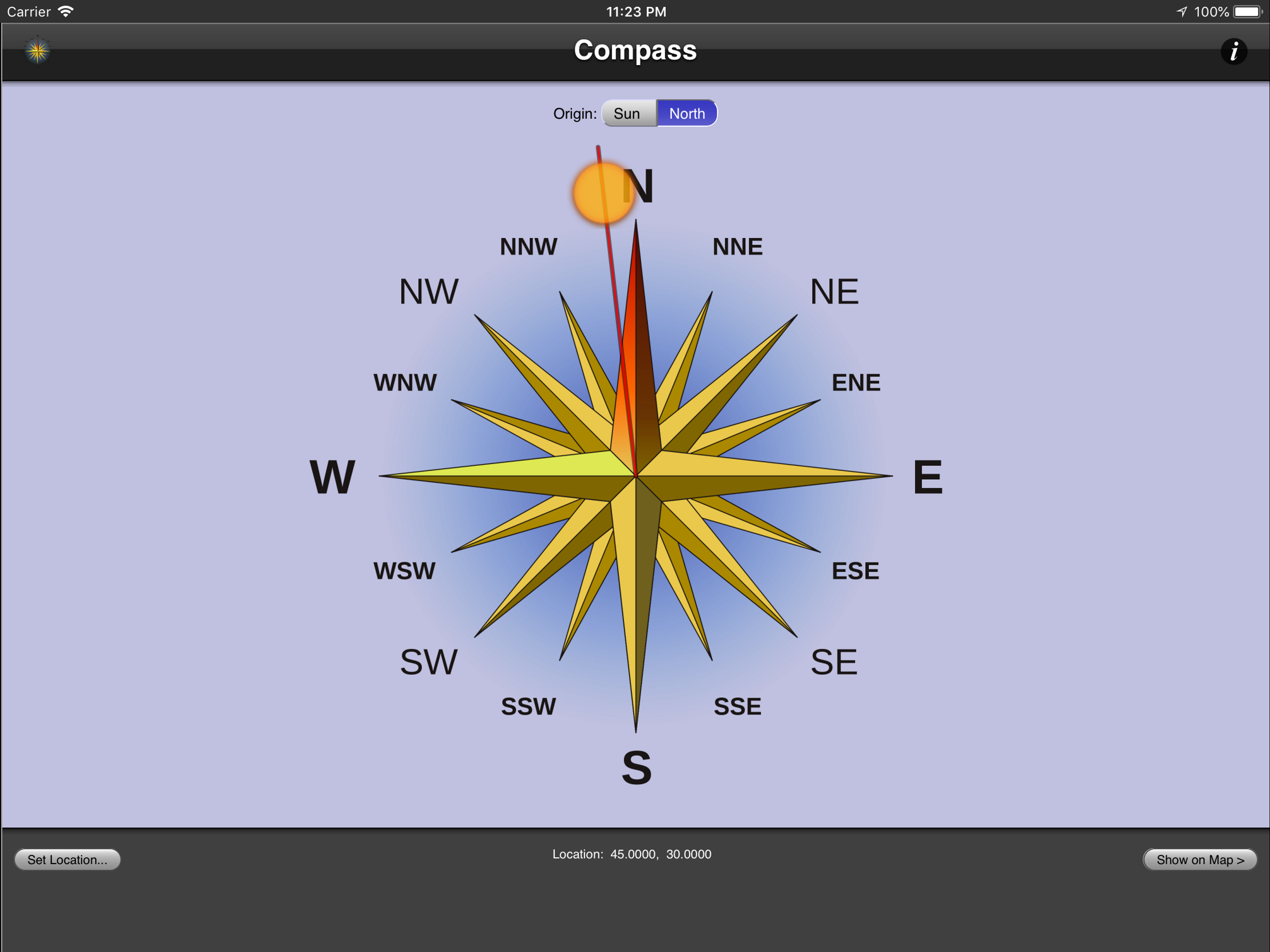
Reviews of earlier versions made me hesitant, but there are so few compass options for my gen1 iPad that I gave it a shot. It works well with no problems at all. I like its simplicity (I don't need bells and whistles) and the fact that you can use it as a sun compass or a magnetic compass. Too bad that iPod Touches do not have a magnetometer, or I'd load this app on my old Touch, too. If you're like me and you want to maximize the utility of older devices rather than chucking them, this app is especially welcome. I thank the developer for maintaining compatibility with iOS 5.1.1.
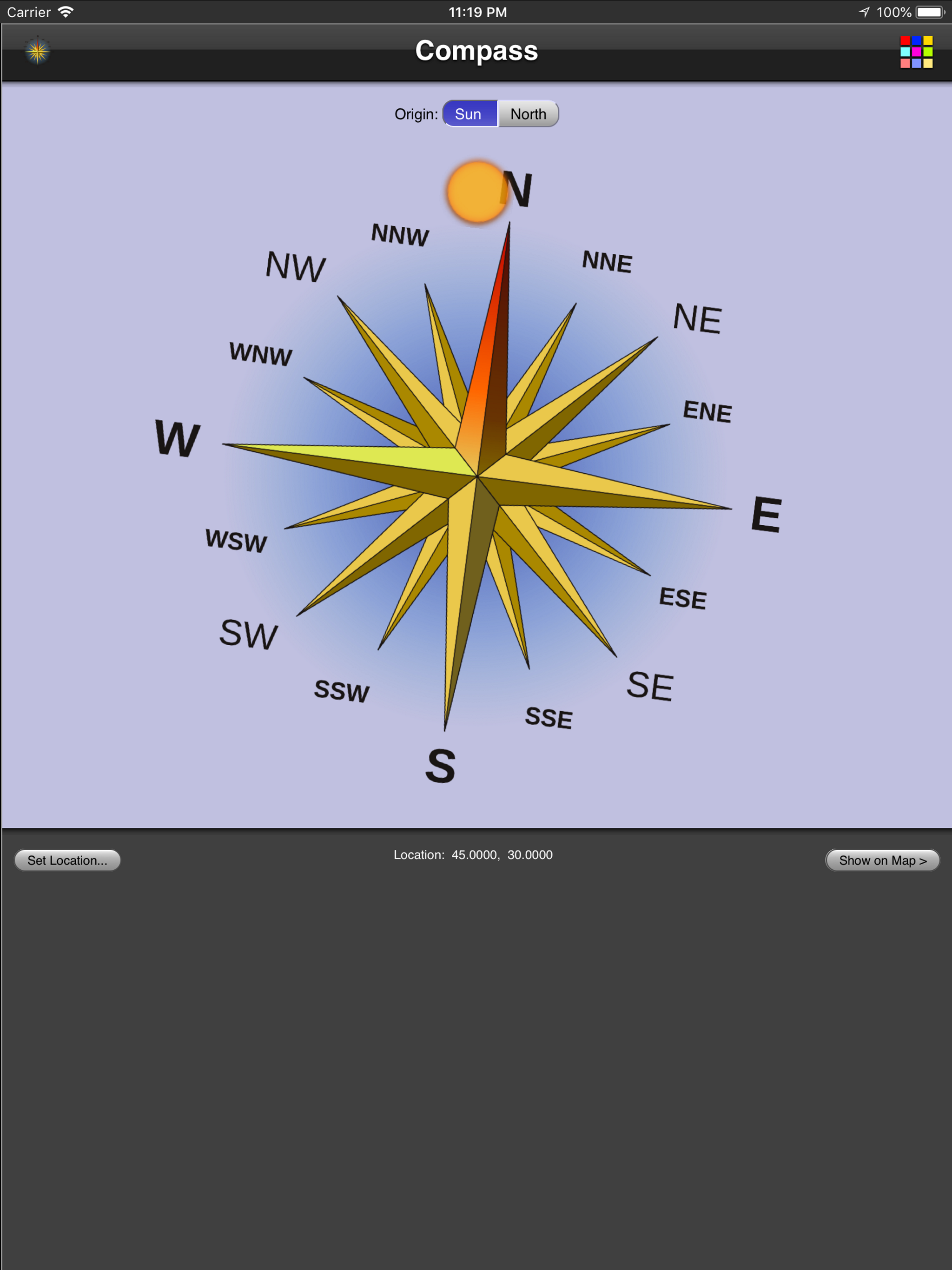
To use this app, you point the iPhone at the sun. Then the compass will be correct. It's that easy! The developer should probably add some text to the main display, saying "Point iPhone at the sun" since some people don't seem to get that. I'm deducting one star for the unnecessary website buttons.
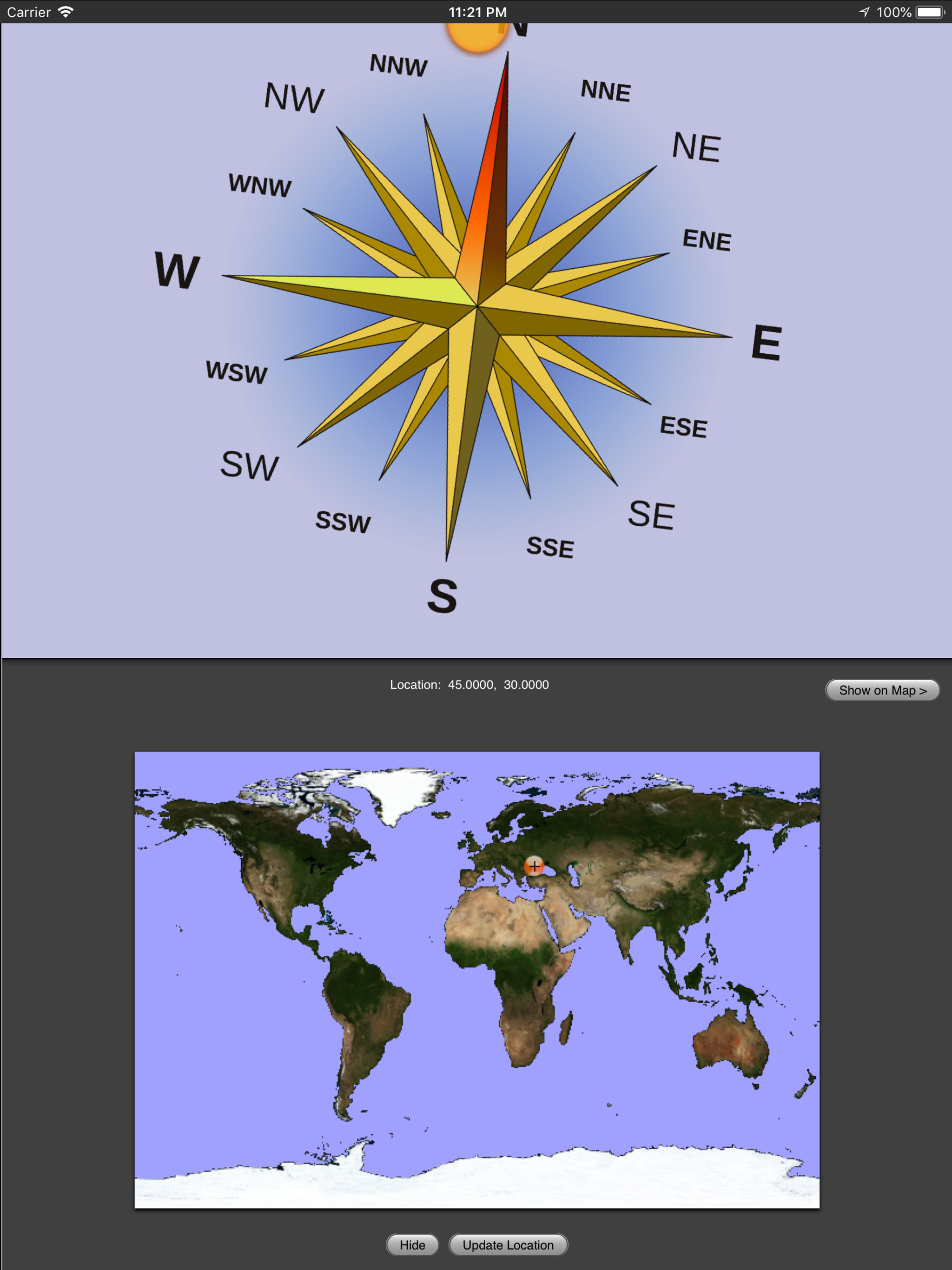
This app is usefull on Apple "I" devices without gps. If you know astronomy very well, this app won't help you much. But for the rest of us, it helps! I want to use it to learn how the sun moves through the sky during the year. Find a nearby place with free wifi. Have location services turned on. The location of most wifi hotspots is known. Apple uses it to find a lost iPod touch! Once the app knows your location, it can give you accurate directions! You can go hiking ten miles from the wifi hotspot and still get accurate directions from the device. Please remember the polynesions sailed the pacific ocean just by watching the sun and stars!
This application adds the a compass to your device. It either uses the built in magnetic compass (if available) or provides a sun compass (You just ha...