Check the acquisition promise
Read the store headline, screenshots and description. What problem is the app promising to solve?
Study the storefront ↗
BLUELINDEN · iOS
Explore the ad evidence, study the storefront, and build your next acquisition hypothesis.
01 / Creative research
Read the store headline, screenshots and description. What problem is the app promising to solve?
Study the storefront ↗Explore apps with direct store-link matches. Compare their hooks and formats without assuming the same approach works here.
Browse observed advertisers ↗Store rankings and revenue estimates describe market context. They do not establish ad spend, conversions or ROAS.
Review the market context ↗02 / Storefront & product
Study the product story and store experience behind the acquisition funnel.



03 / Market context
Keep revenue, downloads and store rankings separate from advertising performance.
I love this app for being straight-forward - too many of these types just have WAY too many modes and options and make actually using it a chore. I need to get some players on a screen, move them around, maybe take a screenshot or two, and move on - this app lets me do that as quickly as I need. The ONLY thing I wish is that it would also work in landscape mode on the iPad - Just to have the numbers/letters on the players rotate 90 degrees if I want to hold the screen on the long edge would be super helpful, especially for screenshots or movies to export into coaching presentations.
I got this app hoping to engage the 10U kids with technology. This app has surpassed all my expectations! The kids like playing with it and actually understand where to be and why. The animation for plays, especially seeing how we expect a defense to play and move has been an enormous blessing! The whole team seems to have had the epiphany of why staying in a zone is good instead of chasing the ball. My only question is how to edit or even delete a saved play or video. I can’t seem to figure it out. Since I upgraded (totally worth it!) I can create all the plays I want.
I coach girl's U10 soccer and have 7 players on the field and 4 subs. I don't understand why the app always has 20 players on our substitute button. Things I like: I uploaded photos of each player and the kids love seeing themselves as little avatars. The animation creation function is a great way to demonstrate plays and strategies. Things I don't like (or don't understand): I want JUST 11 players; 7 on field, 4 subs, and I don't understand why the substitute function is cluttered with our 11 avatars and 9 more generic numbers. I also don't understand what's the purpose of the "hidden" players in team management. It would be great if the photo uploaded could grab photos from cloud services like Google Photos, iCloud, etc.
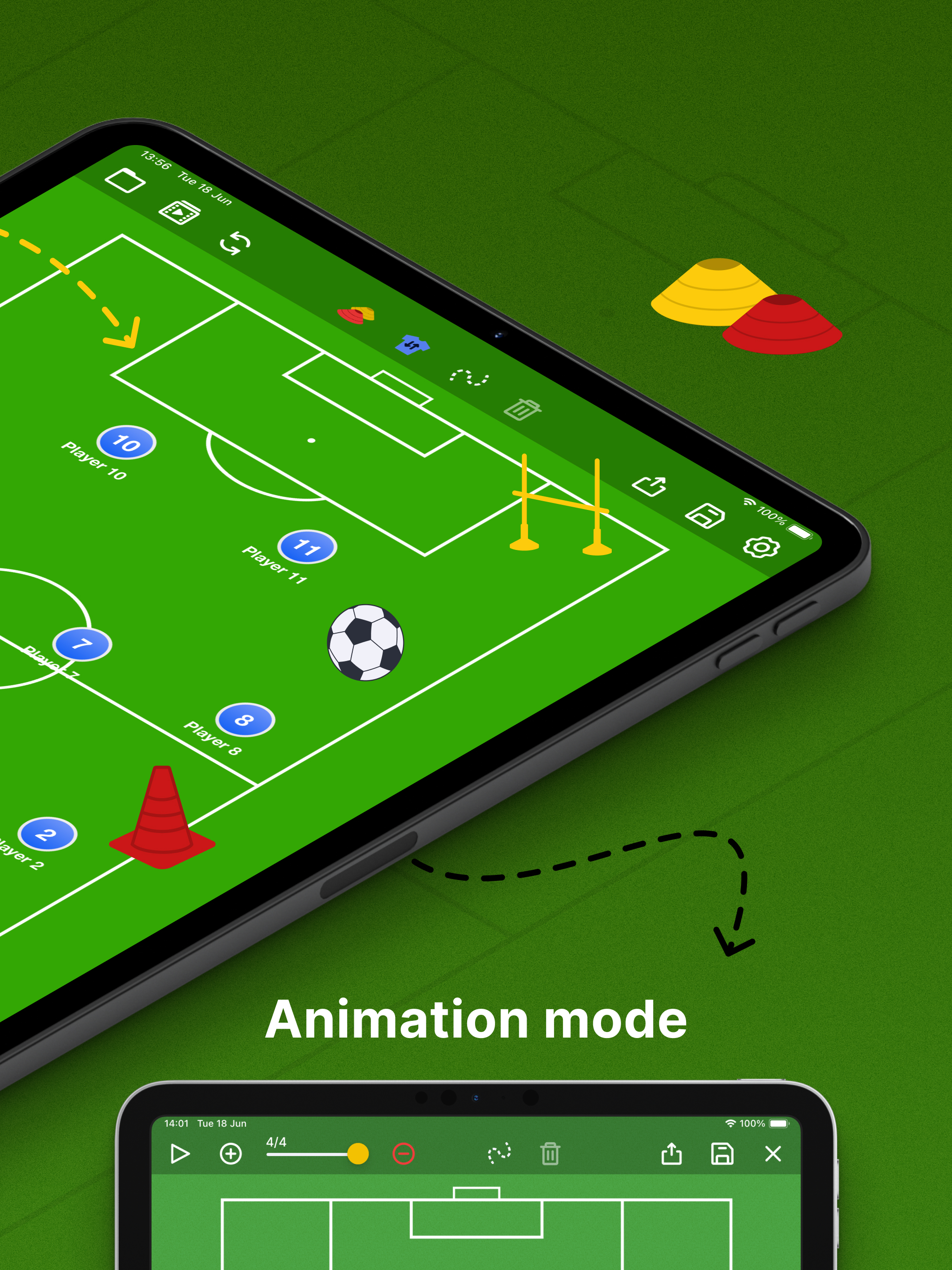
Your tactical whiteboard — always in your pocket. Create animated plays, design drills and organize your team faster than ever. Trusted by thousands o...
| Name | Price | Type |
|---|---|---|
| Coach Pro Monthly Promo | $1.99 | Monthly |
| Coach Pro Monthly | $2.99 | Monthly |
| Coach Pro | $4.99 | One-time |
| Coach Pro Yearly Promo | $14.99 | Yearly |
| Coach Pro Yearly | $19.99 | Yearly |