
Check the acquisition promise
Read the store headline, screenshots and description. What problem is the app promising to solve?
Study the storefront ↗
Glen Botha · iOS
Explore the ad evidence, study the storefront, and build your next acquisition hypothesis.
01 / Creative research
Read the store headline, screenshots and description. What problem is the app promising to solve?
Study the storefront ↗Explore apps with direct store-link matches. Compare their hooks and formats without assuming the same approach works here.
Browse observed advertisers ↗Store rankings and revenue estimates describe market context. They do not establish ad spend, conversions or ROAS.
Review the market context ↗02 / Storefront & product
Study the product story and store experience behind the acquisition funnel.




03 / Market context
Keep revenue, downloads and store rankings separate from advertising performance.
I have been using this app for a few weeks now and I’m loving it so far. One thing I noticed was that you cannot add a singular event to your schedule. I reached out and left some feedback for the app creator and mentioned that I would like an option to add meetings or events that only occur one time. Within 24 hours he responded and told me that he was updating the app to include an option to add a singular event. I really appreciate the instant support and willingness to update the app to fit the needs of customers. Not only is the upgrade but the customer support is amazing. Definitely recommend!!
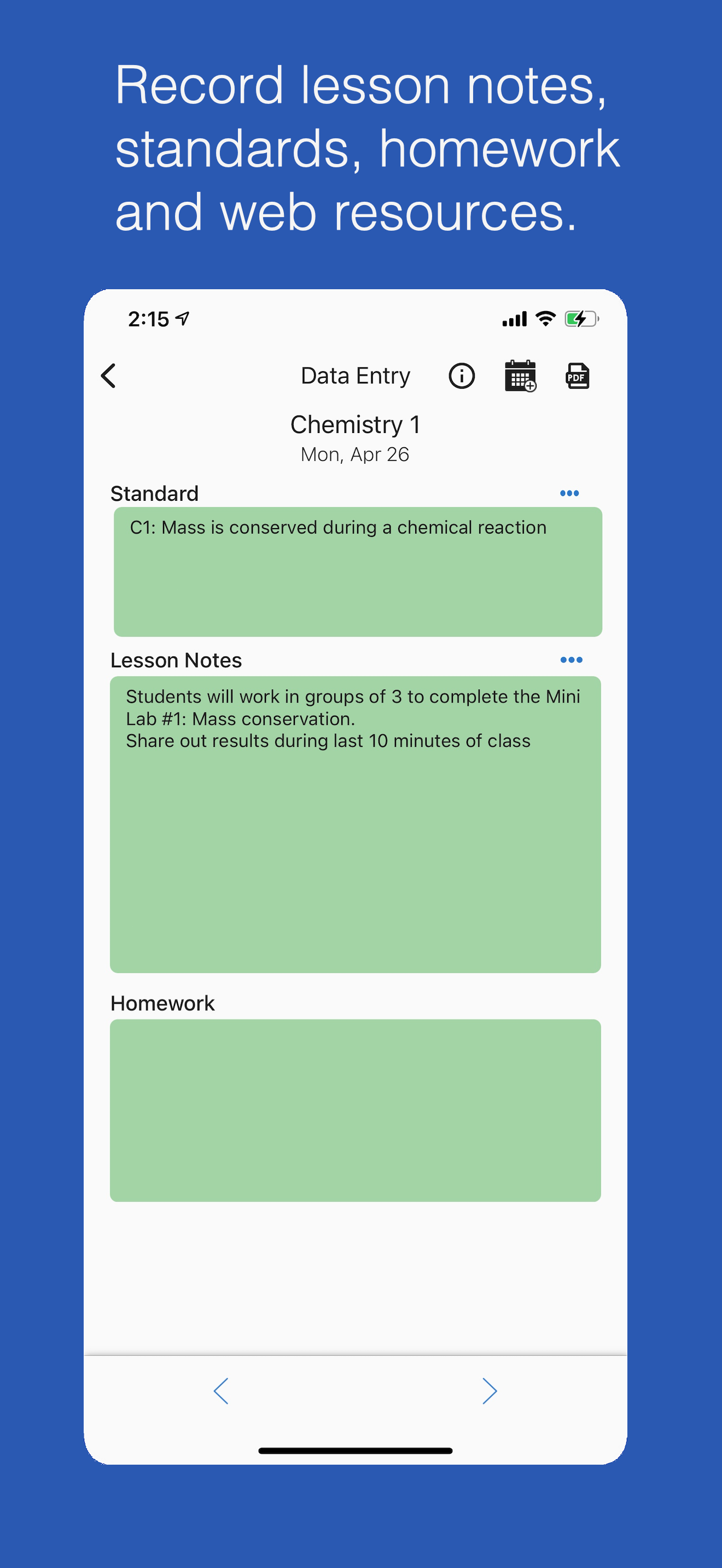
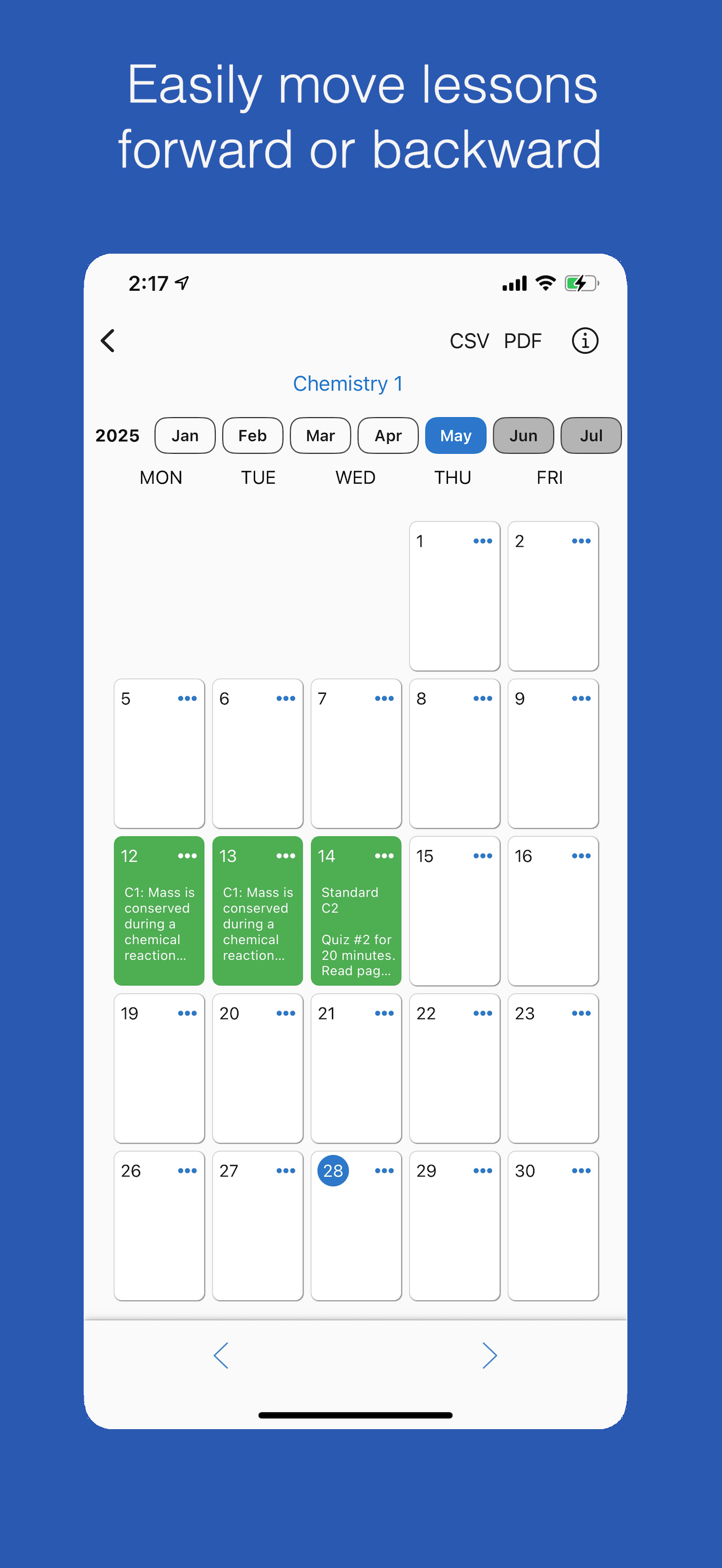
This is exactly what I was looking for. For those teaching college, you can customize the appearance to show only the days of the week you have classes. You simply touch a class period to add information for what you going to be teaching. Brilliant. I also use this when I have those moments when I say to myself, "I need to remember to go over the group projects on Thursday's such and such class." I touch the box for that Thursday's class and put it there. Later when I go to prep for that class I have all my notes ready to go for the lecture.
I’ve been looking for a way to keep my plans organized the way I like too, and I finally found it in this app! I use my iPhone and iPad throughout the day, and this app seamlessly syncs between both devices so that I can put in lessons and info and have it on whichever device I need it on. It’s perfect. I teach elementary and I have all of my subjects in there and their times, and it’s so much easier digital. Thank you so much!
Class Planner (cloud) is a new release of the Class Planner app. This version stores data in the cloud instead of on device, so the app data is acces...
| Name | Price | Type |
|---|---|---|
| Premium (20 classes) (Monthly) | $5.99 | Monthly |
| Premium (30 classes) (Monthly) | $8.99 | Monthly |
| Premium (20 classes) (Annual) | $59.99 | Yearly |
| Premium (30 classes) (Annual) | $89.99 | Yearly |


