Check the acquisition promise
Read the store headline, screenshots and description. What problem is the app promising to solve?
Study the storefront ↗
Ovidiu Sandru · iOS
Explore the ad evidence, study the storefront, and build your next acquisition hypothesis.
01 / Creative research
Read the store headline, screenshots and description. What problem is the app promising to solve?
Study the storefront ↗Explore apps with direct store-link matches. Compare their hooks and formats without assuming the same approach works here.
Browse observed advertisers ↗Store rankings and revenue estimates describe market context. They do not establish ad spend, conversions or ROAS.
Review the market context ↗02 / Storefront & product
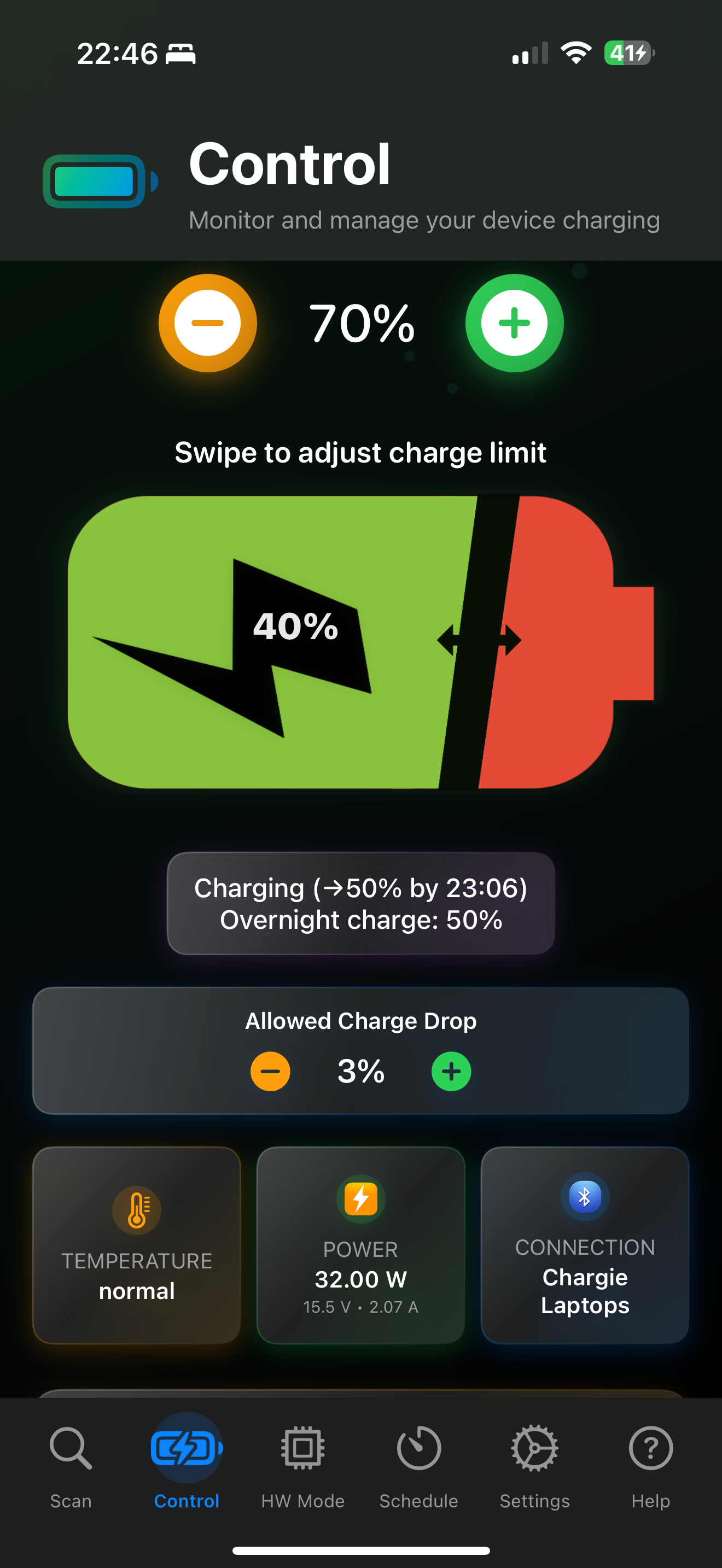
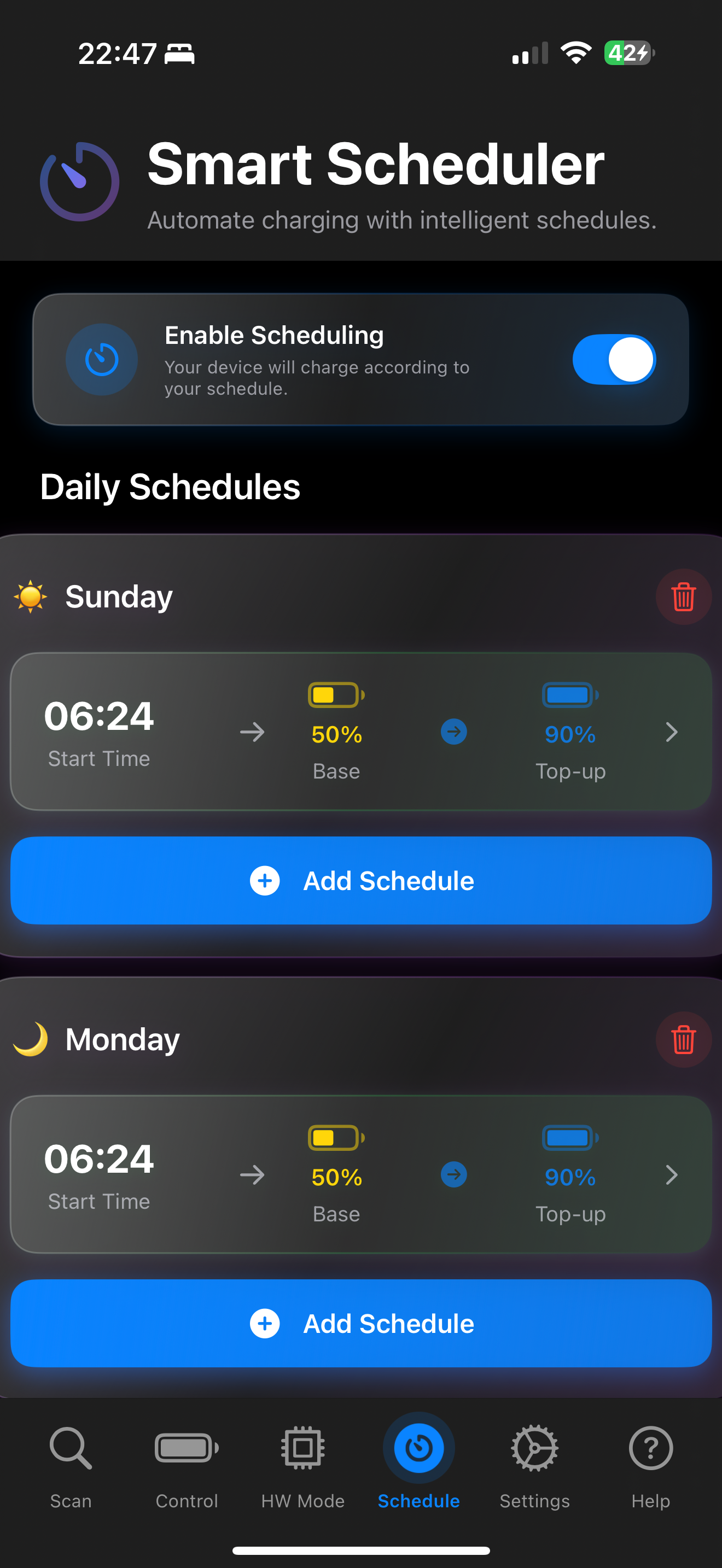
Study the product story and store experience behind the acquisition funnel.




03 / Market context
Keep revenue, downloads and store rankings separate from advertising performance.
Bought two Chargie-Cs at the same time thinking I would keep one in reserve just in case. The one I hooked up initially worked great, wonderfully, for the first 2 years. Then suddenly, and with mine it happened once iOS 26.0 was onboard, it stopped working consistently. It would always connect and find my phone with my settings intact but 50% or more of the time would permit my phone to charge to 100%. As of today, it has permitted 100% charge every night for the last week. So, clever fellow that I am, I got my spare out (never used since purchase) but discovered I couldn’t use it at all. The app simply wouldn’t find it and connect it. I followed the in-app instructions to the letter. No dice! I tried 3 days in row after subbing my original back in. Still no luck. So again, clever fellow that I am, I used the in-app ability to send a note to the developer asking for help. Sent the request 3 times over a week. No response at all. 3 stars for the time it worked. Would be 5 stars if it hadn’t crapped out on me, if the replacement had worked, or if the developer had answered my calls for help. For now, avoid this device and app like the plague. If an eventual app update solves the problem or the developer ever does contact me with a fix, I will change the rating to 5 stars because when it worked it worked beautifully!
Apple’s native battery management is very poor for users with the goal of maximizing battery life, relying primarily on pattern recognition to, very temporarily, go a little easier on the battery in delaying the charge past 80%. My suspicion is that this is to help them moderate battery temperature as much as anything since the straight charge to 100% at max rate, especially if the phone is also updating apps from a mediocre wi-fi signal, can result in a very warm phone. I would never allow my EV battery to be treated the way that Apple insists on treating my phone battery, so Chargie’s multiple, user-controlled metrics are exactly the solution I was looking for. I am very glad that someone found this work-around for the lack of user options that Apple offers for something this significant that impacts the life, expense, and hassle required to use their device.
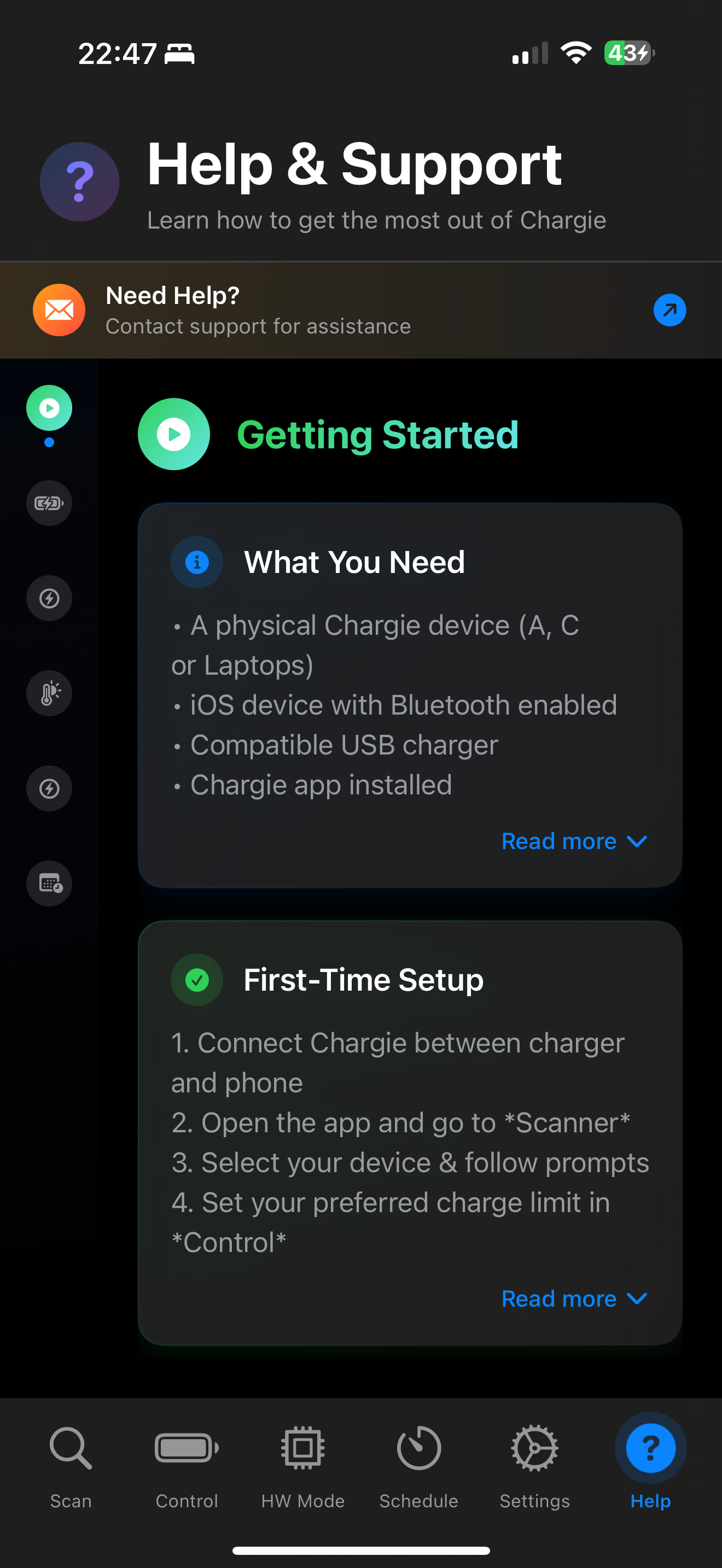
Chargie gets really mixed reviews and I can understand. Chargie is awesome, but it’s not perfect. I own about 5 Chargies. One, I can leave plugged in for weeks w/o issues; it just keeps working! The others… I have to resort to a workaround in order to have them be functional. Most of my Chargies I unplug when not using. If I leave them plugged in for a long time, they become non responsive. With that in mind, here are the steps I recommend for having your Chargies work 💯% of the time. - Step one. In Chargie app settings, disable all experimental features- Step two. Launch the Chargie app- Step three. Plug your phone or iPad into the Chargie hardware- That’s it! The Chargie app will now automatically try to connect to the Chargie hardware over Bluetooth. Give it 10-20 seconds. A lot of times, this connection is made even faster. Eg, 5 seconds99% of the time, the above steps will lead to a perfectly functioning Chargie. If u follow the above steps and your phone will still not connect to the Chargie hardware, then follow these steps:- Step one. Completely unplug the Chargie hardware from the power source- Step two. On your phone, swipe up from bottom and hold for a brief moment to display all apps. Swipe up on the Chargie app in order to completely shut it down. Wait 5 seconds and then re launch the Chargie app. - Step 3. Follow step 3 from 2 paragraphs aboveConclusion: The Chargie app and hardware are really handy for automated charging of your iDevice. While they are not perfect, if you follow the steps above, your Chargie(s) will give u years of trouble free service
Charge smarter. Sleep better. Keep your battery healthy. Most phones and laptops today come with built-in battery protection features that limit char...