Check the acquisition promise
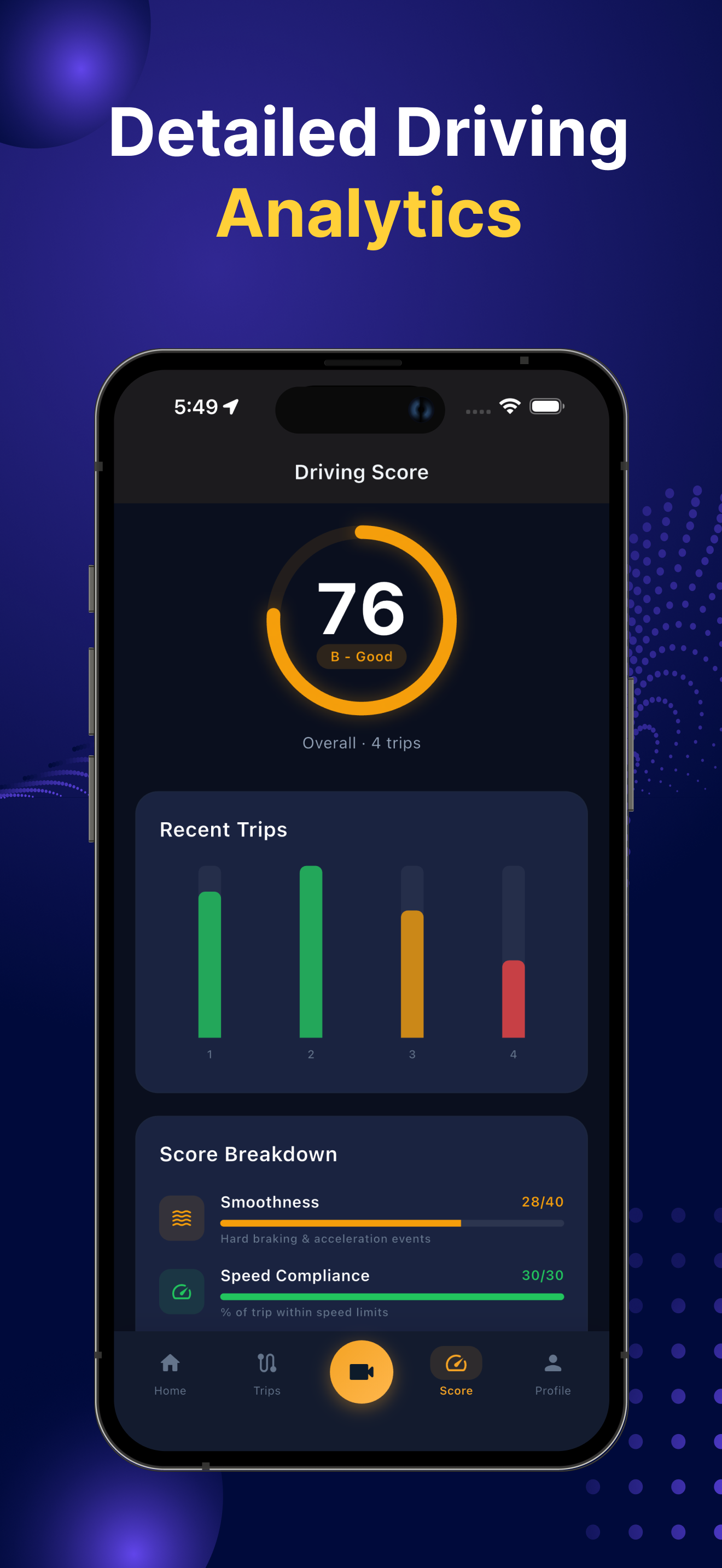
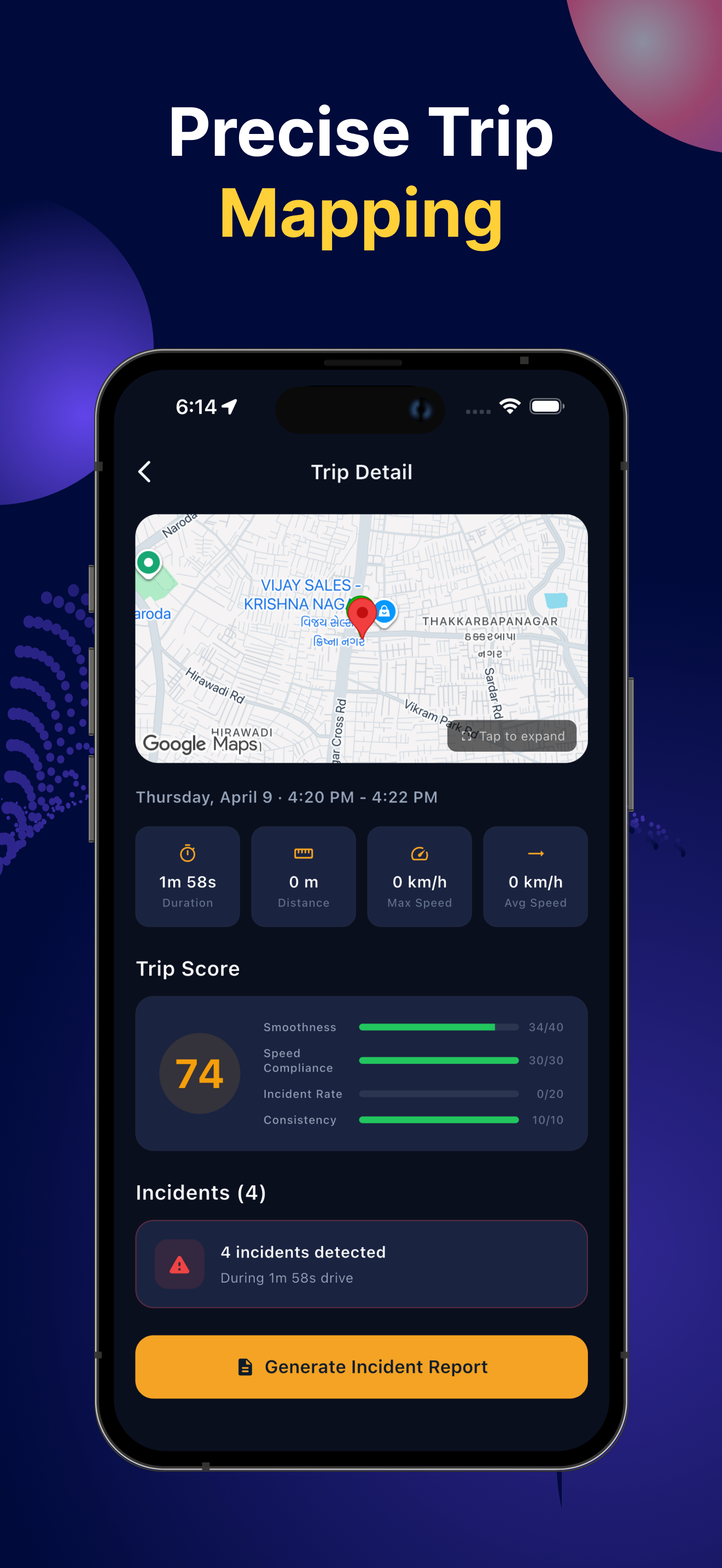
Read the store headline, screenshots and description. What problem is the app promising to solve?
Study the storefront ↗
AppAspect Technologies Pvt. Ltd. · iOS
Explore the ad evidence, study the storefront, and build your next acquisition hypothesis.
01 / Creative research
Read the store headline, screenshots and description. What problem is the app promising to solve?
Study the storefront ↗Explore apps with direct store-link matches. Compare their hooks and formats without assuming the same approach works here.
Browse observed advertisers ↗Store rankings and revenue estimates describe market context. They do not establish ad spend, conversions or ROAS.
Review the market context ↗02 / Storefront & product
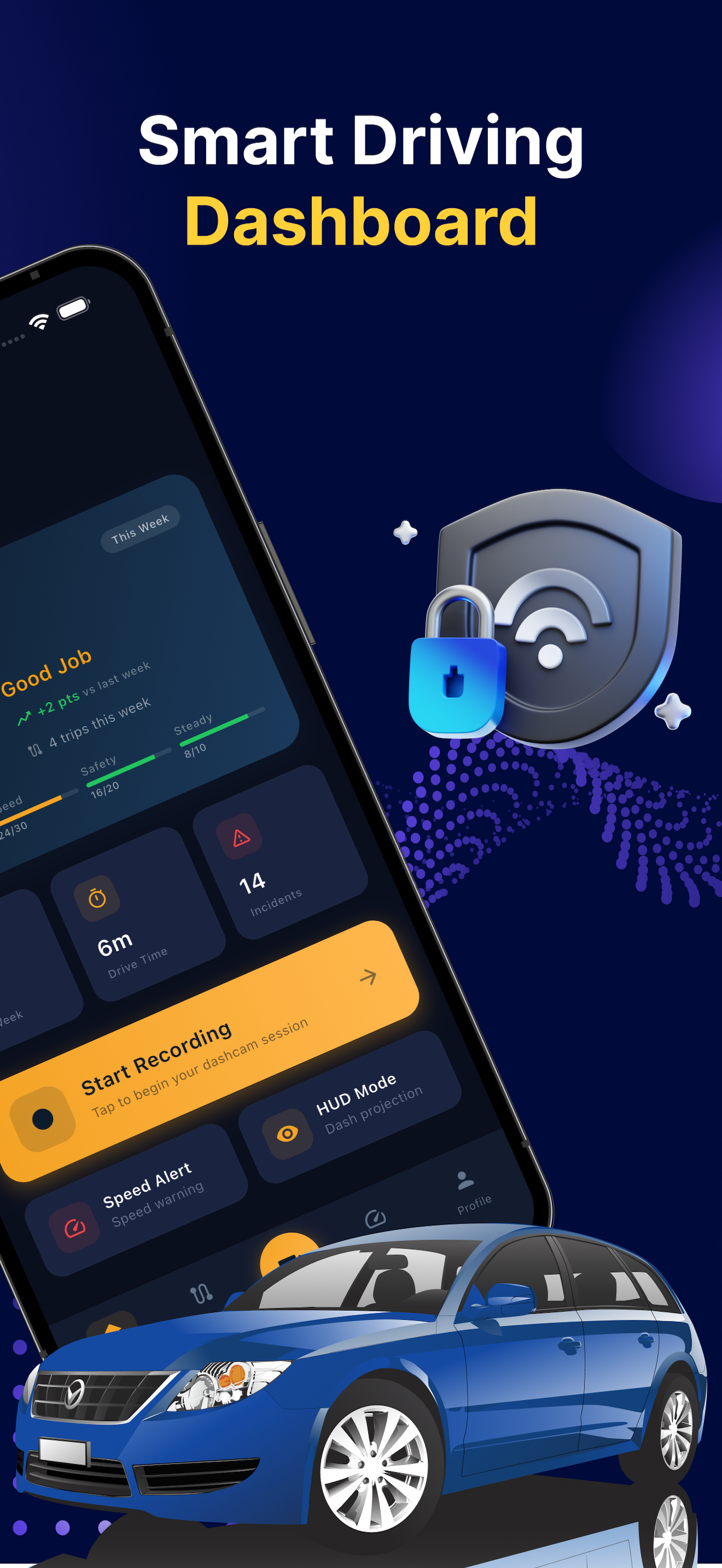
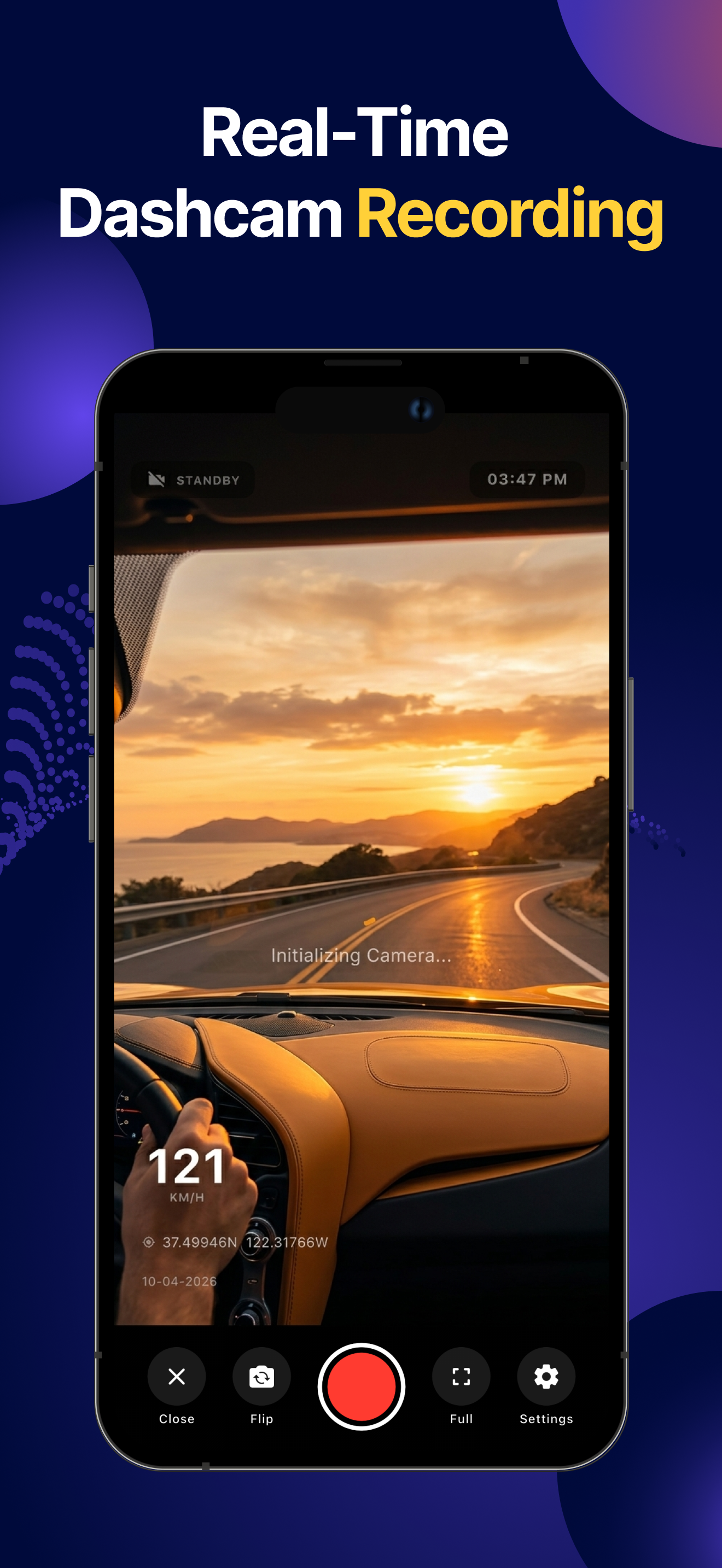
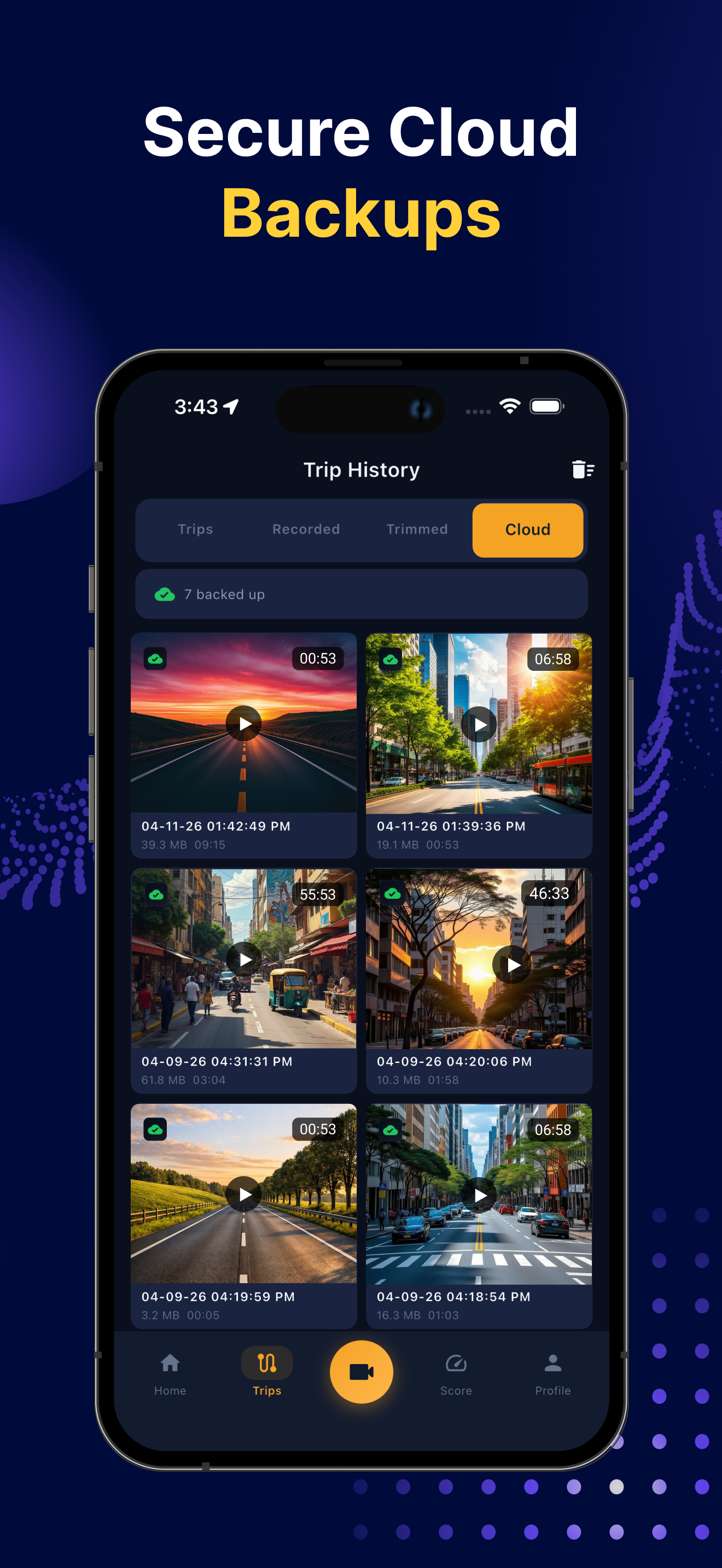
Study the product story and store experience behind the acquisition funnel.



03 / Market context
Keep revenue, downloads and store rankings separate from advertising performance.
Had the App for about two months now. At the beginning, was very pleased with the App and Quality of Video/Audio. However, for some odd reason, when I go to activate the live video/audio recording while driving, the App kicks off my actual radio in my car? It had never done this before?
This app does nothing more than record poor quality videos. The footage once the videos are saved look about 360p. This is regardless of what quality setting you set it to in the options. The footage looks sharp while it’s actually recording (on screen) but once you go back and look at the footage, it’s significantly blurred. I even tried just holding my phone in my hand and trying to record a license plate at 15ft. distance, it looked sharp and readable on the screen while recording, but once I went to review the footage, it was so blurry that you couldn’t even read the plate! I figured maybe the files were getting compressed within the app, So I exported the video to my camera roll, the video still looks the same with terrible quality. While recording, the gps coordinates (latitude/longitude) never change and neither does the speedometer, they almost just look like fake numbers on the screen to make this look legit. I’m using this on a new iPhoneX with a clean lens and the phone has full LTE service bars from AT&T. There should be no reason for it not to work. I can tell it’s getting service because the ads keep popping up. Also, there’s an option for 60fps which was exciting to me but once I went to record, it just does 30fps regardless of what you set it to. The developer must’ve payed friends/family to write perfect reviews. There’s no way I’m the only one complaining about this. Nothing on this app seems to work at all other than the recording and a clock. I’m so glad I didn’t actually pay for the pro version (even though it’s fairly priced at $1). We tried it on my wife’s phone just to see if it was my phone, sure enough, it acted the same on hers. I get that most apps will have bugs or problems, but this has to be some kind of joke. I am open for the developers response/solutions, although it will probably be the same copied and pasted response he did to all the five star comments.
I wasn’t sure what to expect using this app since I never considered using my phone to record my driving. I’ve used the app for several days and I’m pleasantly surprised! I highly recommend the app. I would like to suggest to the developer to allow the app to use the front camera by pressing a button. I would like to protect myself in the event I’m pulled over by authorities. A simple addition would make this great app - better!
Car Camera DVR: Personal Dash Cam Without Extra Hardware Turn your iPhone or iPod touch into a smart Car DVR recorder and GPS blackbox—no additional...
| Name | Price | Type |
|---|---|---|
| Weekly Subscription | $1.99 | Weekly |
| Monthly Subscription | $4.99 | Monthly |
| Yearly Subscription | $19.99 | Yearly |
| Premium App Version | $34.99 | One-time |