Check the acquisition promise
Read the store headline, screenshots and description. What problem is the app promising to solve?
Study the storefront ↗
Michael Natole, Jr. · iOS
Explore the ad evidence, study the storefront, and build your next acquisition hypothesis.
01 / Creative research
Read the store headline, screenshots and description. What problem is the app promising to solve?
Study the storefront ↗Explore apps with direct store-link matches. Compare their hooks and formats without assuming the same approach works here.
Browse observed advertisers ↗Store rankings and revenue estimates describe market context. They do not establish ad spend, conversions or ROAS.
Review the market context ↗02 / Storefront & product
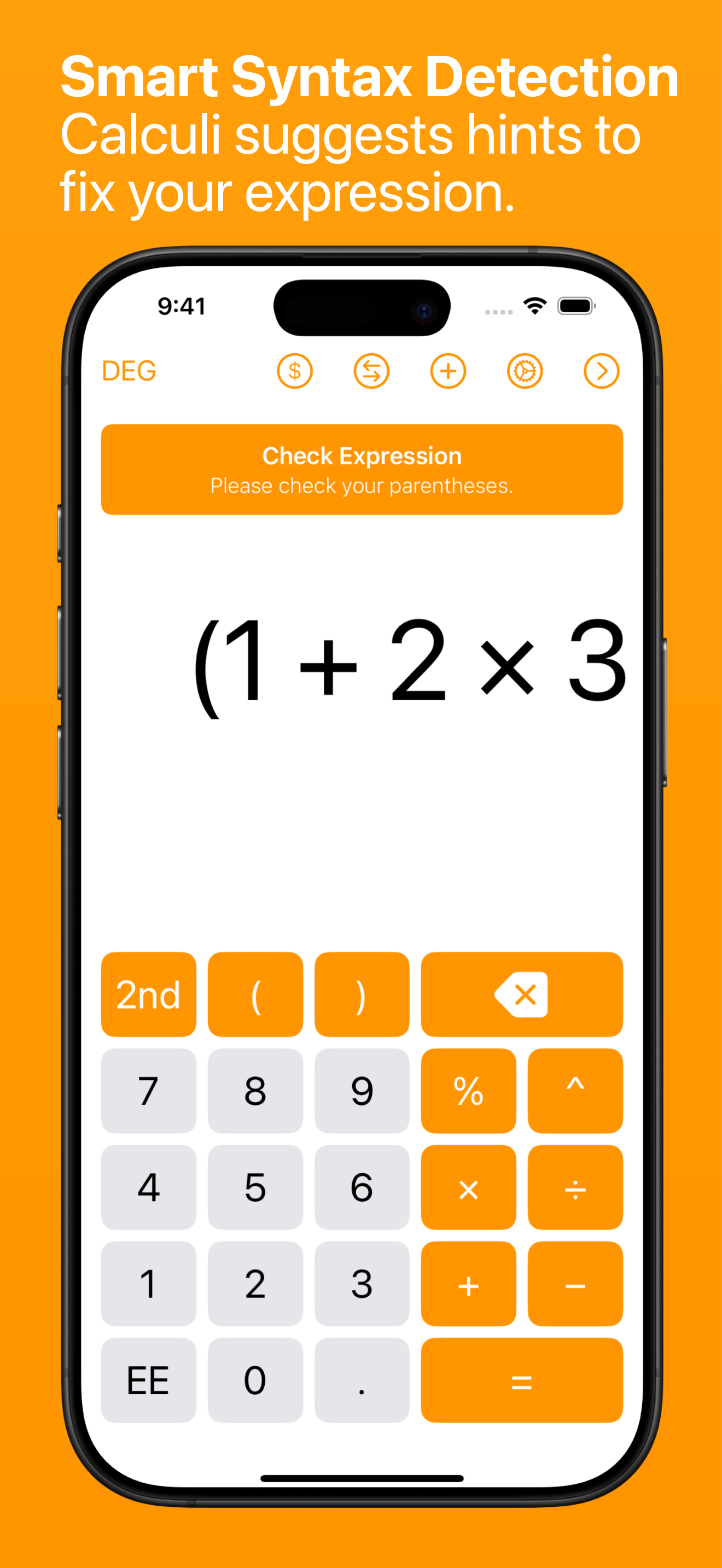
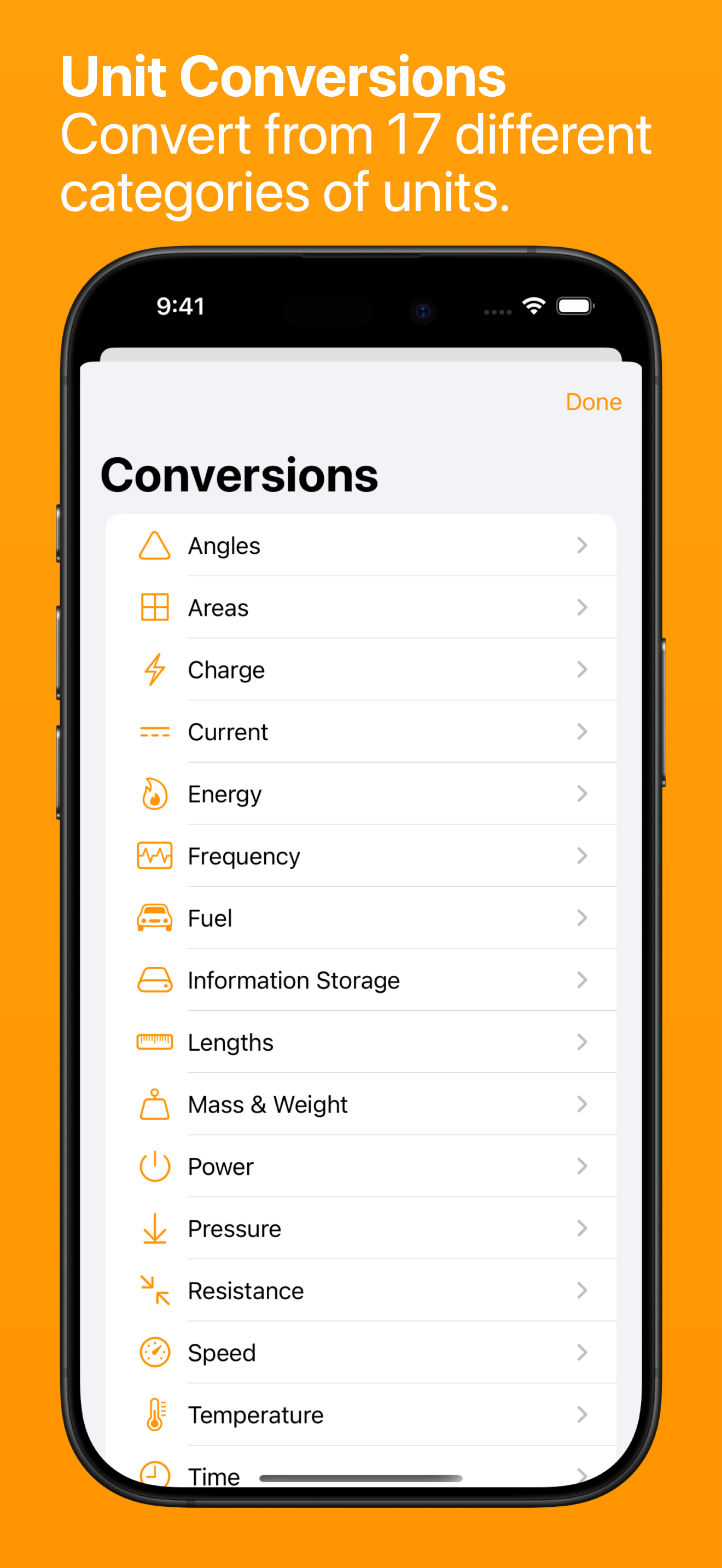
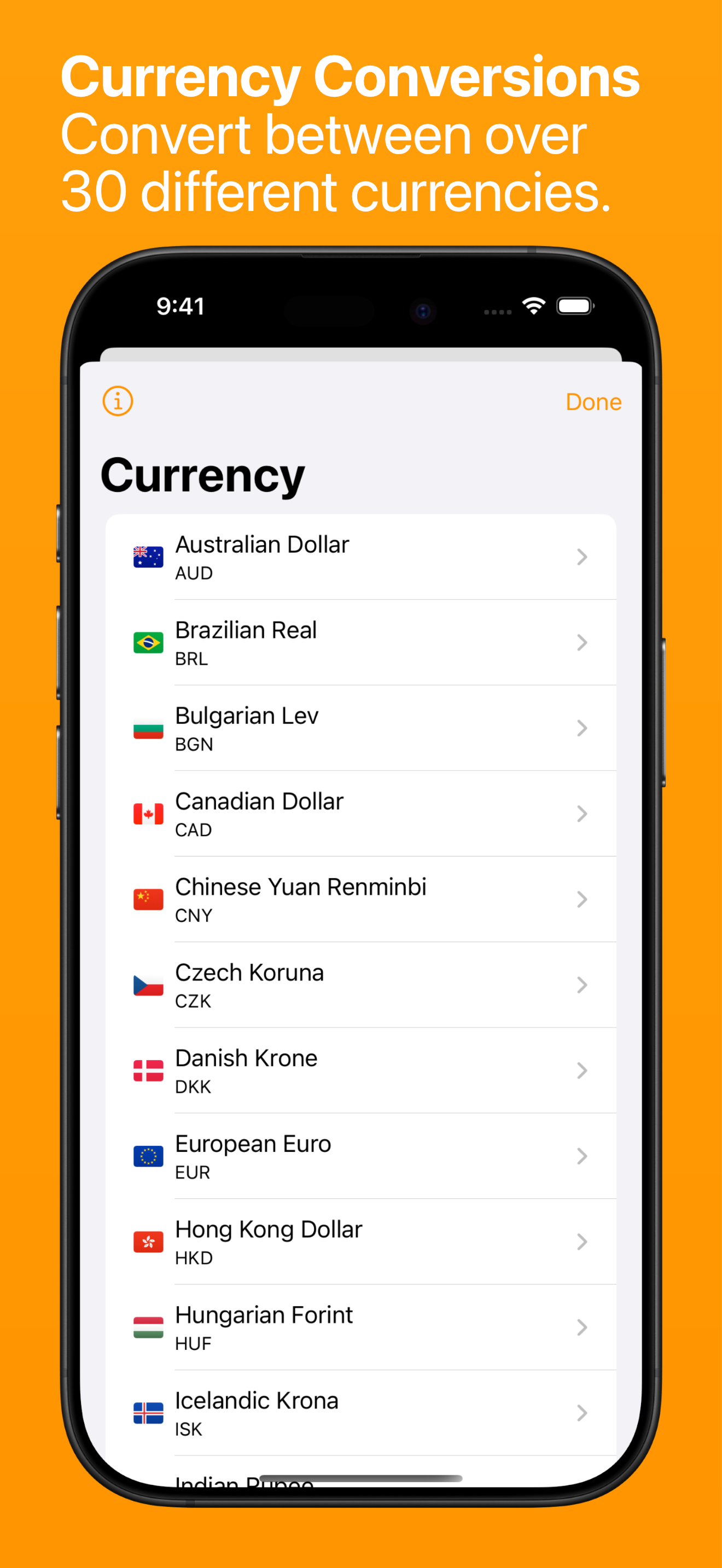
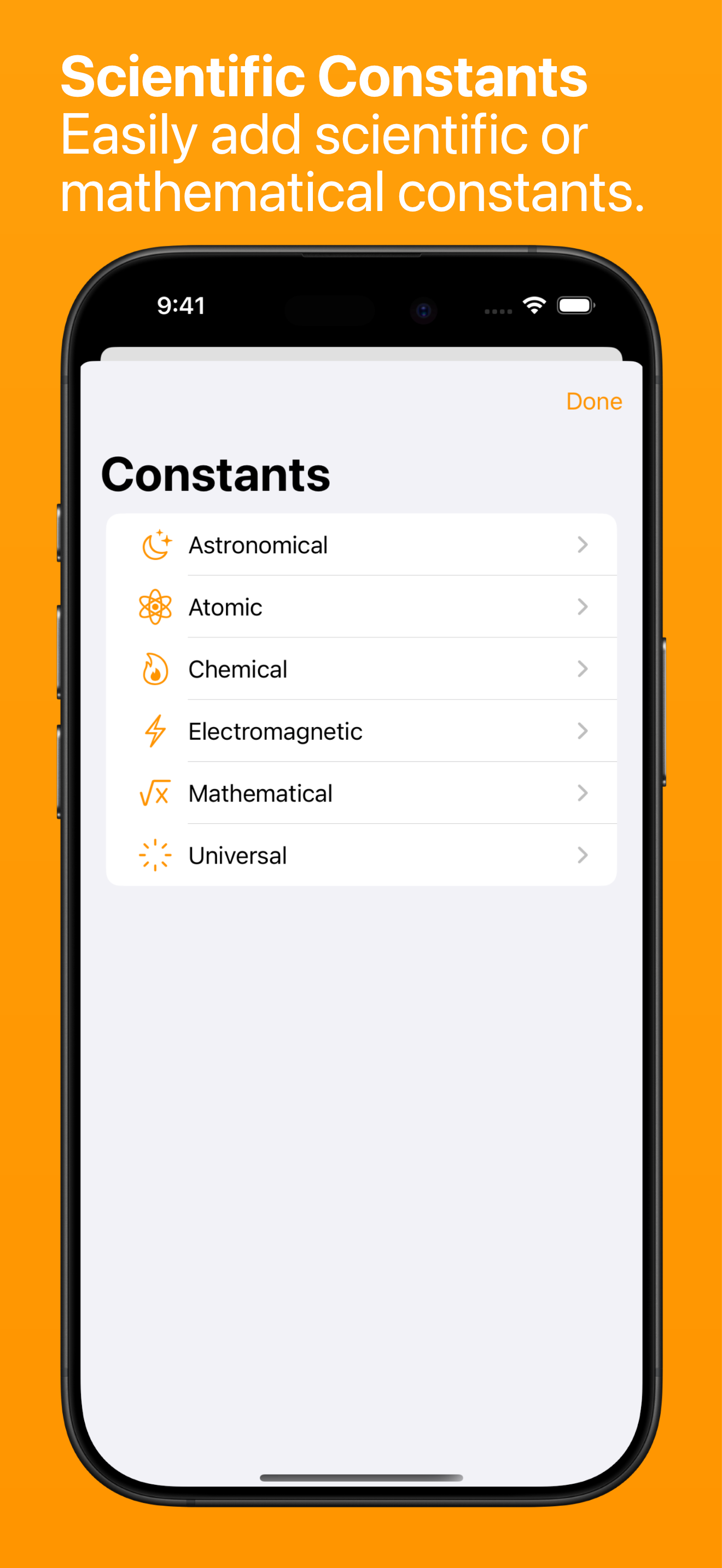
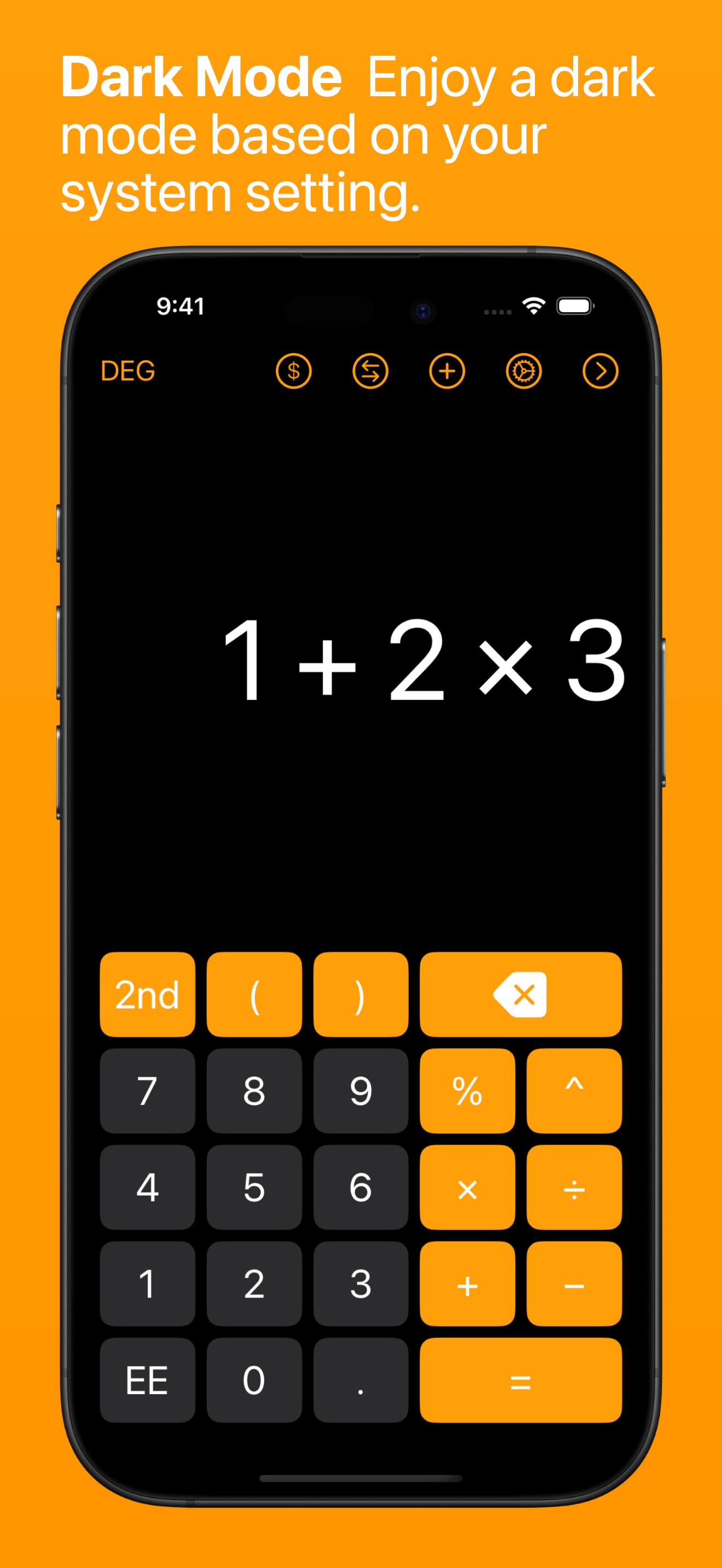
Study the product story and store experience behind the acquisition funnel.

03 / Market context
Keep revenue, downloads and store rankings separate from advertising performance.
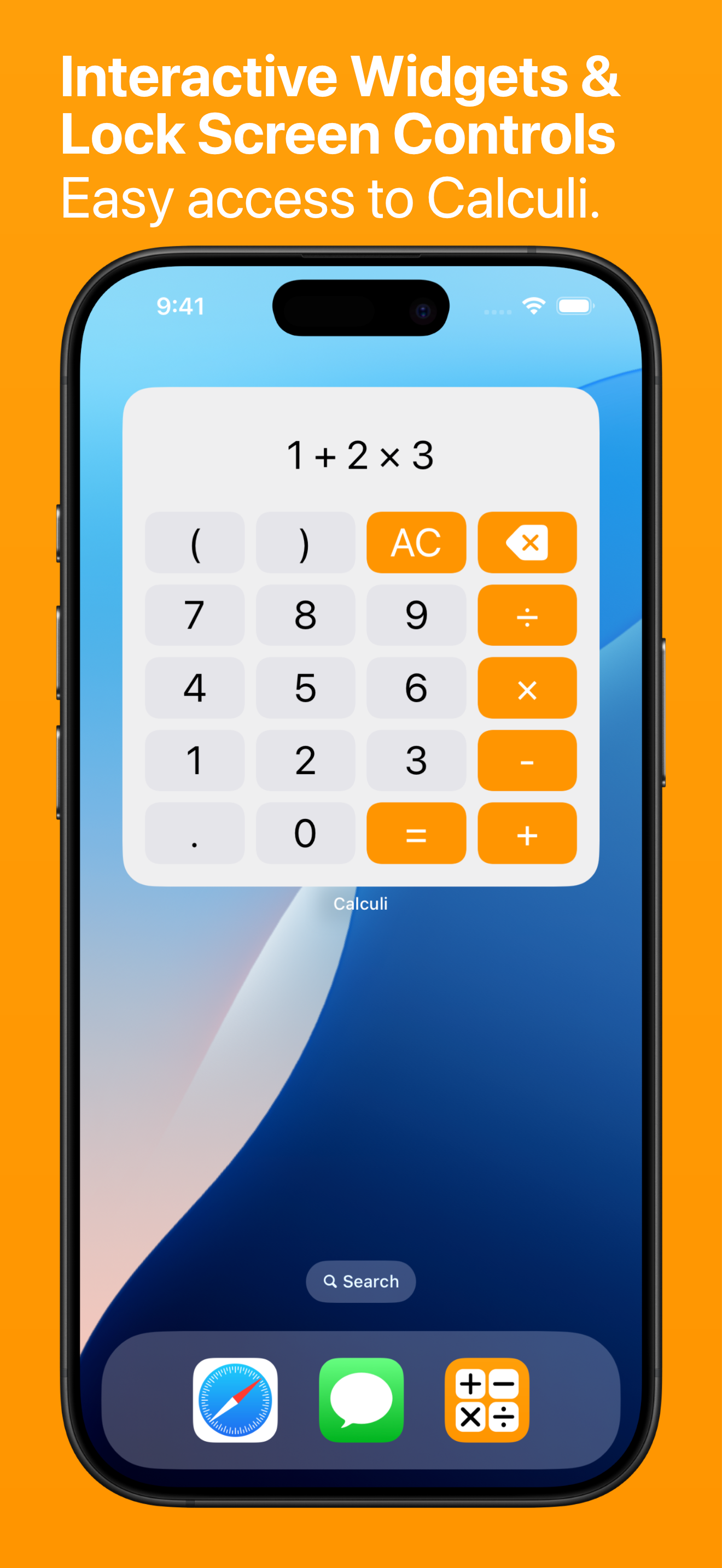
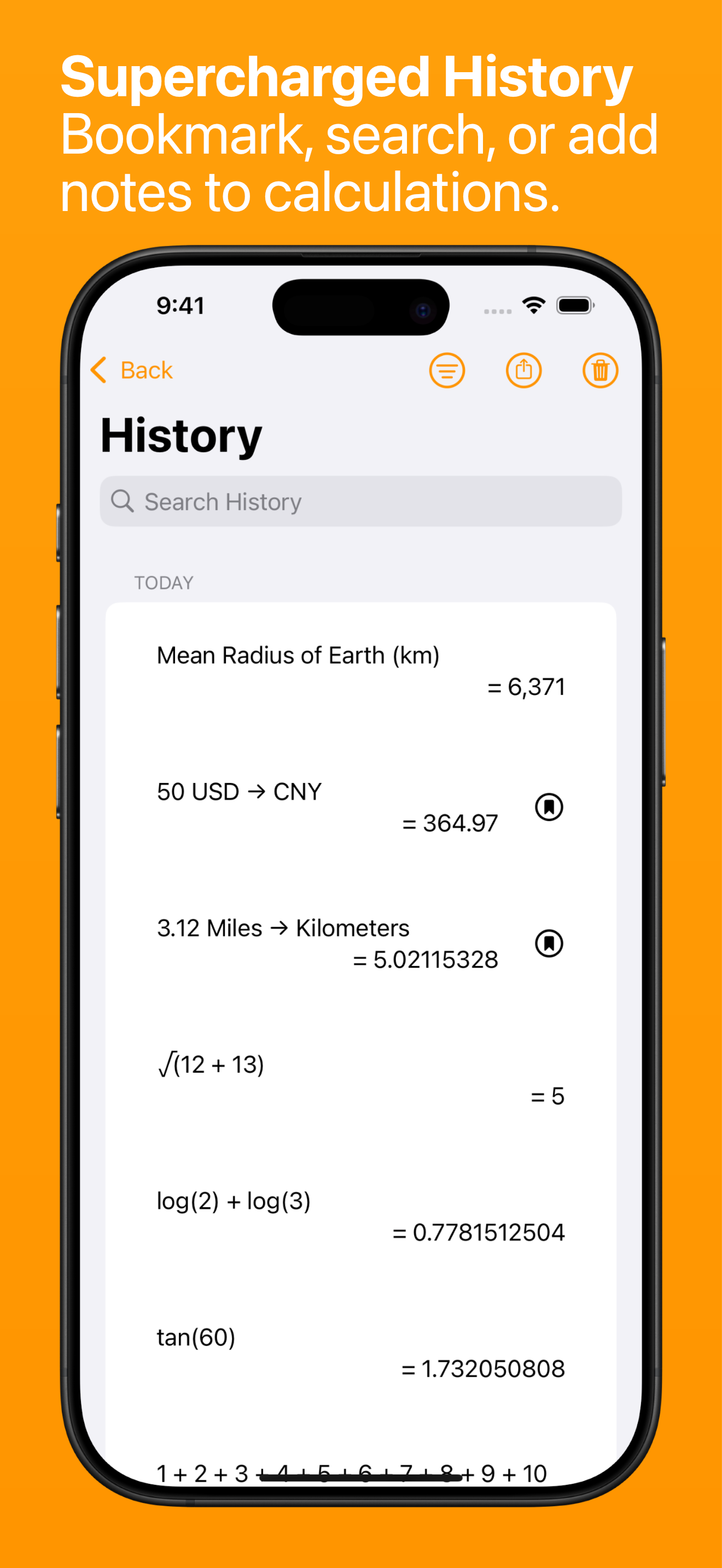
This calculator app blows the built in iPhone one OUT OF THE WATER!!! (iPhone 11). For me at least it’s better in many ways, one of the most important of which is the history screen including the functions of bringing past answers & expressions into your current operation. Also, despite it’s age the author regularly drops helpful updates. This is coming from someone who generally, highly prefers native apps over 3rd party ones.
Using it all the time, very helpful calculator.
This is dang near perfect: works with a keyboard! Works in Split Screen! No ads! Data not linked to your identity! History tape, keyboard shortcuts, shareable history… seriously, almost everything I want. There’s just one thing that makes it impossible for me to use: It doesn’t work in Slide Over. You can use the calculator itself in Slide Over, or you can view and share the history, but you can’t do both. Once you view the history, there’s no way to get back to the calculator in Slide Over, you must change to Split Screen, or close and re-open the app, that kind of thing. If this app ever gets Slide Over fixed, I will certainly download it again and definitely update my review. Until then, might as well delete it and keep using the calculator on my iPhone while working on the iPad. For what I’m looking for, this app is unusable. UPDATE: This app is working perfectly now! I love it! The developer fixed it in the latest update, and I can confirm that now it works in Slide Over. It went from being unusable to being exactly what I want. Seriously, if I had the talent to be able to develop apps, this is what I would make—it checks all the boxes for me. I don’t need scientific functions or anything fancy, but I do need a history tape. I really like the tape in this app, because each equation has it’s own “bubble” in the history tape window, which makes recognizing each one simple. I kind of can’t wait for my friends to ask me if I use a calculator app on my iPad, so I can recommend Calculi to them and tell them about all the reasons they’re going to love it, too.
Calculators can be hard to use. Calculi plans to change all that. SIMPLE BUT POWERFUL Calculi is a smart calculator that is simple and easy to use,...
| Name | Price | Type |
|---|---|---|
| Small Tip | $0.99 | One-time |
| Calculi Pro (Annual) | $2.99 | Yearly |
| Medium Tip | $2.99 | One-time |
| Large Tip | $4.99 | One-time |