Check the acquisition promise
Read the store headline, screenshots and description. What problem is the app promising to solve?
Study the storefront ↗
Franck Reyherme · iOS
Explore the ad evidence, study the storefront, and build your next acquisition hypothesis.
01 / Creative research
Read the store headline, screenshots and description. What problem is the app promising to solve?
Study the storefront ↗Explore apps with direct store-link matches. Compare their hooks and formats without assuming the same approach works here.
Browse observed advertisers ↗Store rankings and revenue estimates describe market context. They do not establish ad spend, conversions or ROAS.
Review the market context ↗02 / Storefront & product
Study the product story and store experience behind the acquisition funnel.




03 / Market context
Keep revenue, downloads and store rankings separate from advertising performance.
Below is what I originally wrote, which turned out to be due to an issue with my watch staying connected to my iPhone after updating to watchOS 10 and/or updating my phone to iOS 17. I had to unpair my watch but now everything works again. Cal Countdown is an amazing, can’t-do-without app!! So glad my issue was resolved. This app used to provide an excellent, extremely useful watch complication, but it has suddenly stopped working on the latest watchOS. Perhaps something to do with changes Apple made to granting calendar permissions? I recall seeing other apps having to ask for calendar permissions in a very new way, granular after the update to wacthOS 10 and iOS 17.
This app is awesome. I have ADHD and struggle with time blindness. Having a reminder right on my wrist to tell me how much time I have until the next event is so so helpful. It’s so easy to use, I just keep my calendar updated and ready to go. My only suggestion would be a way to change the phone widget, I’d love if had a dark mode or a way to change the size of the font. Overall it’s awesome! Thanks so much!
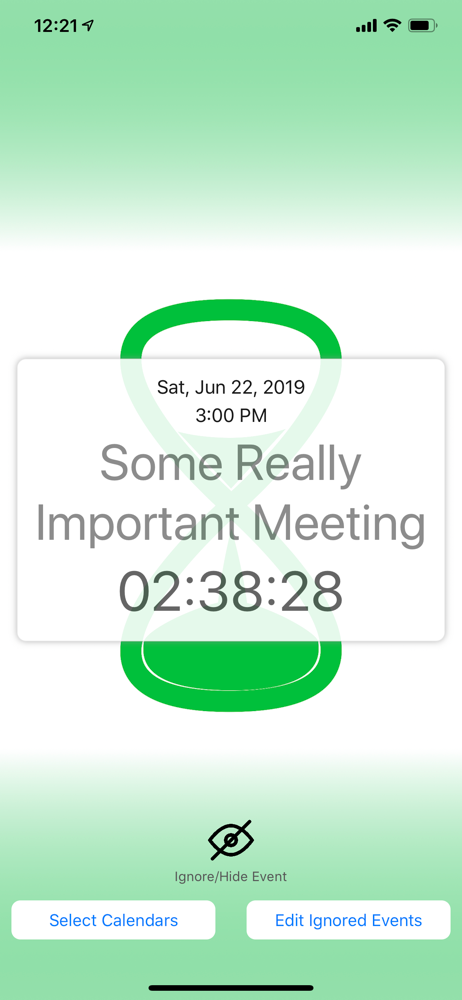
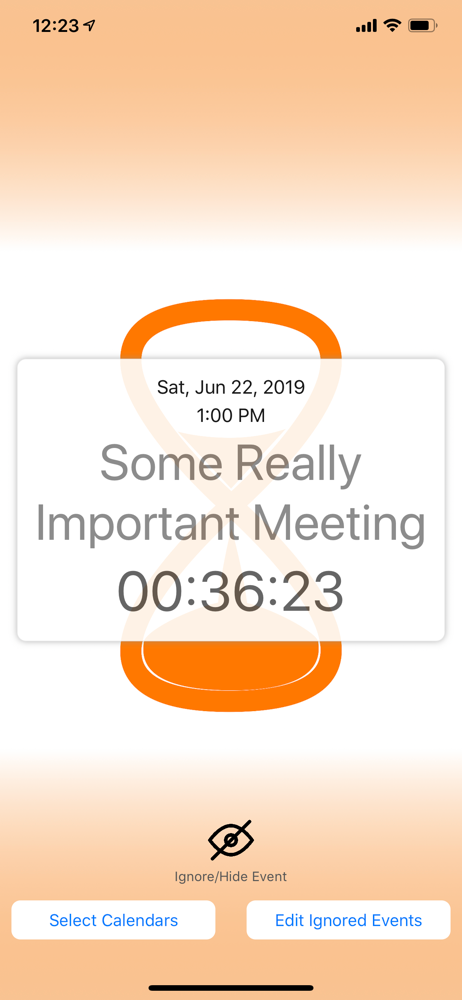
Wow!!! This makes my Apple Watch so much more useful! I can now better comprehend my time management at a glance and on a variety of watch faces. Really so cool and thank you for making such a great app! Great interface when you tap the complication it takes you to a detailed yet simple screen and gives you the option to ignore the event directly. Great to have an iPhone widget version on iOS 14 to pair. Only option I can think to integrate would be allowing a selection on whether the countdown includes or excludes seconds.
"Cal Countdown" is a free, simple iOS & Apple Watch app that automatically creates a color-coded countdown to the next event on your calendar and disp...