Check the acquisition promise
Read the store headline, screenshots and description. What problem is the app promising to solve?
Study the storefront ↗
Code Organa · iOS
Explore the ad evidence, study the storefront, and build your next acquisition hypothesis.
01 / Creative research
Read the store headline, screenshots and description. What problem is the app promising to solve?
Study the storefront ↗Explore apps with direct store-link matches. Compare their hooks and formats without assuming the same approach works here.
Browse observed advertisers ↗Store rankings and revenue estimates describe market context. They do not establish ad spend, conversions or ROAS.
Review the market context ↗02 / Storefront & product
Study the product story and store experience behind the acquisition funnel.




03 / Market context
Keep revenue, downloads and store rankings separate from advertising performance.
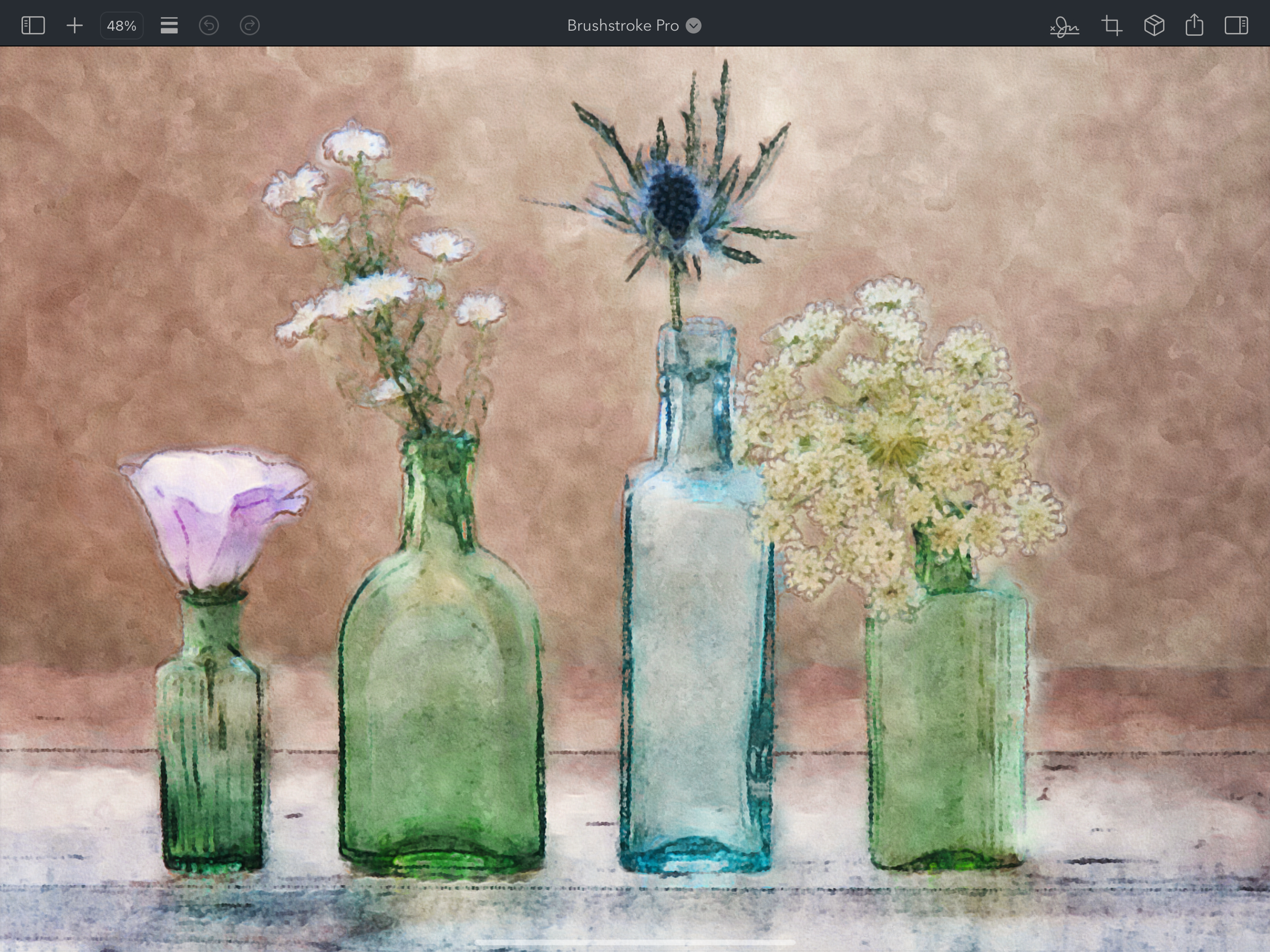
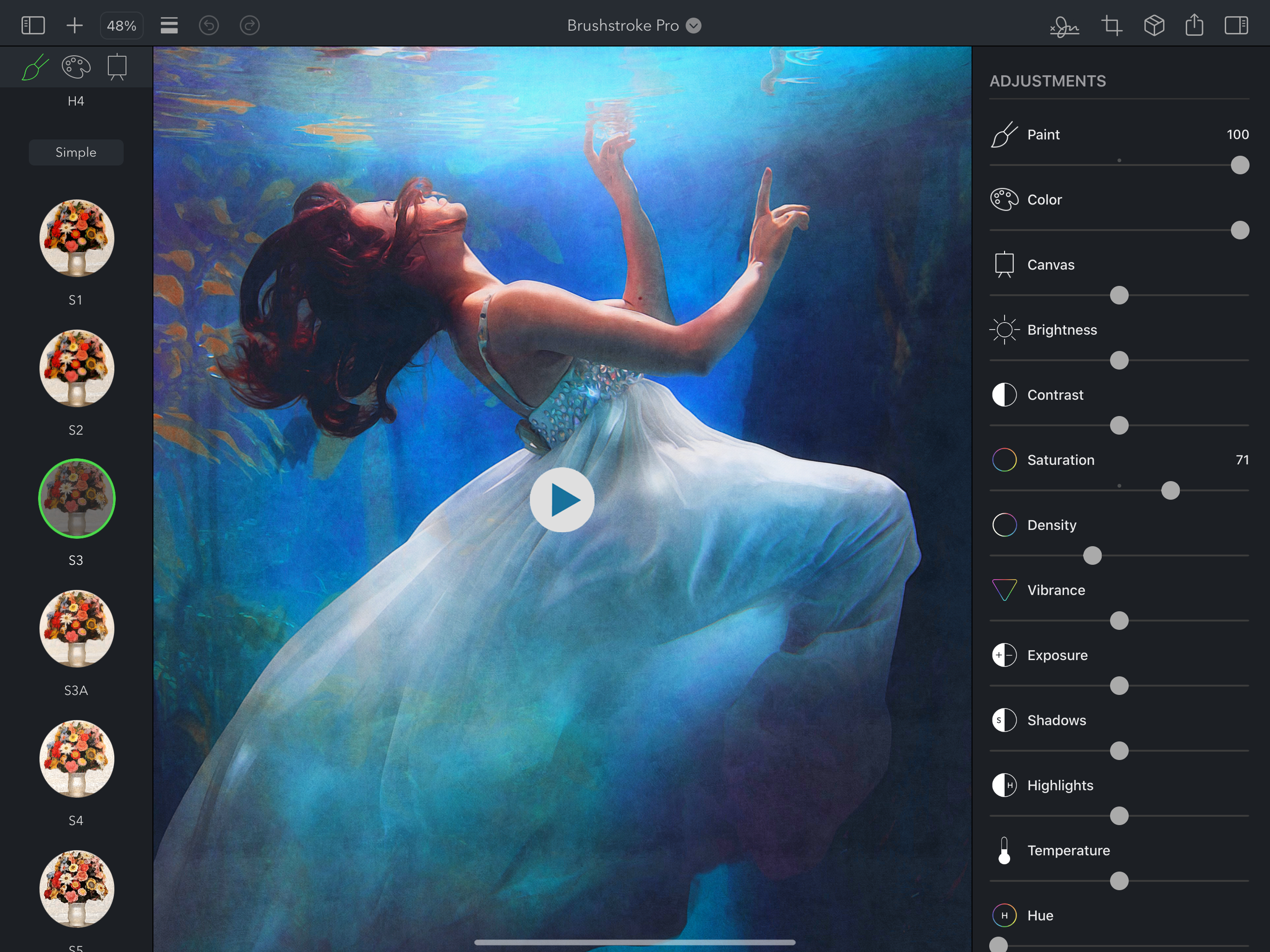
I’ve been using Brushstroke for years on my iPhone with great results and I’m so happy I decided to buy the Pro version. The improved resolution and new adjustments have taken my artwork to the next level. The ability to save my projects and return to them later is also something that has really proven useful for me. I even saved several pieces of art I created with Brushstroke recently and had them printed myself. Those pieces are now hanging framed in my living room and I continue to get compliments on them. The Pro version is definitely a step up from the regular Brushstroke app but also just as fun to experiment with and easy to use, but with more powerful features and the ability to create higher resolution artwork. I plan on buying the Mac version next. If you’re like me and looking for a new way to be more creative with your photos, definitely give the Pro version of Brushstroke on iPad a try. I highly recommend this to all artists and graphics professionals, or just anyone who wants to create amazing artwork on their iPad.
Really really annoying menu system now. Try to save in every format and it won’t. Menu was bad before, now it is worse if that is possible. For the price, you don’t get much or ANY improvements. Don’t buy, it is a waste of money and harder to use. On top of that it said you can save in keyboard commands😂😂😂. That would be great if this app brought up the keyboard, but it does not, since it runs in full landscape mode. I guess this company wants YOU to buy an external keyboard so you can save? Sort of ransoming your artwork💰 Basically there are only a few more watercolor styles in this. The one thing that this stupid app pushes is printing your photos to their printer partner site for a beyond insane amount of money so they can split the money robbing YOU! I already have printers that do a beyond professional job for one quarter the price and I get them framed locally for way less money with the wood or metal frames I like.
Love you guys. This application gives me hope for the future of my artworks. Please keep working on it to make it more professional (obviously, adding more features to it). My request at this point: I think the “Signature section” (Especially handwritten) needs some work. I always prefer thin/sharp lines while writing with the pen. With Kindest Regards and Happy Fourth of July! My device: iPad Pro 12.9” (2018, 3rd generation), latest iPadOS. And iPhone 14 Pro Max (latest iOS) (Will be back after exploring some more features in this new application)
Brushstroke Pro turns your photos and videos into beautiful paintings instantly. Now on iPadOS, Brushstroke Pro builds on our already feature-rich Br...