
Check the acquisition promise
Read the store headline, screenshots and description. What problem is the app promising to solve?
Study the storefront ↗
Broadlink Co.,Ltd · iOS
Explore the ad evidence, study the storefront, and build your next acquisition hypothesis.
01 / Creative research
Read the store headline, screenshots and description. What problem is the app promising to solve?
Study the storefront ↗Explore apps with direct store-link matches. Compare their hooks and formats without assuming the same approach works here.
Browse observed advertisers ↗Store rankings and revenue estimates describe market context. They do not establish ad spend, conversions or ROAS.
Review the market context ↗02 / Storefront & product
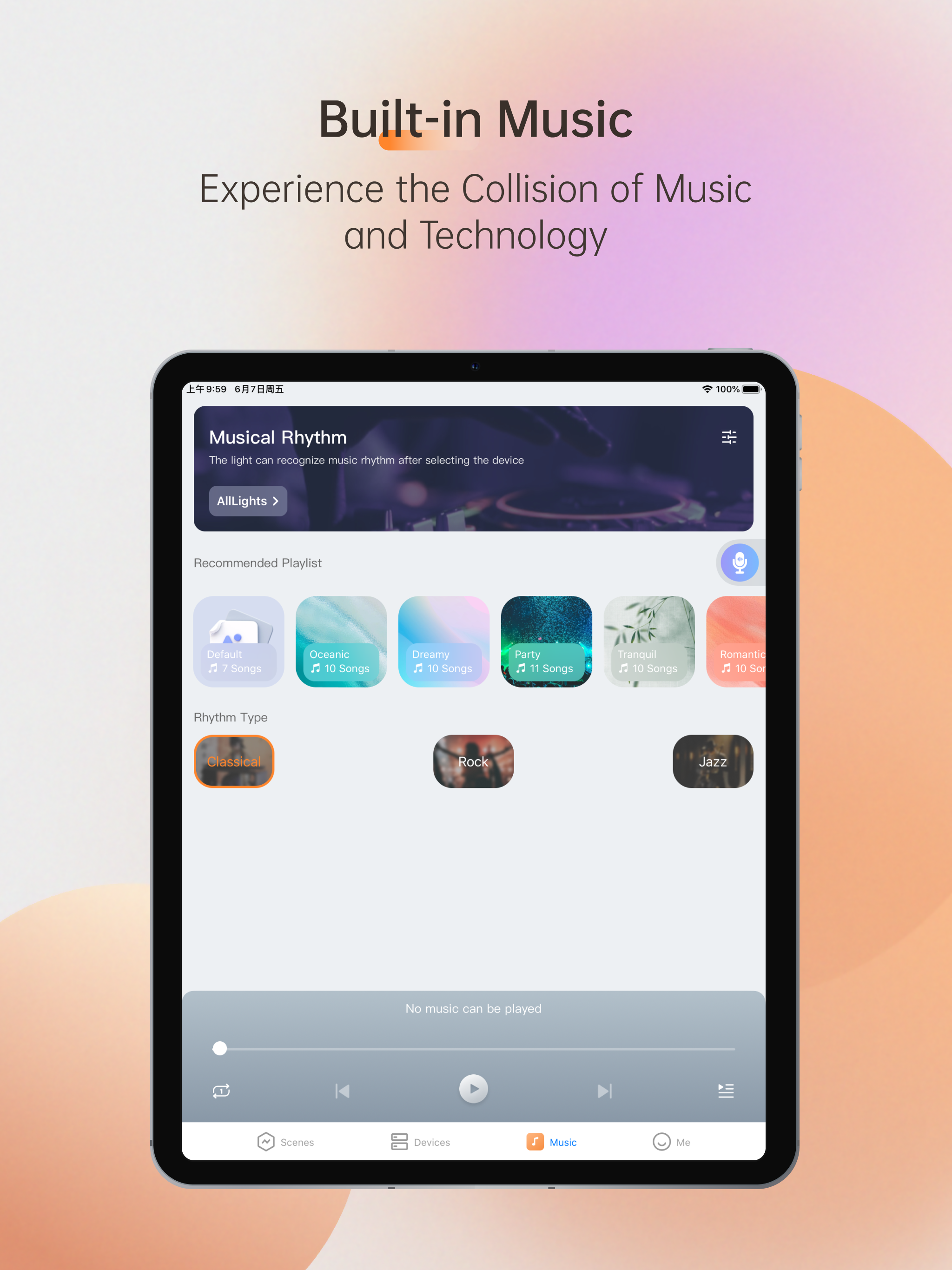
Study the product story and store experience behind the acquisition funnel.



03 / Market context
Keep revenue, downloads and store rankings separate from advertising performance.
While the BroadLink RM Max works fairly flawlessly with configured IR or RF devices but the interface is not great at all on the Magic Home app. You can’t updated learned buttons on devices. You can’t seem to create more than 14 smart scenes. The product and app is moderately useful but it doesn’t live up to the marketing claims. I’ve reached out to BroadLink support but they aren’t very responsive. I’ll be investing other solutions unless I can get proper resolution to my problems.
I was worried this would not work but it does. I thought the set up was easy considering the complexity of the task at hand. It worked for me right out of the box. It supports timed scenes including sunrise/sunset. Alexa integration is automatic.
I like the layout of the app, but for some reason, the app won’t recognize my email address when I try to create an account.
THE FASTEST AND EASIEST SMART HOME APP BroadLink Magic Home brings you a real innovative and user-friendly way to build your smart home with new Fast...


