
Check the acquisition promise
Read the store headline, screenshots and description. What problem is the app promising to solve?
Study the storefront ↗
Jonathan Ruiz · iOS
Explore the ad evidence, study the storefront, and build your next acquisition hypothesis.
01 / Creative research
Read the store headline, screenshots and description. What problem is the app promising to solve?
Study the storefront ↗Explore apps with direct store-link matches. Compare their hooks and formats without assuming the same approach works here.
Browse observed advertisers ↗Store rankings and revenue estimates describe market context. They do not establish ad spend, conversions or ROAS.
Review the market context ↗02 / Storefront & product
Study the product story and store experience behind the acquisition funnel.

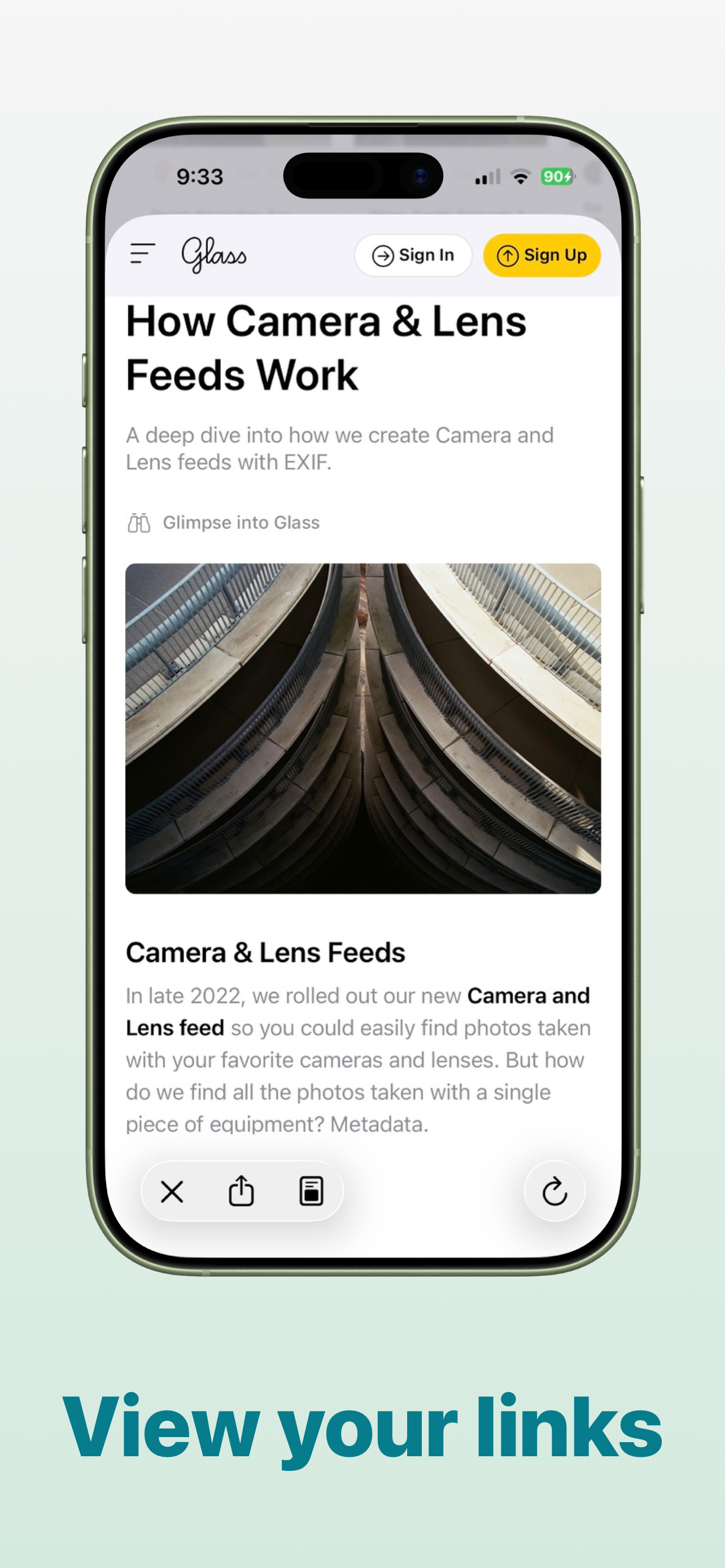

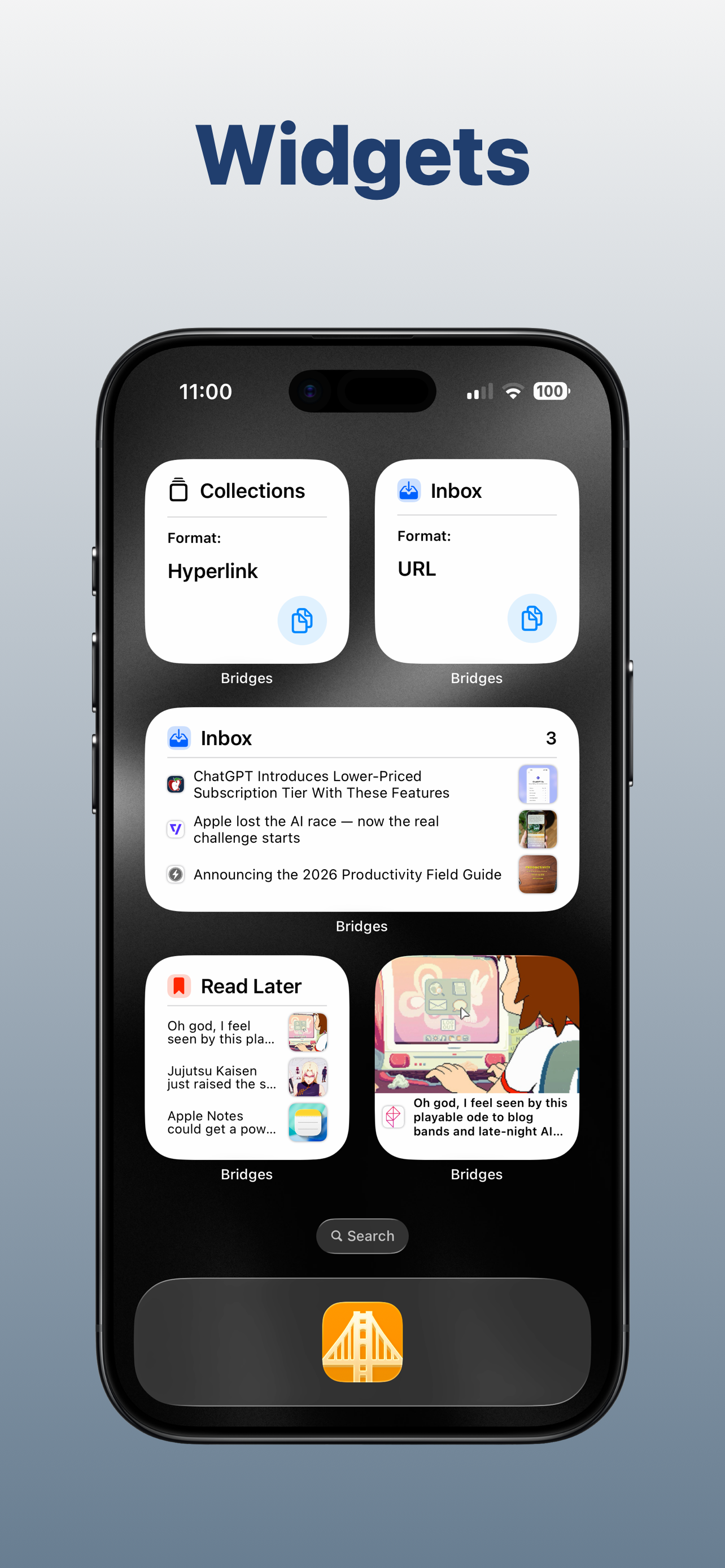

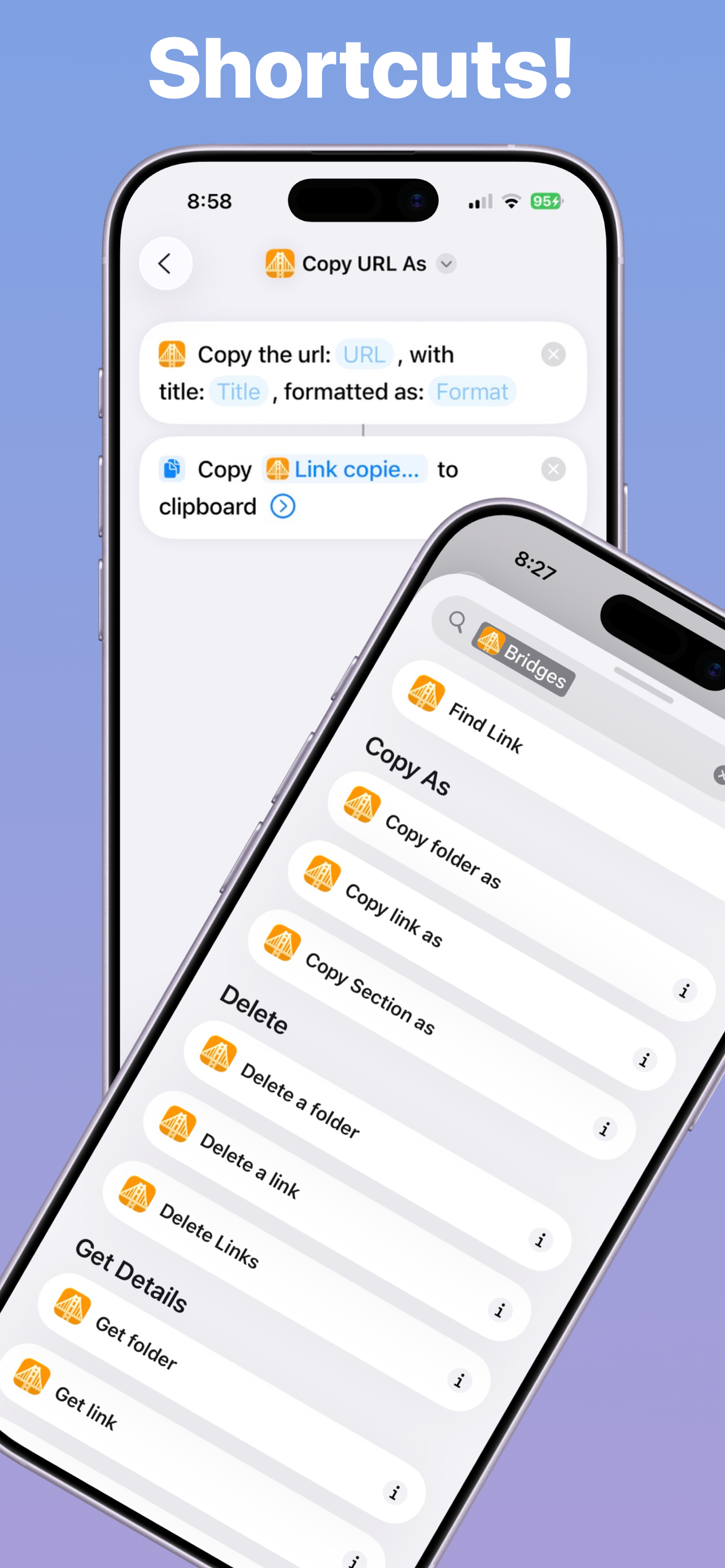

03 / Market context
Keep revenue, downloads and store rankings separate from advertising performance.
I really like seeing solo projects like this. Simple and polished and as far as I seen it’s the first to fill a common need for devs and writers. I have an app for saving pages to read offline, another to view them. When I want to embed content in my notes or post to my blog I use another app to format the link. I have another app for saving links along with notes. All so I don’t have some big data company creeping on me. Bridges took me away from all that. Thanks. This isn’t meant to manage a big collection, but you can add sections to easily handle a few dozen. Even so, tags and a search bar would be faster. I didn’t check if there’s import or export, but that’s necessary if you’re storing here.
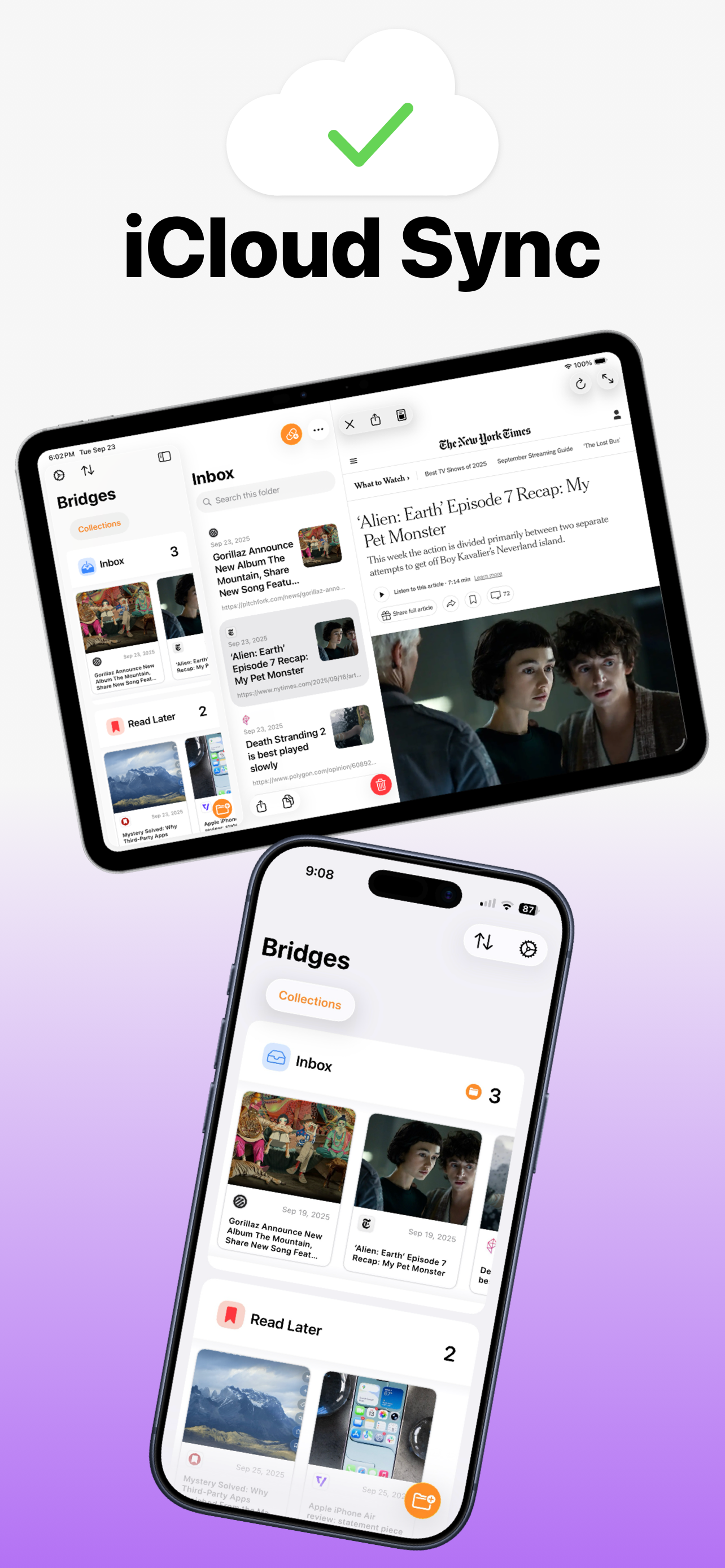
I was really exited for this app. Is worked great on my iPhone/iPad so I bought the accompanying macOS app since the website says it can sync between all, but no matter what I do, there’s no option to sing, sign in or anything. I have iCloud activated for the app everywhere but it’s not working. So if you only need it to work on your phone/iPad, then I would recommend, but if you also need it on your Mac, know that it won’t sync. I tried sending feedback to see if I could get in touch with the developers, but when I press the option, the app crashes and I can’t find a website to write to.
Keeping track of links has been an ordeal since the dawn of the web. There have been a bunch of different approaches, each of varying quality. One thing most neglect, though, is the need to get those links. Most allow you to copy and paste a URL, but what if you need them in Markdown/JSON/HTML/etc. format? That's where Bridges has you covered. In addition to offering an intuitive interface for browsing/managing your collection of links, it also offers a number of ways to retrieve those links in other formats. If you get the Mac app you even gain the benefit of iCloud sync between your favorite platforms. It's early days for this app yet, but the developer seems receptive to feedback. I'm particularly keeping my fingers crossed for the option to email links (in any of the supported formats) to myself. Maybe in v1.1?
Bridges is the best way to collect custom formatted links. Saving a link for your podcast, newsletter, or blog post has never been easier. If you...
