Check the acquisition promise
Read the store headline, screenshots and description. What problem is the app promising to solve?
Study the storefront ↗
Karbon · iOS
Explore the ad evidence, study the storefront, and build your next acquisition hypothesis.
01 / Creative research
Read the store headline, screenshots and description. What problem is the app promising to solve?
Study the storefront ↗Explore apps with direct store-link matches. Compare their hooks and formats without assuming the same approach works here.
Browse observed advertisers ↗Store rankings and revenue estimates describe market context. They do not establish ad spend, conversions or ROAS.
Review the market context ↗02 / Storefront & product
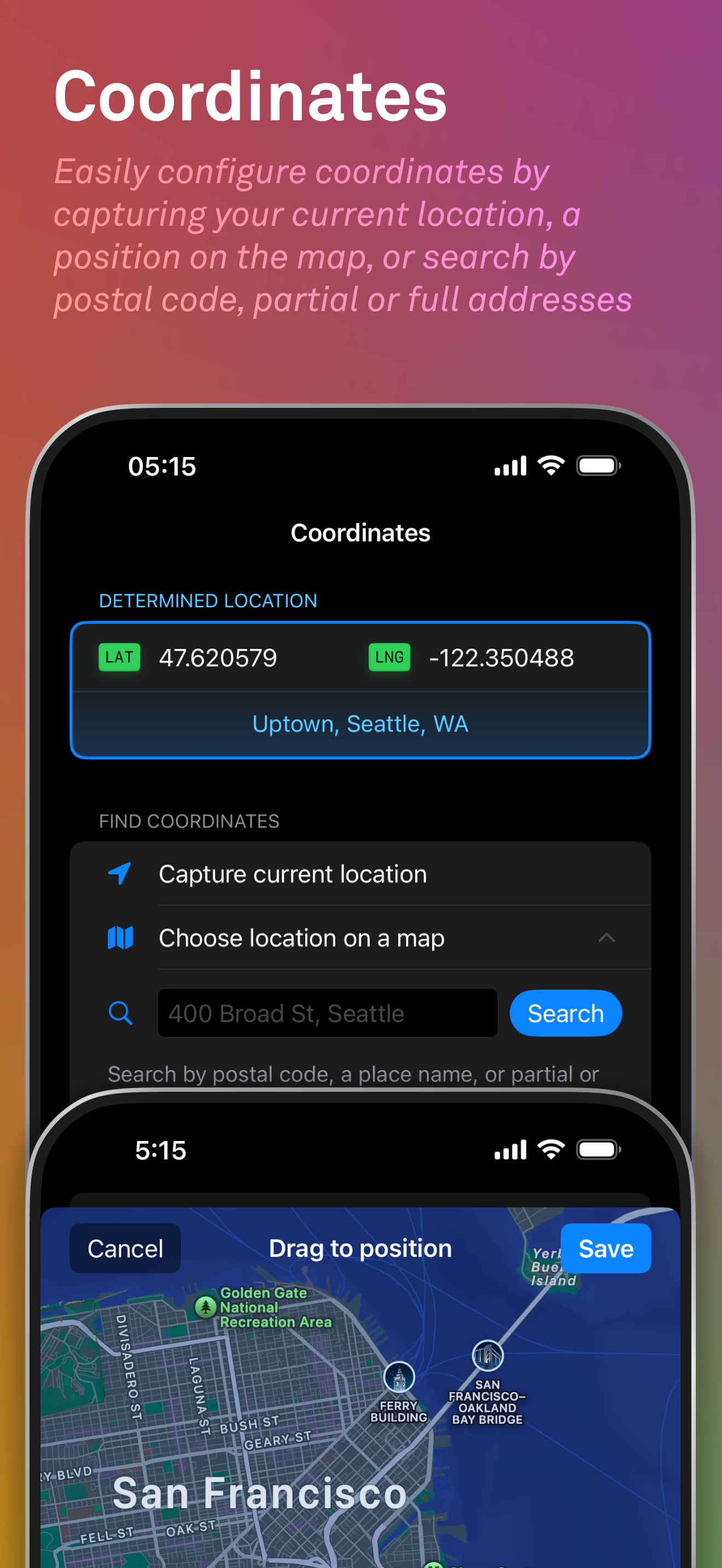
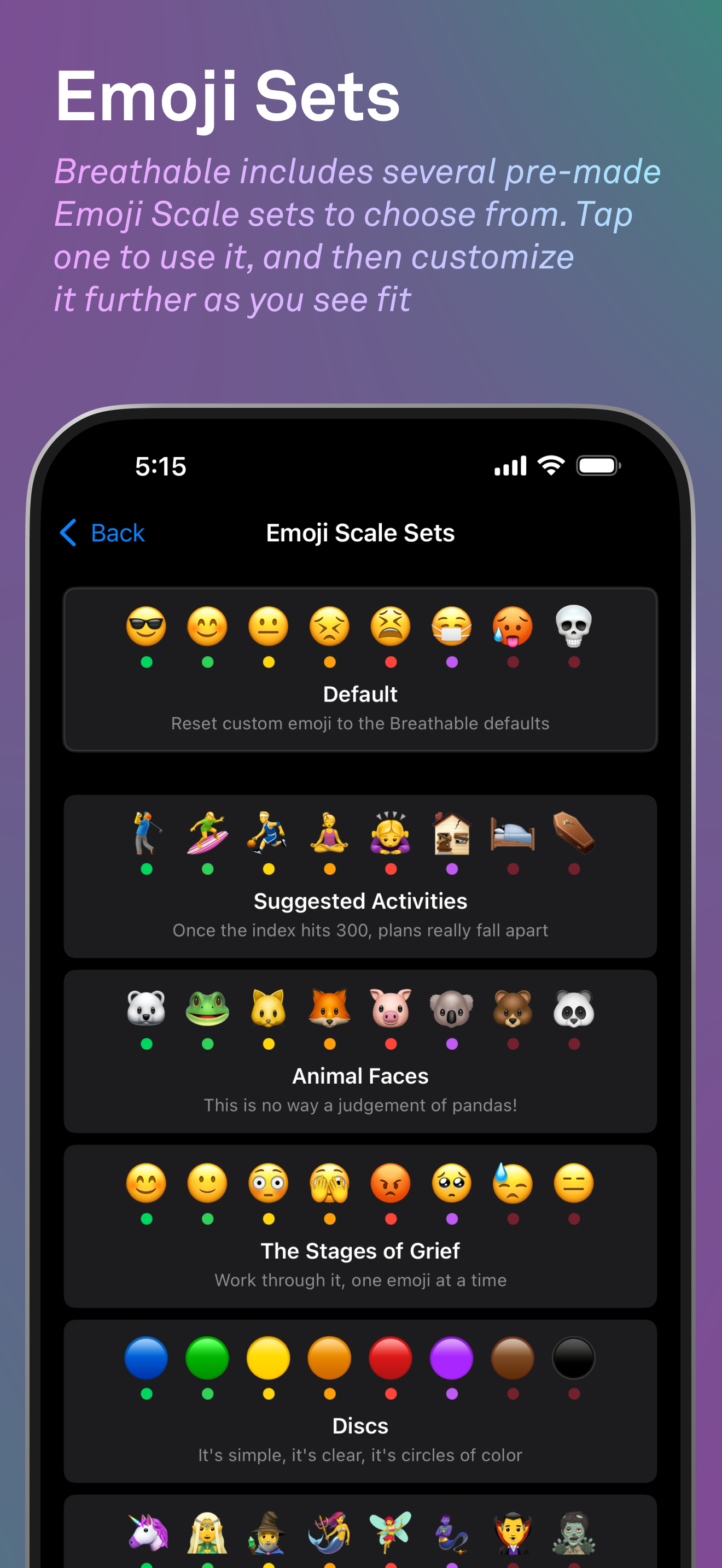
Study the product story and store experience behind the acquisition funnel.





03 / Market context
Keep revenue, downloads and store rankings separate from advertising performance.
My initial rating of one star was an error. I meant to average the one-star on onboarding with the five-star function. I don't know how I made that mistake. The onboarding (obtaining the API) is the worst user experience I've encountered in my 40 years of using a computer. I managed it but I don't have the heart to recommend it to anyone but my software-developer son. It's obvious that the onboarding was designed without adequate attention to the iPhone, though that's the obvious device where it will be used. The iPhone screen (I'm using the largest iPhone made) can't display the information on the initial screem without a correct guess to how to manipulate it. You input the API and nothing happens when you hit return. Ah,, there's a tiny "validate" button in the corner. Btw, I initially used iCloud "hide my email," I got nothing and had to input my regular email. The second API from the gov site was a similar terrible experience. One star for the onboarding and five for the app function. Thanks for doing this but please have someone go through this with a smart phone to reference.
This is an ideal use of a widget: putting vital air quality information that’s available but not easily accessible and putting it just a swipe away. However, it doesn’t help people who need to follow air quality in multiple locations. I need to monitor AQ in three locations (vulnerable family members), and it defeats the purpose of having a widget to have to go into the app to change the location every time I want to check a different location. Would love to see an update with the option of multiple locations.
I initially had issues getting the widget to show, but finally got it working with some help from the developer (excellent support). I'm loving this app. It is really well designed, easy to use and updates in the background.
Breathable is a free customizable Air Quality Index (AQI) widget for all of your devices, with support for iPhone, iPad, Apple Watch and macOS. Air qu...