Check the acquisition promise
Read the store headline, screenshots and description. What problem is the app promising to solve?
Study the storefront ↗
Andrew Nicolle · iOS
Explore the ad evidence, study the storefront, and build your next acquisition hypothesis.
01 / Creative research
Read the store headline, screenshots and description. What problem is the app promising to solve?
Study the storefront ↗Explore apps with direct store-link matches. Compare their hooks and formats without assuming the same approach works here.
Browse observed advertisers ↗Store rankings and revenue estimates describe market context. They do not establish ad spend, conversions or ROAS.
Review the market context ↗02 / Storefront & product
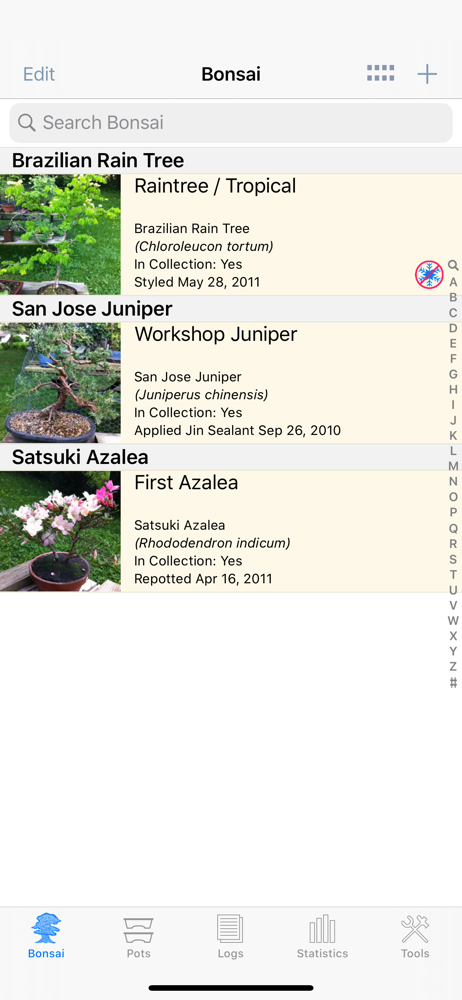
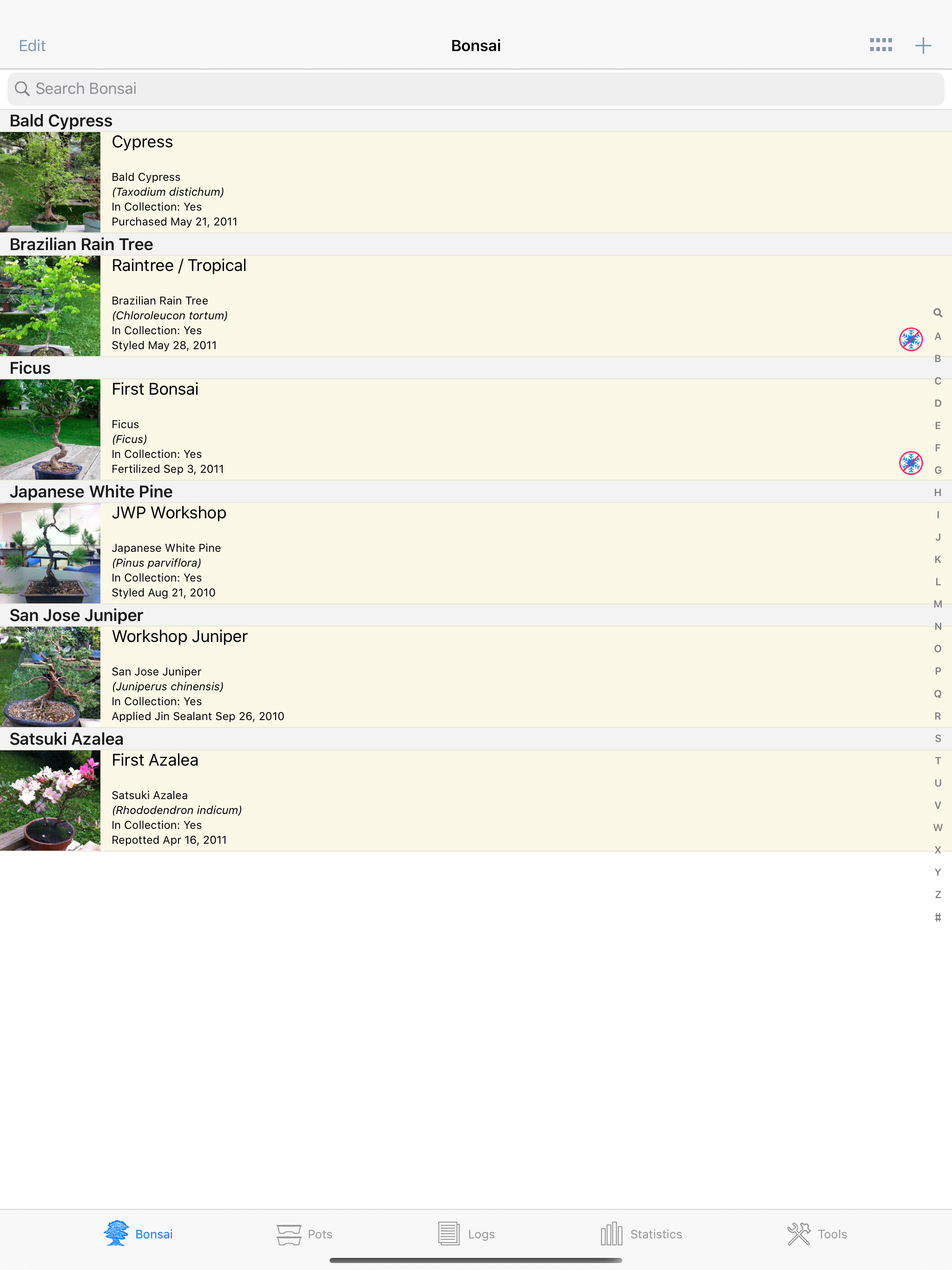
Study the product story and store experience behind the acquisition funnel.



03 / Market context
Keep revenue, downloads and store rankings separate from advertising performance.
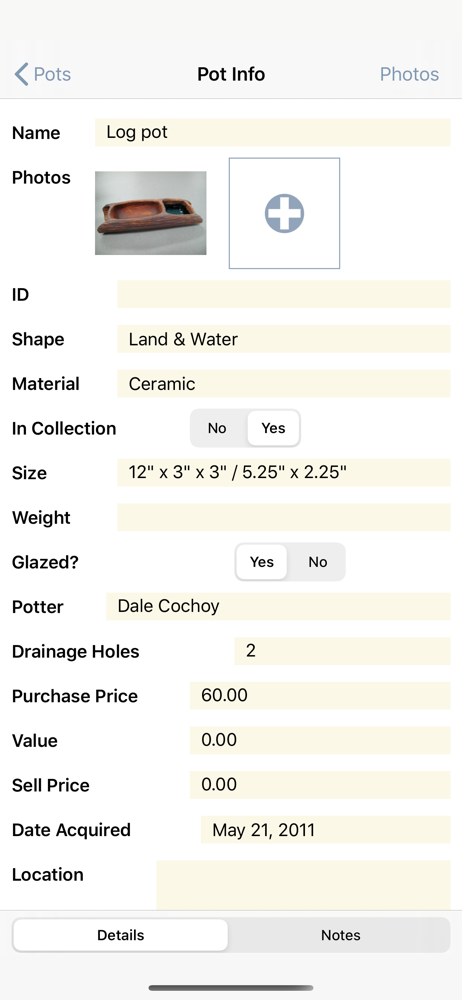
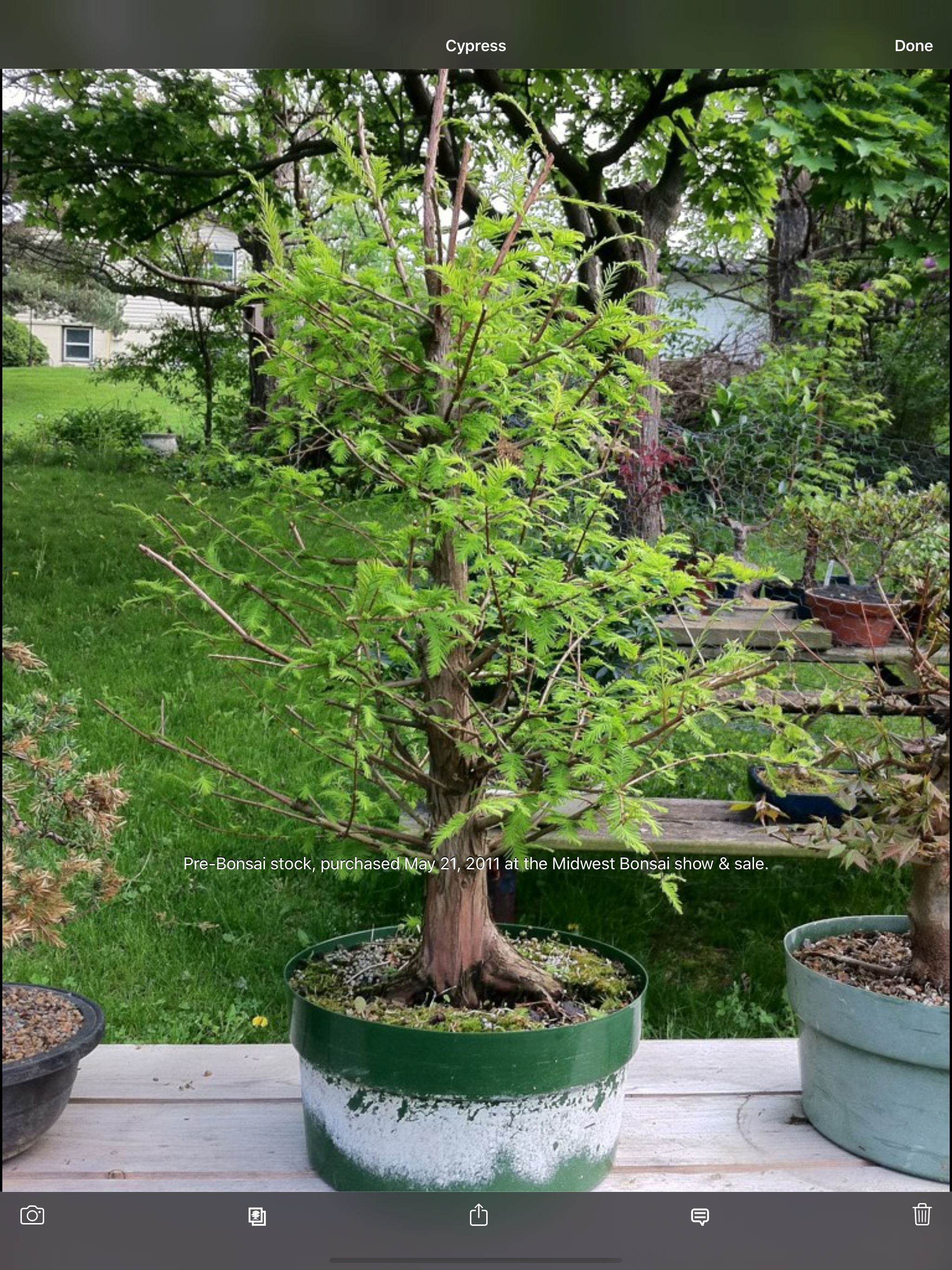
I’ve been using this app for several months now and it has been great for keeping track of my bonsai, what I’ve done with them and where I got them. Similarly for tracking my pots. The only addition I would like is a bonsai stand tab to keep track of Jiita etc that I’ve purchased. Any chance of adding this in??
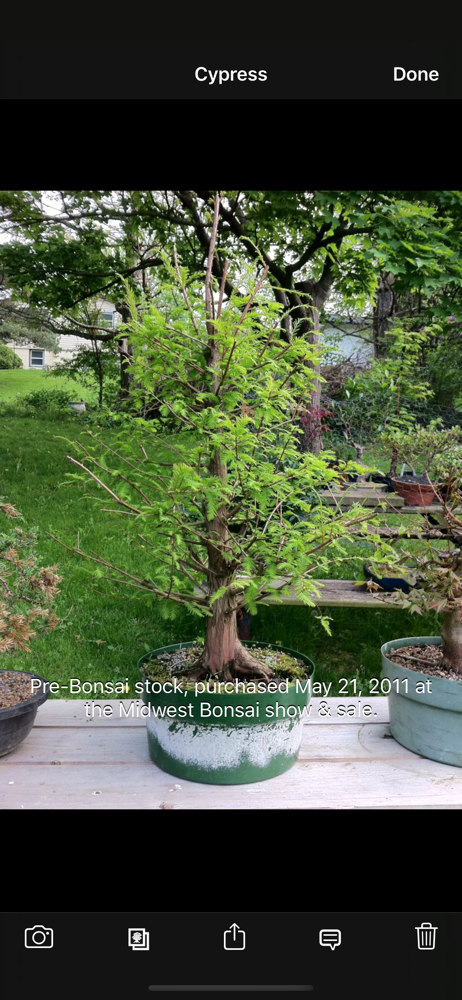
Does everything I need it to do to track my trees and pots. Love being able to quickly and easily see the progression photos of each individual tree. When a glitch has happened developer has been super responsive. Great that you can buy once and install on both iphone and ipad and sync. Records are always at hand, even when I’m away from home.
This app lets you track pretty much everything imaginable for bonsai. It has preloaded categories to track (fertilized, repotted, etc.) and provides the option to add your own custom categories. The photo tracking is intuitive, though I haven’t found a way to sort photos by date to track progress over time. (You can link photos to your log, so it’s possible to do. I just don’t know a way to sort in photo view other than manually.) As a database, this app is awesome. When you update anything, everything linked is updated. So if you change the name of a pot, the app automatically updates the bonsai linked to that pot. Basically, the app “just works.” The only thing I might add is a way to create notes or logs on a global scale. For instance, I’d like a way to create one note that I fertilized all trees of a species on the same date and have the log available under each tree. This isn’t a dealbreaker to me though — bonsai is a slow, meticulous journey, and each plant demands its own care. Perhaps it’s best to take 30 seconds and write a journal entry for every tree, every time. :) Disclaimer: I’m just beginning my bonsai journey. So there may be a formal method of journaling that I’m not aware of. However, this app is well-organized as a database app, and fits my needs perfectly.
Bonsai Album makes keeping track of your Bonsai or Penjing collection easy. Track development of your trees throughout their lives, on your iPhone, iP...