Screenshots


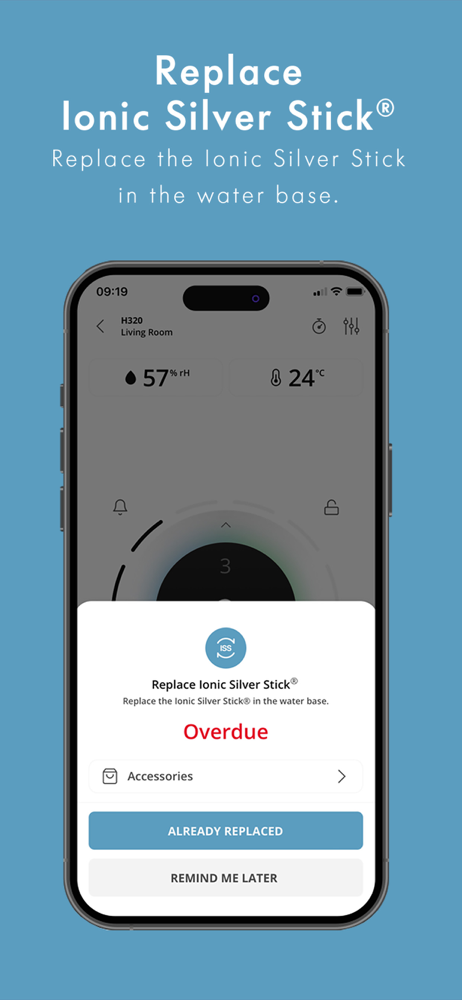

How Much Does BONECO BLUETOOTH Make?
Platform Performance
Rating Distribution
Top Countries
Reviews (3)▼
I use the H400, and the app’s screenshot misleadingly shows the option to set timers for each day, but in reality, you can only set a single timer. I specifically wanted the purifier to run only during the night, but the app’s limitation made that impossible. This was extremely disappointing, as I was planning to purchase more Boneco products. Unfortunately, this flaw forced me to switch to another purifier. It’s such a shame that a great product is ruined by a trash app!
I have an H300 unit, which I can control through the app. Setup is easy enough, but then only one person can control the unit and only from one device. (I have opinions on the device too, but this is not the place.)It would be time for Boneco to add HomeKit support to the device itself, or at least to open up a basic API to allow others to make the device a bit smarter via third-party tools.
The app works well with the H400. My only gripe is with the timer controls. You can set on/off timers but they don’t persist. As soon as it’s turned on/off it forgets the setting, so in effect your timer works once. I would much prefer a persistent on/off timer.
Version History (26)▼
Available In (115 Countries)▼
Supported Languages (1)▼
App Details▼
With the BONECO BLUETOOTH App, you have full control over your BONECO BLUETOOTH air purifiers, humidifiers, and fans. For BONECO devices without Bluet...
Similar Apps