
Check the acquisition promise
Read the store headline, screenshots and description. What problem is the app promising to solve?
Study the storefront ↗
EchoSeek Tech Co., Ltd. · iOS
Explore the ad evidence, study the storefront, and build your next acquisition hypothesis.
01 / Creative research
Read the store headline, screenshots and description. What problem is the app promising to solve?
Study the storefront ↗Explore apps with direct store-link matches. Compare their hooks and formats without assuming the same approach works here.
Browse observed advertisers ↗Store rankings and revenue estimates describe market context. They do not establish ad spend, conversions or ROAS.
Review the market context ↗02 / Storefront & product
Study the product story and store experience behind the acquisition funnel.




03 / Market context
Keep revenue, downloads and store rankings separate from advertising performance.
This app is a good one and totally worth a try. But the UI on iPad is not that intuitive for new users. Maybe apple journal app (which is not rich in features as this one)is a good model to learn from.
*a standing ovation for a fantastic app* Your eternal search for the perfect notes app ends here. Multimodal forms of data entry? I’m on board! You can even directly highlight and annotate a pdf inserted into a note! It’s perfection! I’m yet to test tagging and the effectiveness of their search function, but this is a really good!
Close to a one stop planner/journal/note app and more Very capable and powerful note-taker and daily planner. Many useful features that enables many possibilities. Clean and focused UI. Nice widgets. Wish List / Ideas for future updates: - Font size adjustment (or dynamic type support) — particularly for note body. - Customize toolbar preference (hide/manual position) - A simple way to copy text content of entire note with having to export first - Automatic capitalization of first letter of text and lists - Calendar view should return to last selected date or today (when navigating away) - Full screen writing mode (while hide status bar and bottom tool bar) — facilitates clearer focus. - Note folders/journals (nested) to store related notes that have separate timelines and can be optionally hidden from the main timeline — to separate unrelated topics (i.e., work, family, etc. - One step quick audio recording memo from app contextual menu (creates a new note or lets you choose which note to insert into — and automatically starts recording). - Swipe notes left to right and right to left to access recently edited notes or those in a folder/journal (if above is implemented) - Version tracking — save note edits that we can restore to a previous version - Note commenting system via sub notes linked to main note or as a collapsible block within the note. - Collapsible headers to hide/reveal content (like Bear notes) - Focus timer for recording time spent on projects or tasks - Callback URLs to notes — for one click access from other apps (links to content in the Bloom note system) - System calendar integration — to see your day’s events (via in-app calendar or attachment) - Apple Reminder integration (possibly add a block to insert into any page, or via in-app calendar) - Apple Watch app with complication for favorite notes (or via selective tag(s)) — just for text based notes even, if full integration isn’t possible - Be able to create a new note when inserting a nested link, without having to first create a new one through the usual process - Edit note calendar/creation date for back logging a journal - Support tappable callback links (deep links) in note body to launch content in other apps (highlight and launch like website URLs) Thanks for all the work. Look forward to the updates.
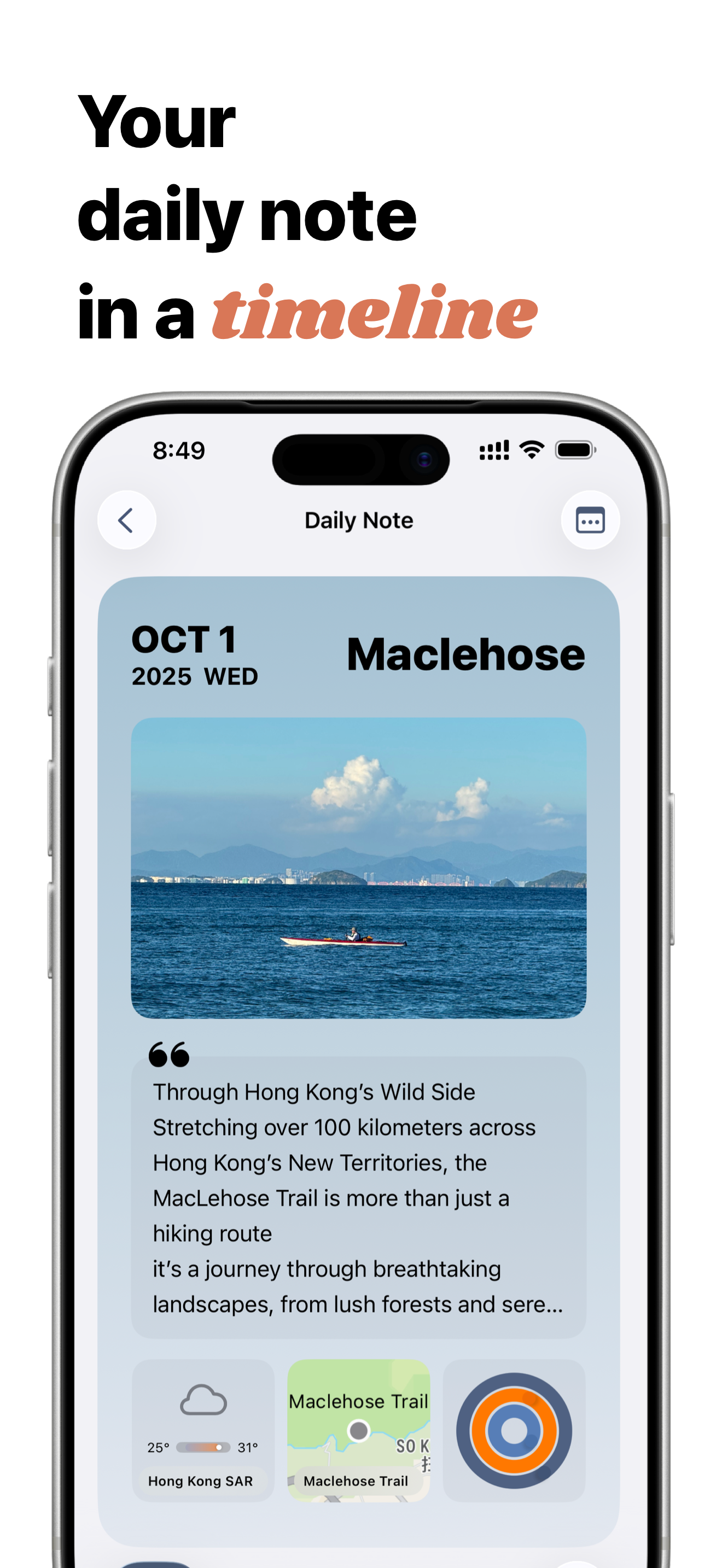
Bloomnote: where every note blooms! We are note-taking app with a block-based system, making it effortless to capture your ideas, elegantly display th...
| Name | Price | Type |
|---|---|---|
| Bloomnote Pro Monthly | $2.99 | Monthly |
| Bloomnote Pro Yearly | $34.99 | Yearly |
| One-Time Pay, Lifetime Use | $44.99 | One-time |


