Check the acquisition promise
Read the store headline, screenshots and description. What problem is the app promising to solve?
Study the storefront ↗
Stevens Creek Software · iOS
Explore the ad evidence, study the storefront, and build your next acquisition hypothesis.
01 / Creative research
Read the store headline, screenshots and description. What problem is the app promising to solve?
Study the storefront ↗Explore apps with direct store-link matches. Compare their hooks and formats without assuming the same approach works here.
Browse observed advertisers ↗Store rankings and revenue estimates describe market context. They do not establish ad spend, conversions or ROAS.
Review the market context ↗02 / Storefront & product
Study the product story and store experience behind the acquisition funnel.

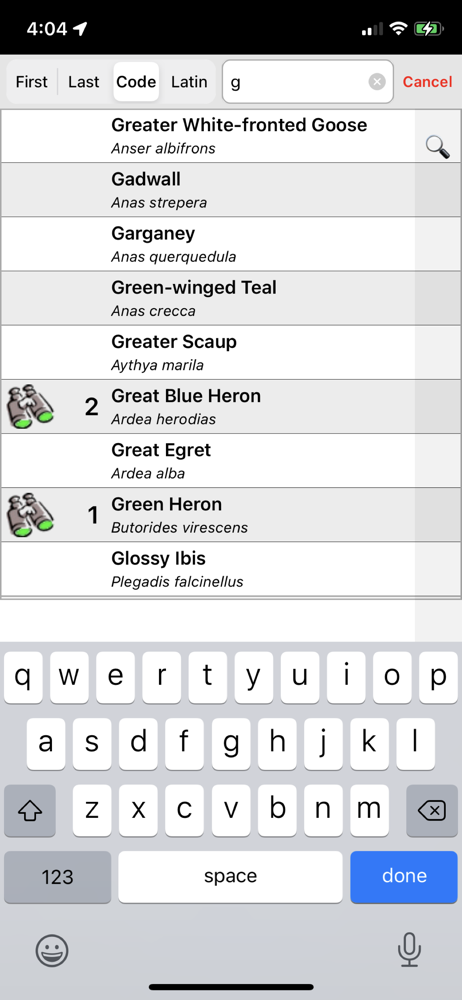
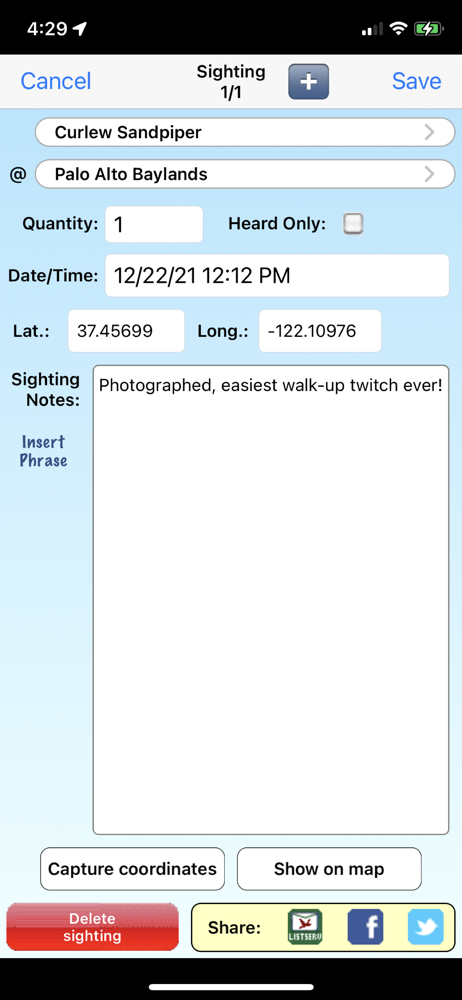
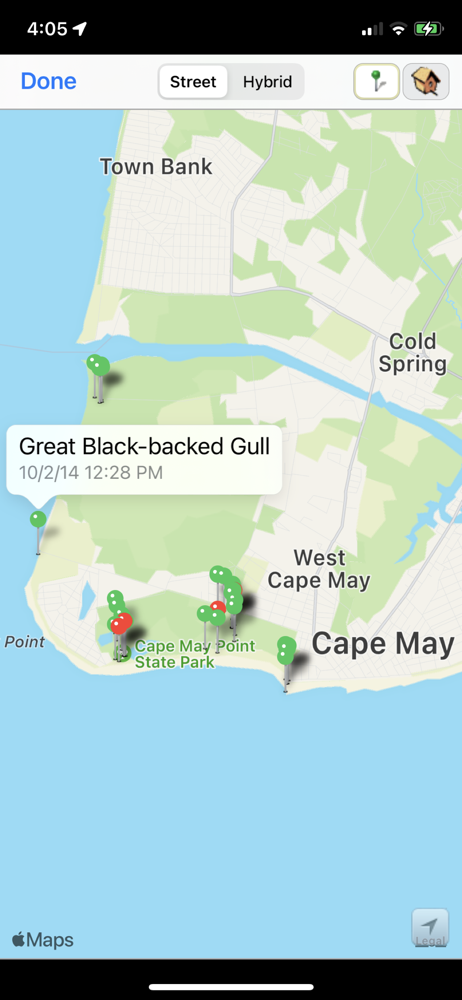
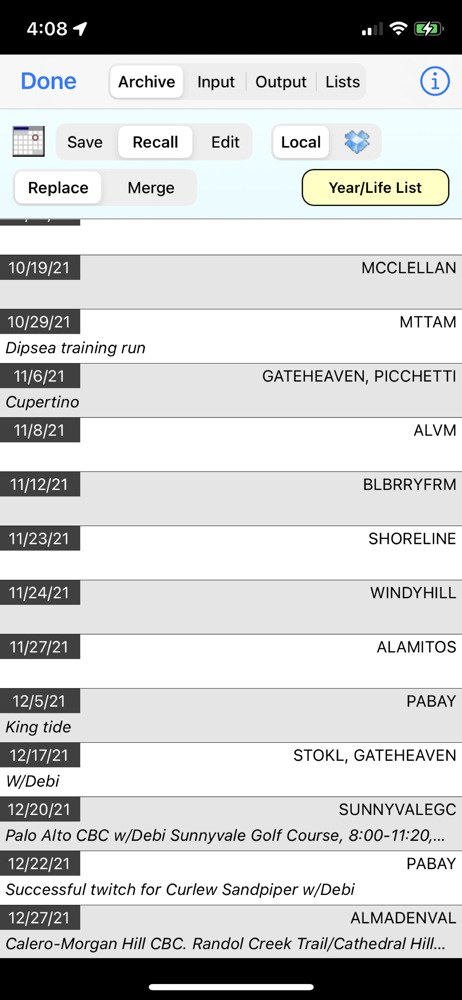
03 / Market context
Keep revenue, downloads and store rankings separate from advertising performance.
This app is okay my problem is they need to update. When you look at the number of species seen by state they are way off NM shows 527. Just looked in eBird and the actual number is 558. Their are better apps for Birding but when people spend money on something they should keep it up to date.
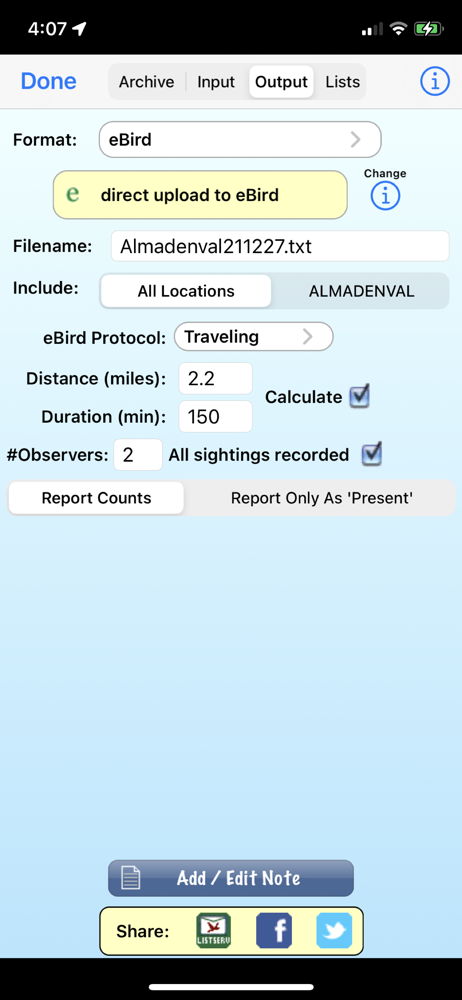
have used Birdwatcher’s diary for several years in the USA, Mexico, and South America. It is a wonderful program that greatly enhances the enjoyment of birding. It is easy to use in the field and at home in collating data. It provides a useful format for historical records, whether for personal use or for uploading to eBird. The Stevens Creek Software team is highly responsive to inquiries and in providing app updates when necessary.
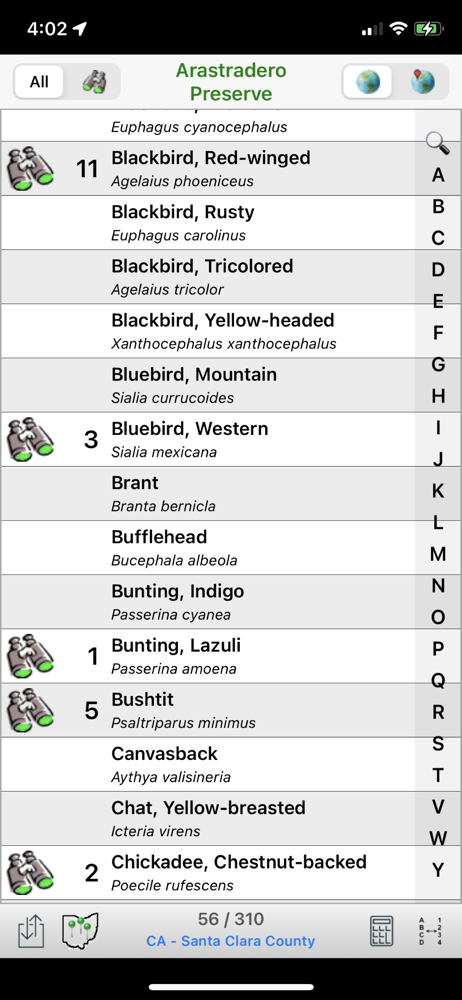
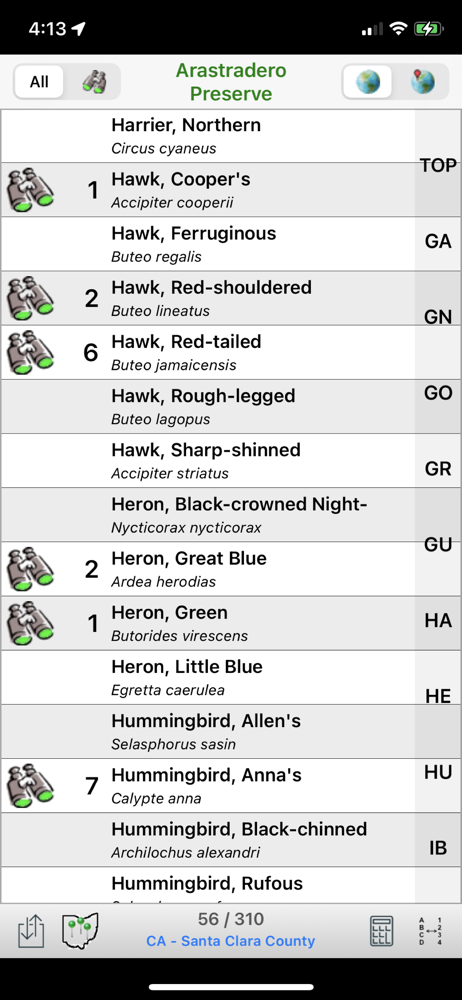
I gave this app a try after hearing about it in the American Birding Association newsletter, ‘Winging It.’ The app allows the user to record a bird sighting with a tap on the iPhone. I tried to use the app shortly after I bought it (without reading the online manual) and had some trouble figuring out how to use it. After reading through the online manual and using the app for a while, there was still a bit of a learning curve, but it didn’t take too long to figure out how to use it. I found the app worked as advertised—I could record sightings and the app would automatically keep track of the location and totals. I loaded a couple of custom bird lists via iTunes. I output some of my sightings to my iMac using both iTunes and email and I uploaded some sets of sightings to eBird and to my own database. I think that I will still want to record bird sightings the old fashioned way, with a notebook and pencil, much of the time, but this app will have its uses. I don’t always have a notebook and pencil (or a watch or map) when I see a bird I want to record, but I often do have my iPhone.
Birdwatcher's Diary™ is the perfect field companion for birders in any part of the world! In seconds you can record the birds you see or hear with tim...