Check the acquisition promise
Read the store headline, screenshots and description. What problem is the app promising to solve?
Study the storefront ↗
Alan Mrvica · iOS
Explore the ad evidence, study the storefront, and build your next acquisition hypothesis.
01 / Creative research
Read the store headline, screenshots and description. What problem is the app promising to solve?
Study the storefront ↗Explore apps with direct store-link matches. Compare their hooks and formats without assuming the same approach works here.
Browse observed advertisers ↗Store rankings and revenue estimates describe market context. They do not establish ad spend, conversions or ROAS.
Review the market context ↗02 / Storefront & product
Study the product story and store experience behind the acquisition funnel.


03 / Market context
Keep revenue, downloads and store rankings separate from advertising performance.
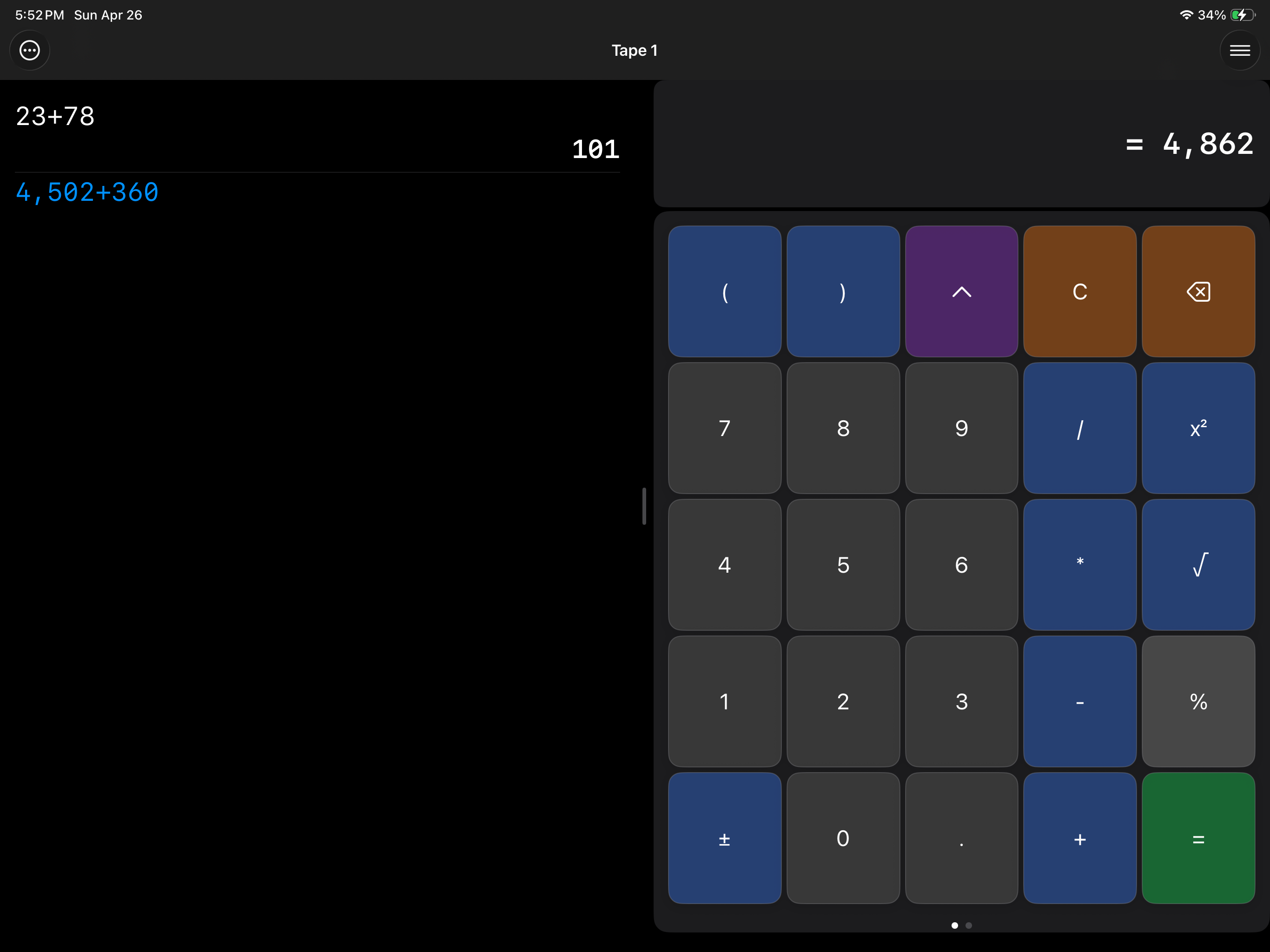
I deleted the calculator on my phone years ago and loved this app instead. I can’t find any options to go back to a normal calculator. Whats happening here?
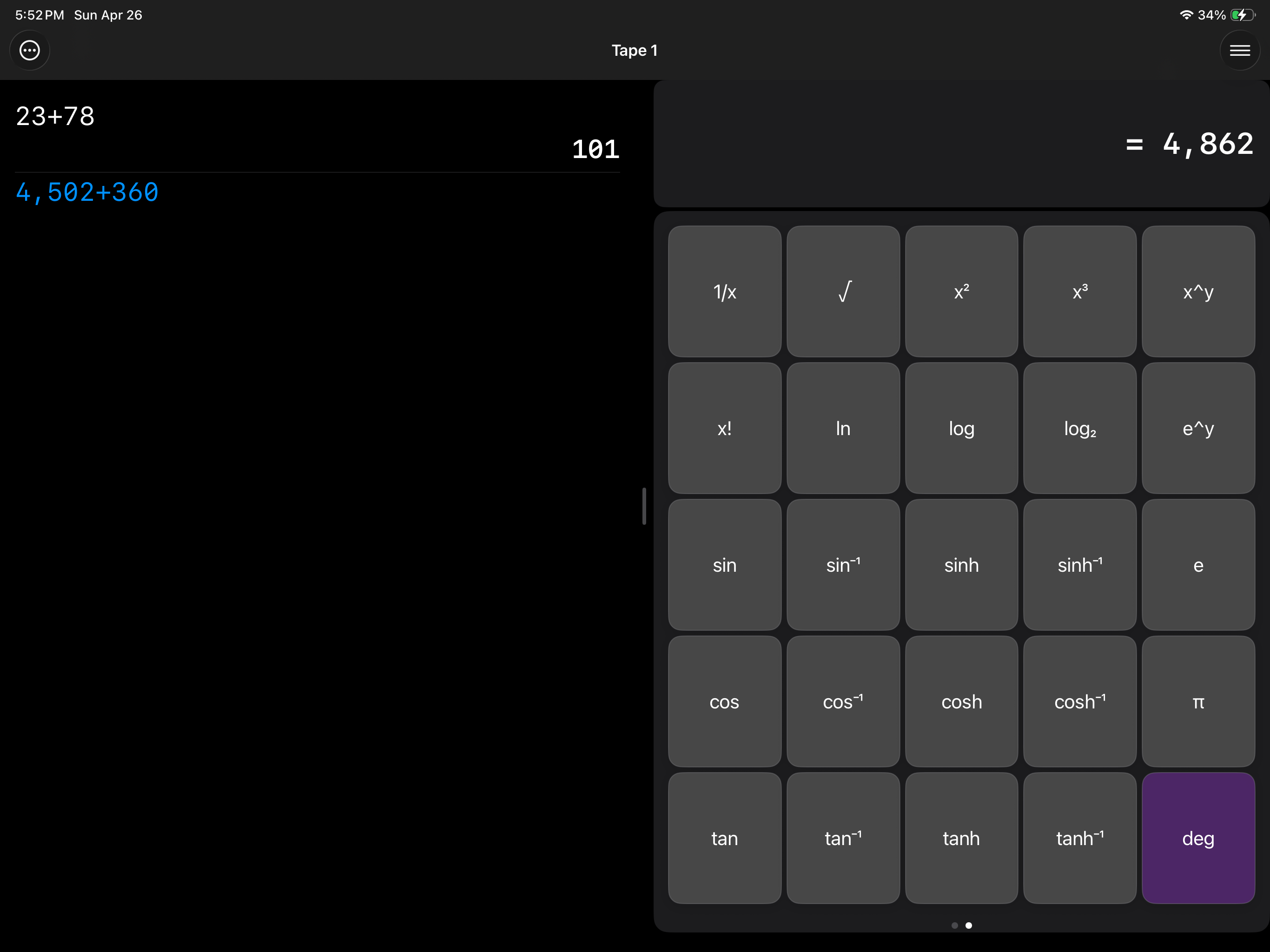
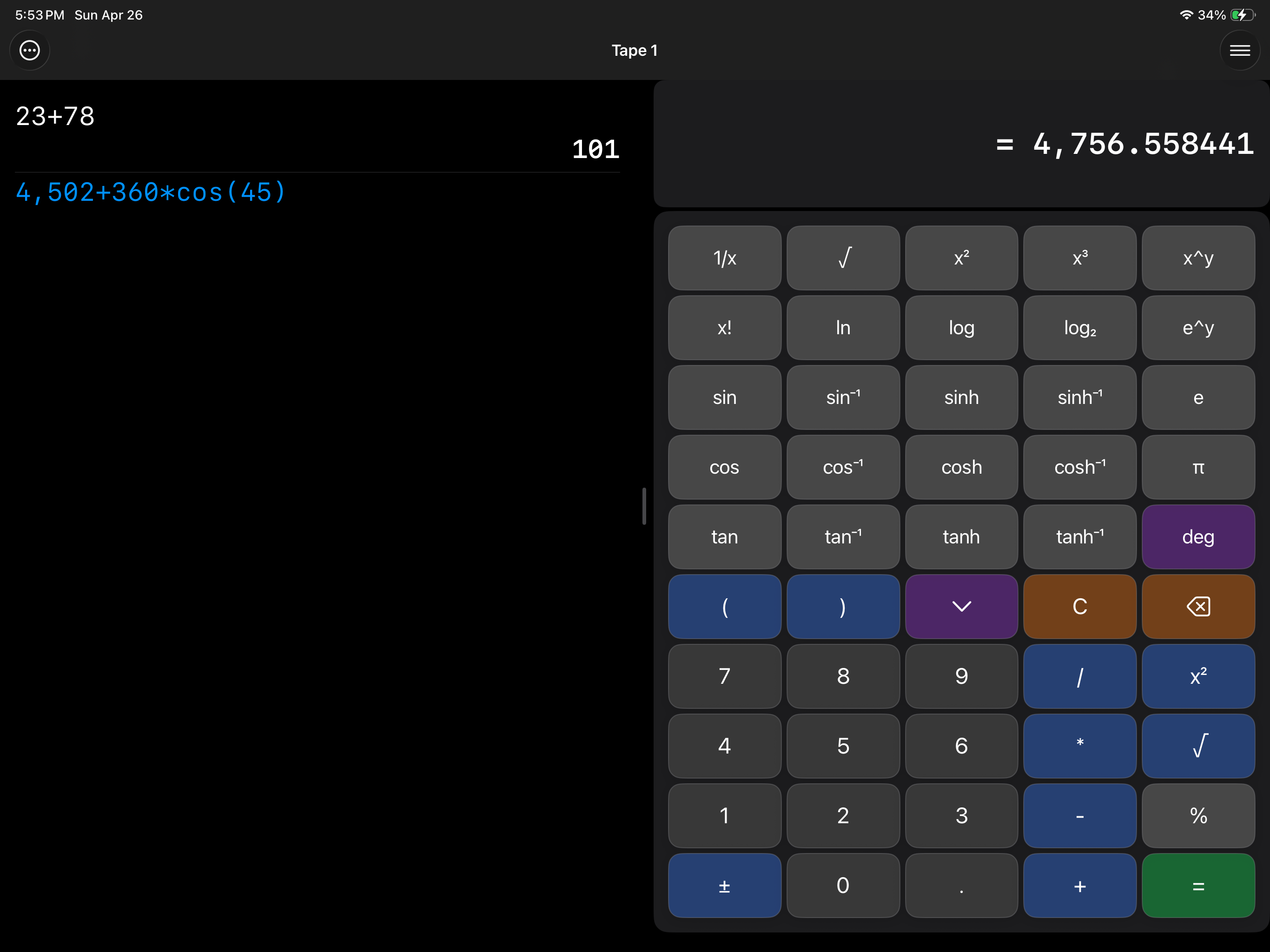
I got this app several years ago because I have a vision impairment, and need… well, BIG DIGITS. It used to be perfect - big easy to read buttons, big numbers in the calculation window. Now the buttons have small spindly numbers, and there are small numbers on the tape. This app is now completely worthless to me. The name should be changed. There are no more big digits.
What happened to the Big Digits? The numbers are now smaller than the calculator that came on the phone. How can I get the original app, with large numbers, back?
Big Digits HD Calculator for iPad & iPhone - Calculator with Large Numbers and a Tape.