
Check the acquisition promise
Read the store headline, screenshots and description. What problem is the app promising to solve?
Study the storefront ↗
Cedars Software, LLC · iOS
Explore the ad evidence, study the storefront, and build your next acquisition hypothesis.
01 / Creative research
Read the store headline, screenshots and description. What problem is the app promising to solve?
Study the storefront ↗Explore apps with direct store-link matches. Compare their hooks and formats without assuming the same approach works here.
Browse observed advertisers ↗Store rankings and revenue estimates describe market context. They do not establish ad spend, conversions or ROAS.
Review the market context ↗02 / Storefront & product
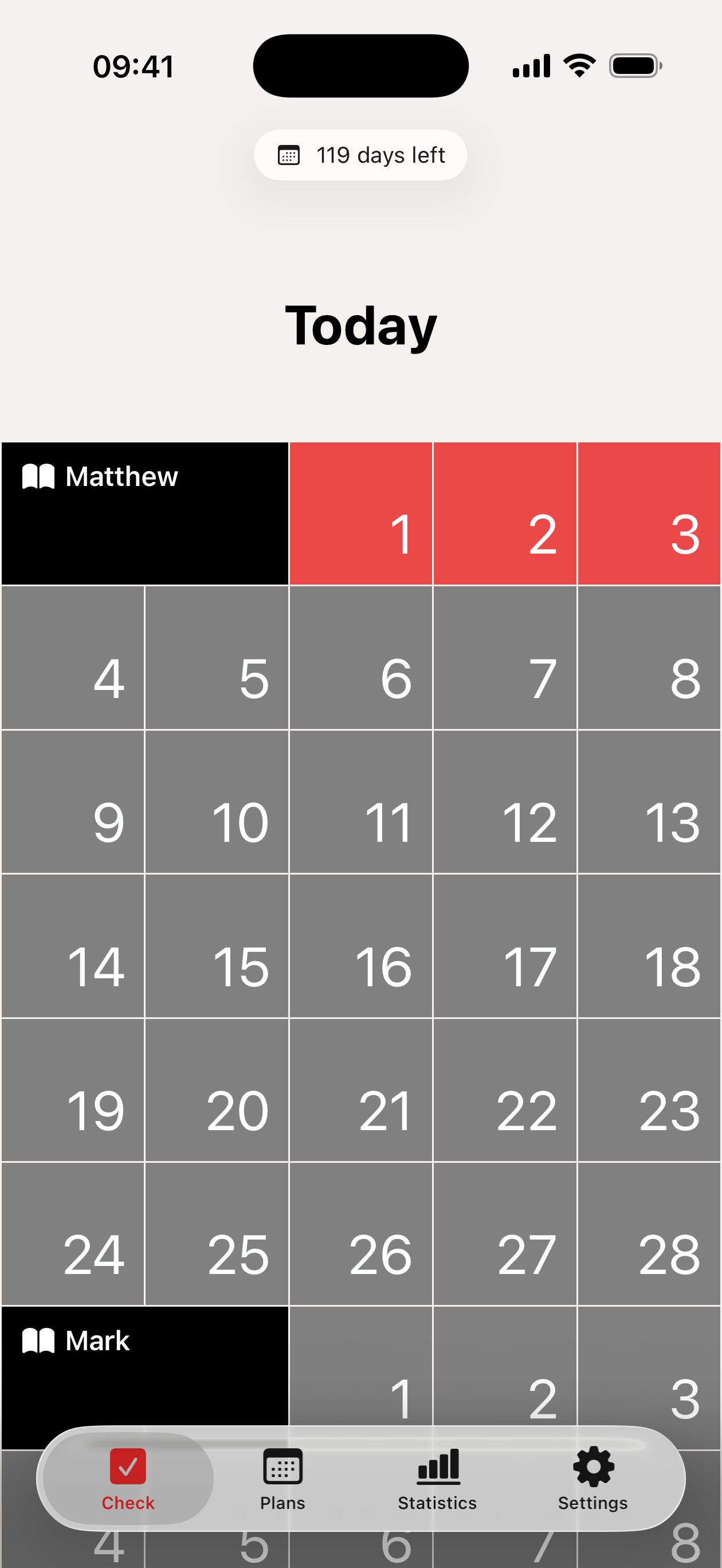
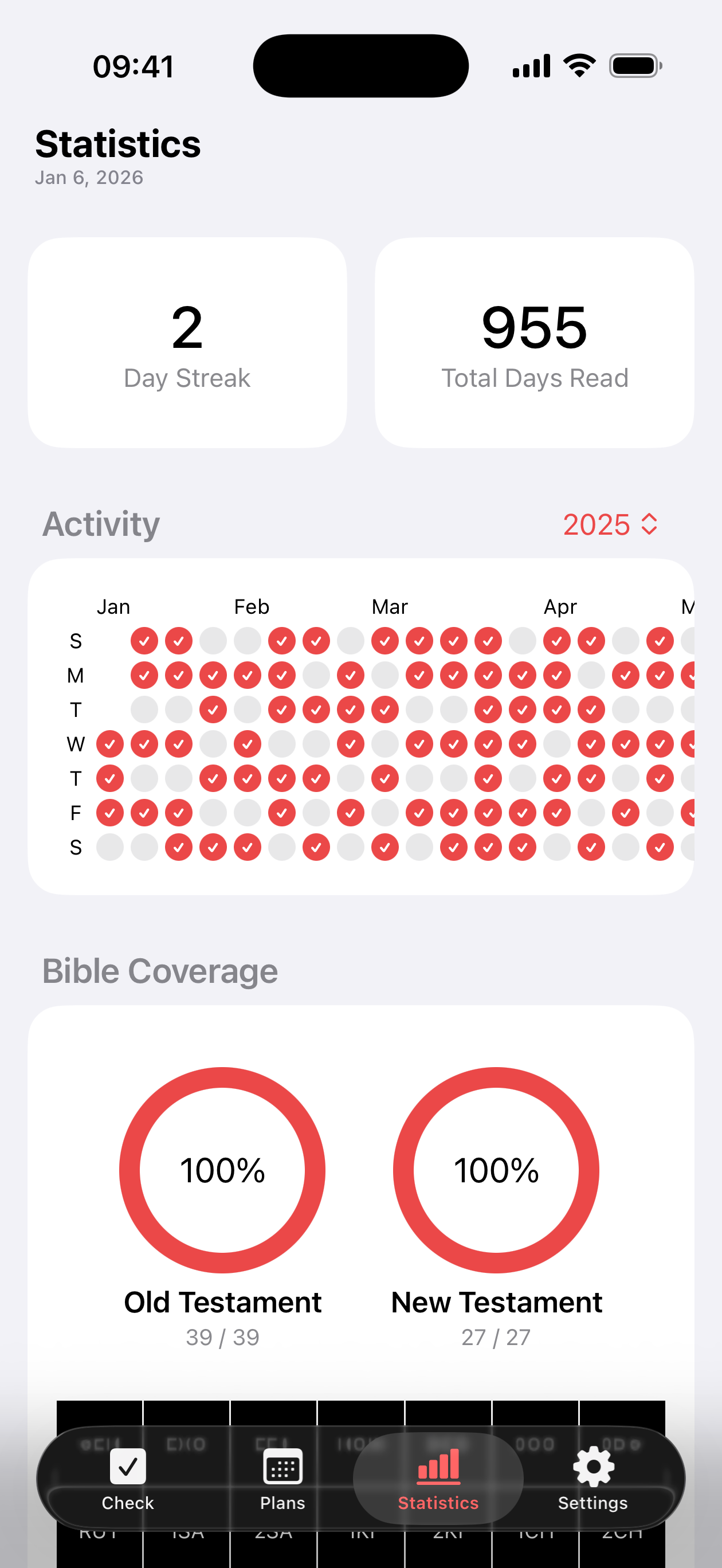
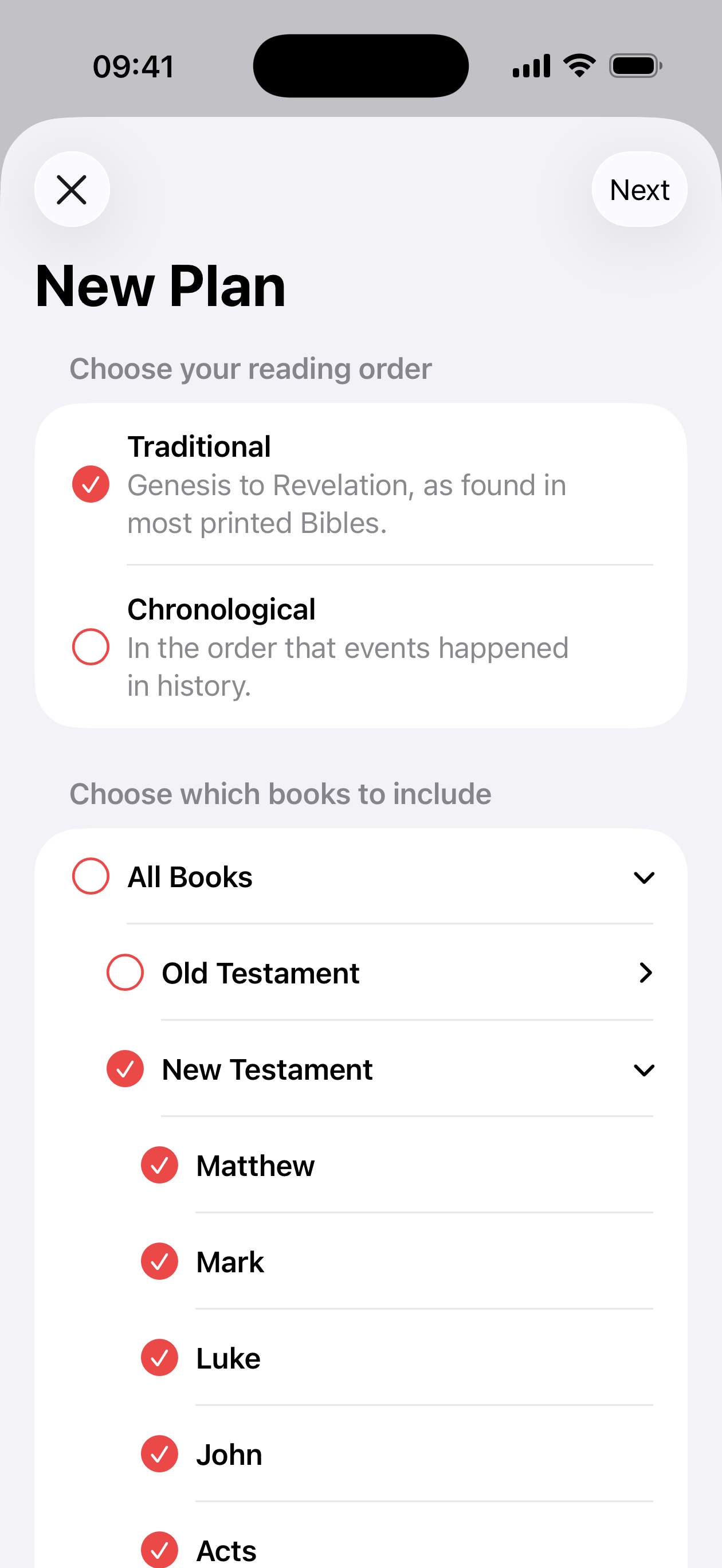
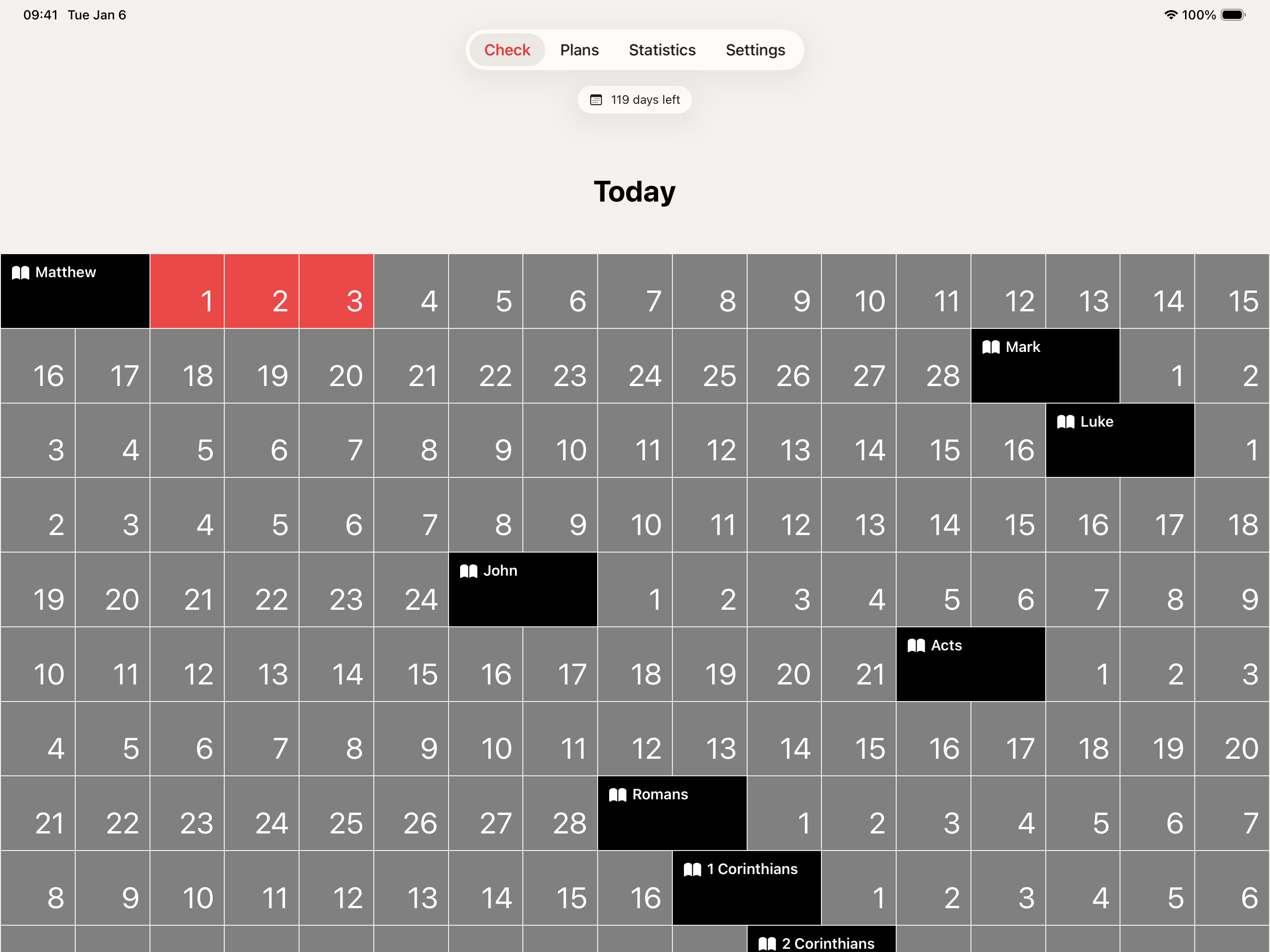
Study the product story and store experience behind the acquisition funnel.




03 / Market context
Keep revenue, downloads and store rankings separate from advertising performance.
i really like how it adapts to how much you have read for example if you only read one chapter it will make up for it the next day by adding more (based off your plan) and if you read more one day the next day it will have less to read however the “Bible coverage” section doesint work for me, iv finsished a book already and checked each box yet it doesint say iv compleated it, also i wish there was a way to say progress like a sigh in option or atleast a cloud save, mainly beacuse if i were to switch phones i dont see where my progress would be saved but other than that the app works very well and is super simple to use
This tool offers several different Bible reading plans. It lets you pick any starting and ending date and automatically and evenly distributes reading for each day. Missed a day? No problem! The app works out those readings Evenly over several days instead of forcing you to ‘catch up’ quickly. You can also adjust your end date. Additionally, I love that my checklist is always handy if I can’t find my favorite Bible, or I can access it and read on my phone while waiting for an appointment.
Bible Box lets you pick chronological or canonical reading and assign the date of completion. If you get behind on scheduled readings, the app will take that into account for further scheduled readings; when I was woefully behind, it still had me on track to finish on time, just reading a little more per day. The flip is also true. I read Proverbs with our kids at breakfast, and read and studied Nehemiah with friends. When I added that data, it shifted that into past readings and slightly shortened the daily reading requirements. There is also a “read” option in the upper right-hand corner, which takes you out to the exact passage in youBible. I know some prefer a paper copy to mark up, and that’s tremendous; I have to say it’s made things so much more manageable with keeping up with the chronological schedule! Small thing. If you love gold stars like I do ☺️, you can easily see your progress. Drop-down menu on the left, select “plans”; it will tell you the percent of reading you have completed. You do not need an app to read your Bible; I completed my goal before without using it. But this has taken all the brains and energy out of keeping up with data. It’s a pretty cheap and easy way to make a tremendous goal a little more doable.
Build a lasting Bible reading habit with Bible Box—the delightfully simple app designed for real people who want to read the entire Bible without over...


