
Check the acquisition promise
Read the store headline, screenshots and description. What problem is the app promising to solve?
Study the storefront ↗
丸紅情報システムズ · iOS
Explore the ad evidence, study the storefront, and build your next acquisition hypothesis.
01 / Creative research
Read the store headline, screenshots and description. What problem is the app promising to solve?
Study the storefront ↗Explore apps with direct store-link matches. Compare their hooks and formats without assuming the same approach works here.
Browse observed advertisers ↗Store rankings and revenue estimates describe market context. They do not establish ad spend, conversions or ROAS.
Review the market context ↗02 / Storefront & product
Study the product story and store experience behind the acquisition funnel.
03 / Market context
Keep revenue, downloads and store rankings separate from advertising performance.
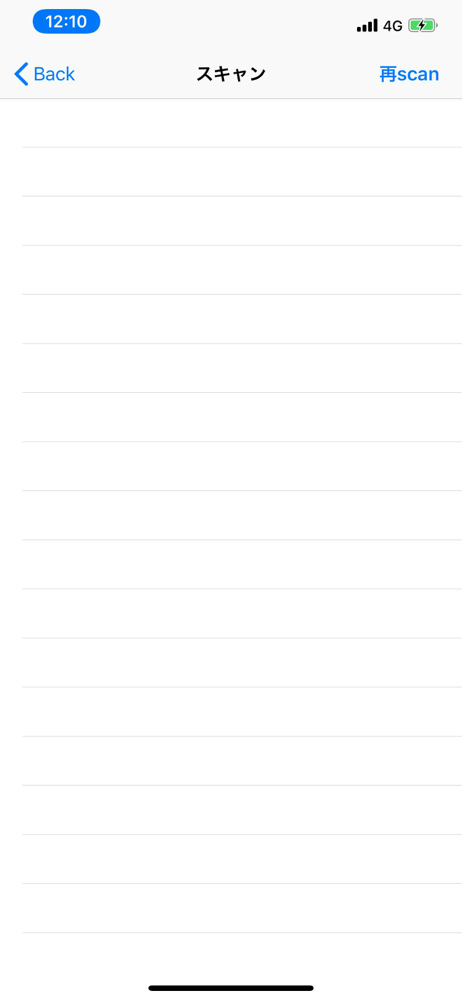
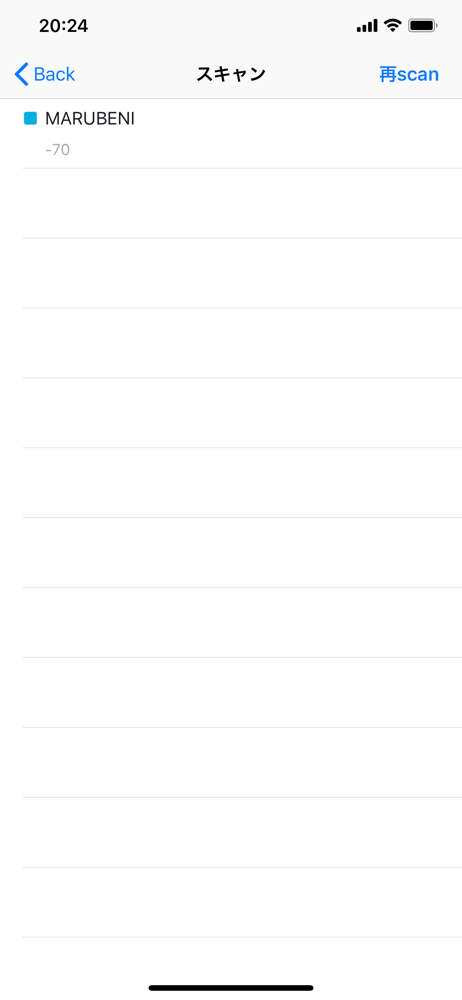
まとめて対応機器を購入し、設定をしようとした。 しかし、このアプリでは機器を認識できず、設定はできなかった。 おそらくソフトが今のosのバージョンに対応していない? 機器はデフォルトのままでも使用はできるが、uuidが全て同じなので個別の識別ができない。
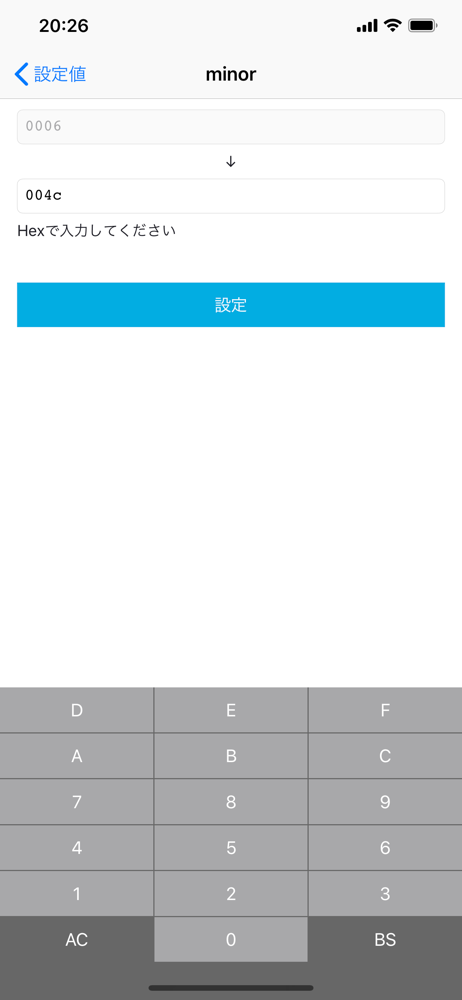
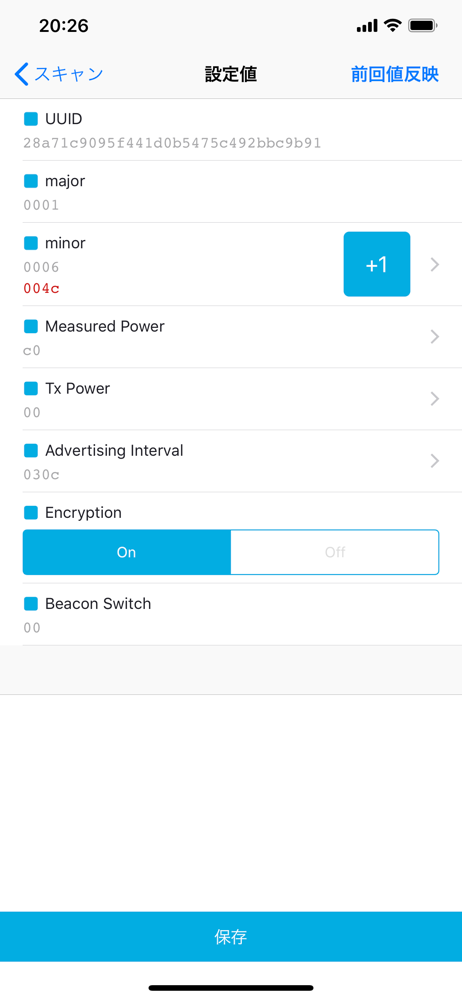
iPad(第4世代)のような旧機種でアスペクト比が3:4の機種の場合、設定値の入力の際にアプリオリジナルで表示される16進数入力専用キーボードが縦に長く表示され、保存、決定ボタンが隠れて先に進めない。
設定後に再スキャンしてもデバイスは認識されない…このアプリは設定しかできないのかな?同じアプリでアドバタイジングモードになったビーコンの確認はしたい。
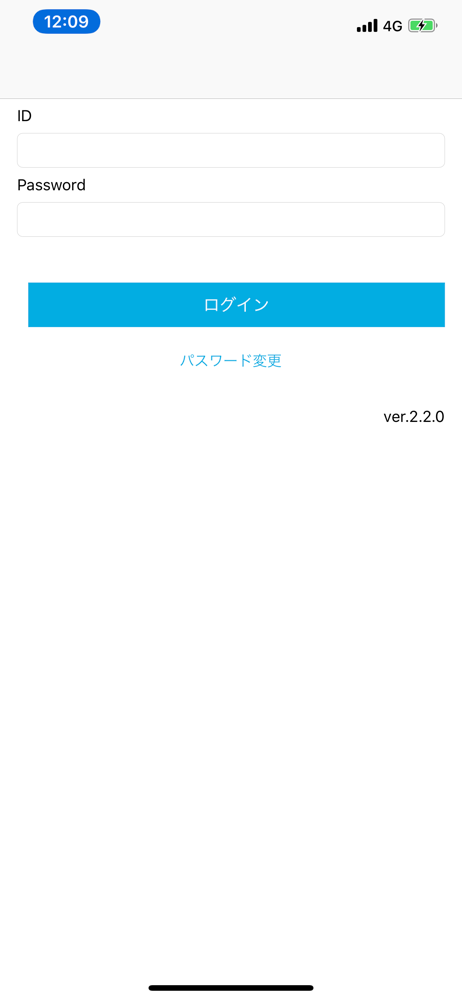
丸紅情報システムズ製BLE Beaconデバイス「BlueBeacon Air2, BlueBeacon Micro, BlueBeacon Tag」の設定アプリです。 本アプリケーションを用い、BlueBeacon Air2やBlueBeacon Micro, BlueBeacon Tagの 「m...


