Check the acquisition promise
Read the store headline, screenshots and description. What problem is the app promising to solve?
Study the storefront ↗
Progress Concepts Limited · iOS
Explore the ad evidence, study the storefront, and build your next acquisition hypothesis.
01 / Creative research
Read the store headline, screenshots and description. What problem is the app promising to solve?
Study the storefront ↗Explore apps with direct store-link matches. Compare their hooks and formats without assuming the same approach works here.
Browse observed advertisers ↗Store rankings and revenue estimates describe market context. They do not establish ad spend, conversions or ROAS.
Review the market context ↗02 / Storefront & product
Study the product story and store experience behind the acquisition funnel.



03 / Market context
Keep revenue, downloads and store rankings separate from advertising performance.
Update: I was able to contact support through their general email address. They replied speedily. I was told that although they don’t have an in app backup option all of my app data should be backed up and preserved as long as I have the app set to backup with my iOS iCloud backup. Also the contact support button only works if you have the iOS mail app setup with an email account. Because I’ve bypasses the iOS mail app entirely that is why the contact support button doesn’t work for me. Excellent support service and still enjoying the app! I am really enjoying this app and love all of the specific search details it allows you to input. I’m paying for the premium service for 15 min searches. Totally worth it. However, I’m trying to find a way to backup my searches so I don’t end up losing them if I lose my phone or need to reinstall app. I have nearly a hundred searches and losing them would be devastating due to the amount of time and research I’ve put in them for my business. When trying to contact support within app I click the button in the settings but it does nothing. Not sure how to get in touch with support to find out if it is possible to backup searches.
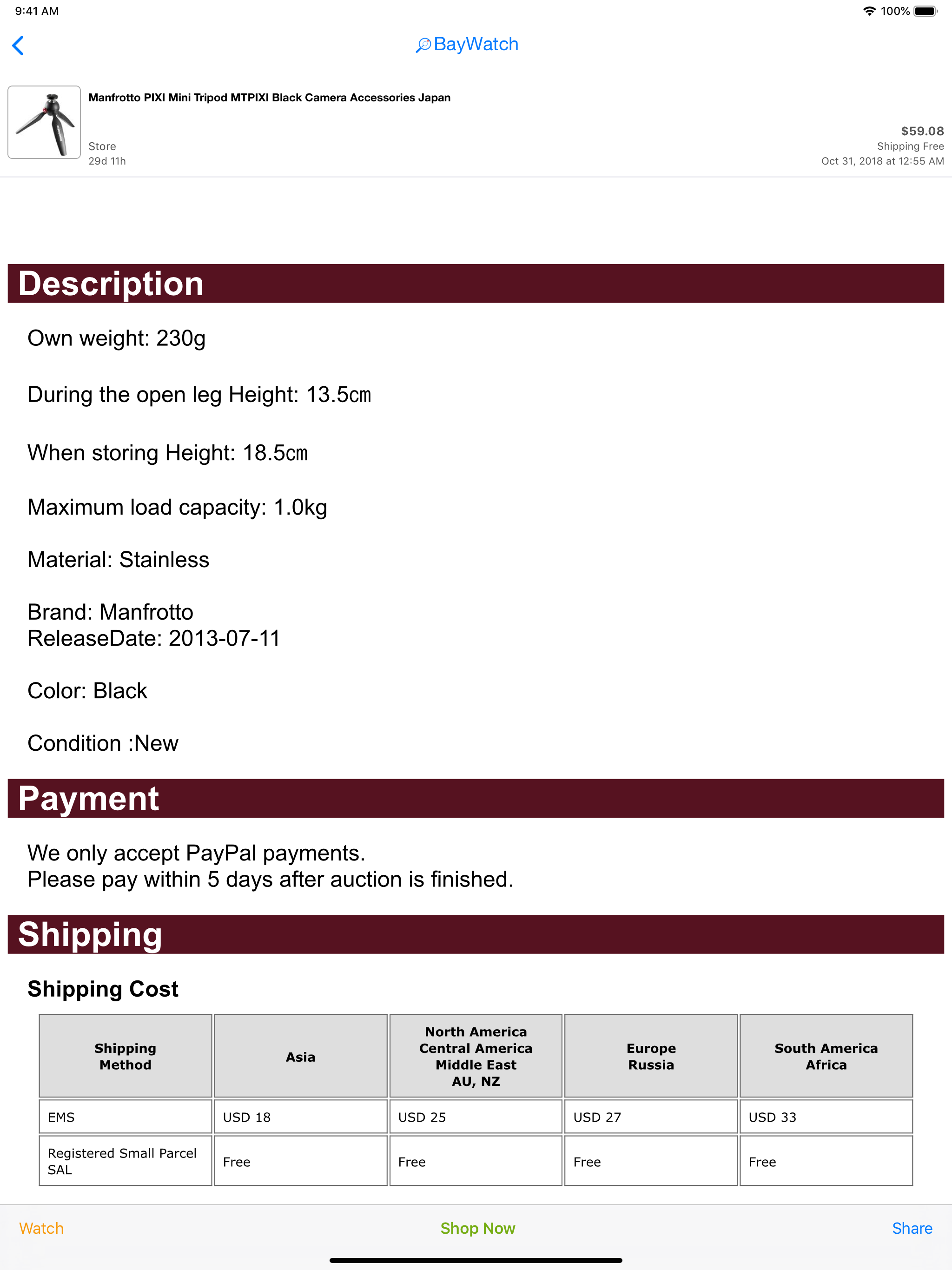
So there’s something you really want to find but can’t sit in front of your browser all day long. BayWatch will find it. It’s simple and allows you to utilize all of eBay’s filters to narrow your search. Done. What a thrill it is to hear that little “ping” and see what the app has found! Just wish it would tell you in the notification but currently you have to open the app to see which search produced results. To determine it, you must search (and squint) for a tiny little red number within your list, so the interface is not quite as user friendly as it could be. Also, you can’t select the notification sound, which tends to be the same one a LOT of other apps use, so sometimes you’ll get a feeling of false alarm. Perhaps the most helpful feature that’s missing is you can’t label your searches. Instead, the app simply lists your search word(s), so if you’re searching, for example, for several different parts by a cryptic model number, you have to remember what goes to what without an opportunity to notate. Overall though, the app is the best I’ve found for the purpose!
I’ve found this to be very helpful. But I’ve learned that you MUST have a few separate “watches” going, using different sets of keywords for the same item you’re looking for... At least for me it’s really helped to yield a lot more reliable results, and I figured this out by noticing that when I entered a bunch of keywords into a “watch” for an item, when I reviewed the results that already existed on EBay, there were listings missing that I knew were active at that moment, and for the same item I was trying to lookout for. So I removed some keywords and added others into a new “watch”, and then I saw the missing listings show up in this app. So now I just have like three or four different “watches” going at the same time for the same item I’m looking for, just using a variety of keywords, and now I seem to get notified just about every time the item I’m looking for gets listed. Also, for some reason I can’t see what I’m typing right now, so please excuse what are probably many errors...
Find new items first on eBay™ before anyone else. BayWatch monitors eBay and alerts you as new items are found. Simply create your watch, and BayWat...
| Name | Price | Type |
|---|---|---|
| 1 Month No Ads | $0.99 | One-time |
| 3 Month No Ads | $1.99 | One-time |
| 1 Month Rapid Discovery | $2.99 | One-time |
| 3 Month Rapid Discovery | $6.99 | One-time |
| 12 Month No Ads | $9.99 | One-time |
| 12 Month Rapid Discovery | $24.99 | One-time |