Check the acquisition promise
Read the store headline, screenshots and description. What problem is the app promising to solve?
Study the storefront ↗
Kevin B. Belton · iOS
Explore the ad evidence, study the storefront, and build your next acquisition hypothesis.
01 / Creative research
Read the store headline, screenshots and description. What problem is the app promising to solve?
Study the storefront ↗Explore apps with direct store-link matches. Compare their hooks and formats without assuming the same approach works here.
Browse observed advertisers ↗Store rankings and revenue estimates describe market context. They do not establish ad spend, conversions or ROAS.
Review the market context ↗02 / Storefront & product
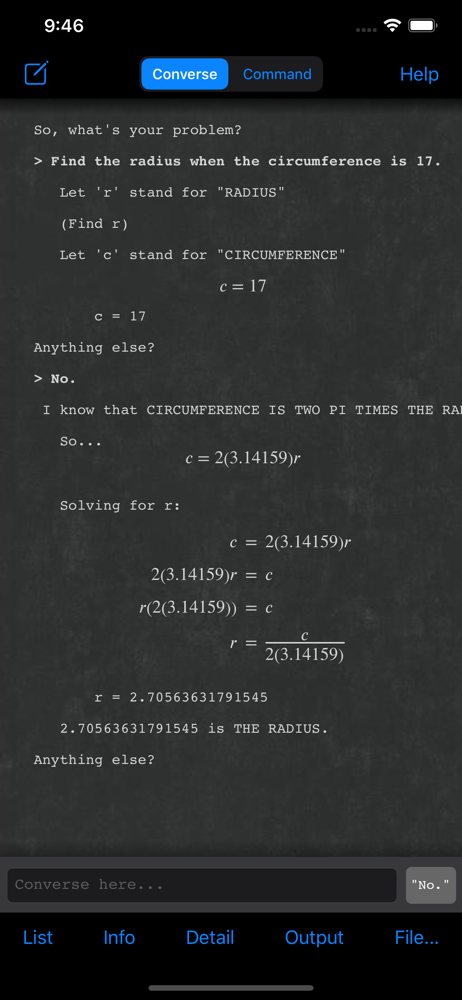
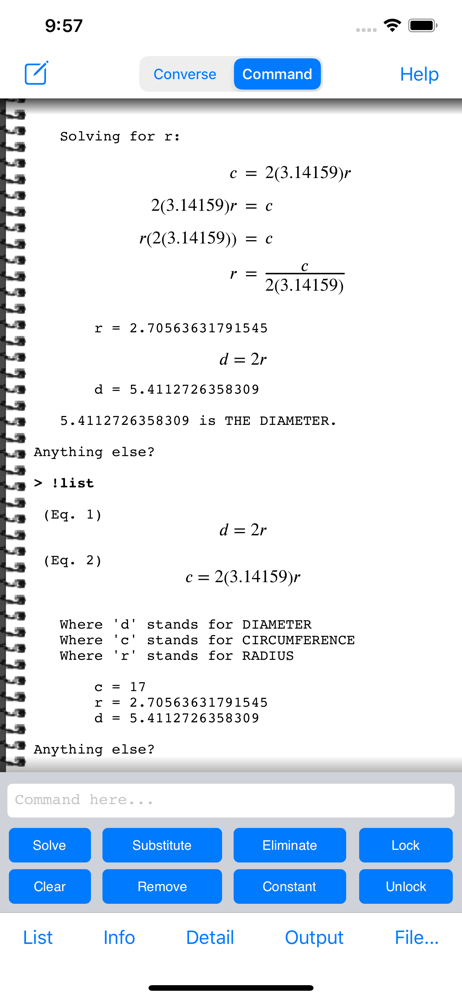
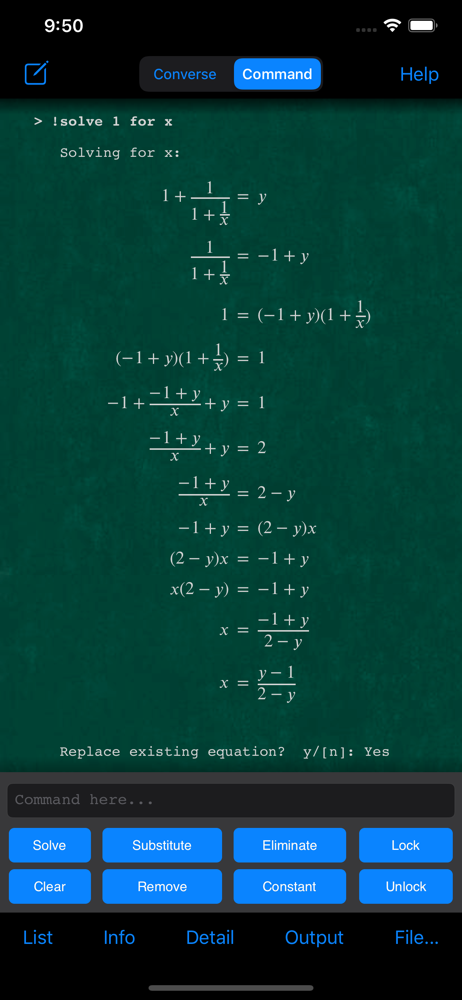
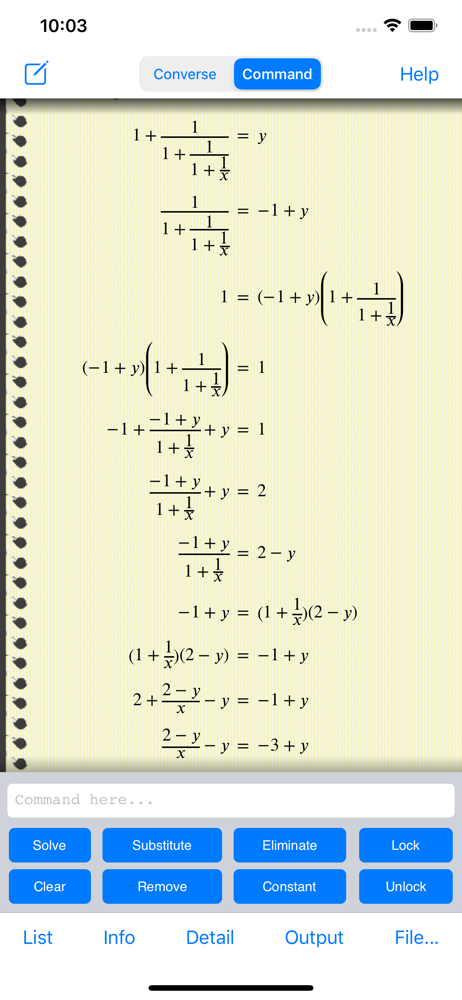
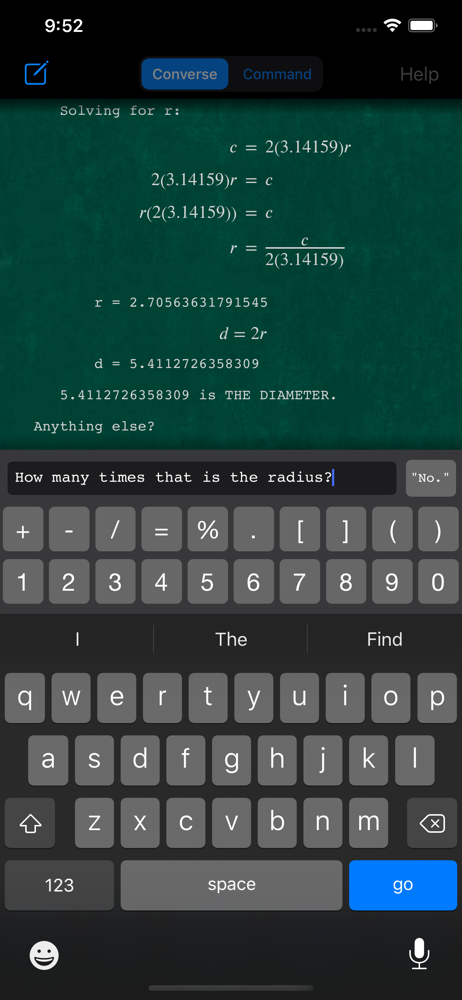
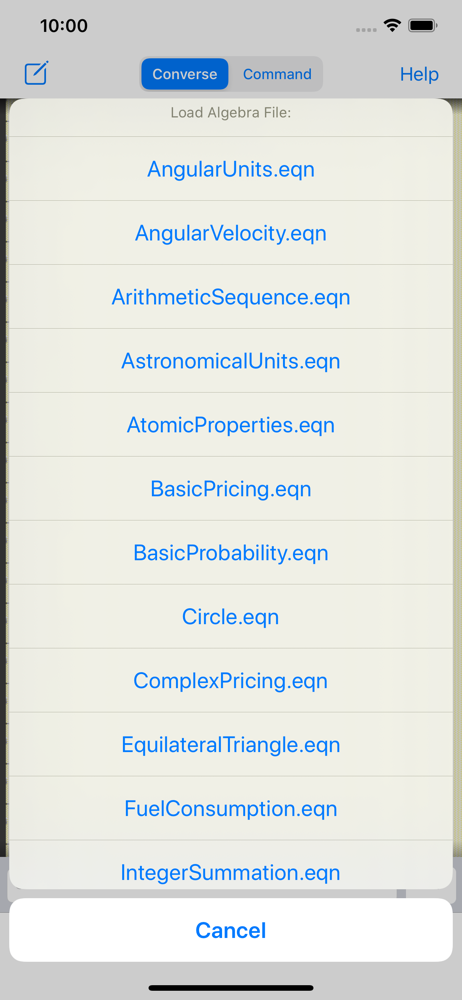
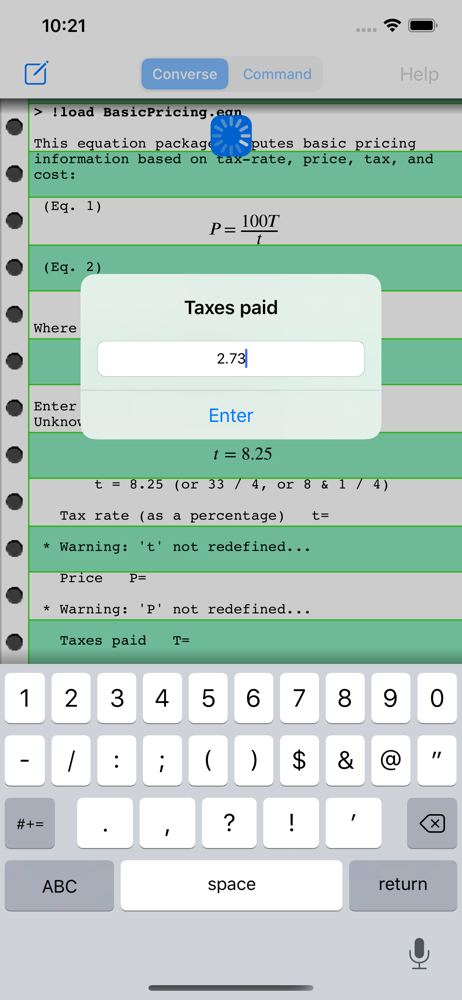
Study the product story and store experience behind the acquisition funnel.

03 / Market context
Keep revenue, downloads and store rankings separate from advertising performance.
I appreciate the hard work! I love this program!
It's been over 30 years since I did 5th grade fractions, and I'm a bit rusty. When I had to check my son's homework this weekend, I was slightly better than lost ... Then I remembered this app an that it can actually output answers as fractions! I was able to double check all his homework with confidence!
This is a great concept, but I had hoped for a more complete manual equation manipulation mode. I would like to be able to enter an equation of arbitrary complexity and then manipulate it myself, just as if I were doing the work with pencil and paper, but without the penmanship issues or possibility of incorrectly carrying out an operation. This app does a lot of interesting things well, and I very much enjoy using it, but it does not do this. It also seems in many areas to be limited to linear expressions (due to complexities in automatically solving in higher degrees). This is understandable, but does limit the utility of the app for educational purposes. The English translation mode is interesting, and it is clear that much effort went into making it quite smart, but I personally prefer to avoid having to figure out the correct phrasing for a problem ( same difficulty I have with WolframAlpha) so I tend not to use this feature. Given how slow typing on the touchscreen is, it's faster just to put in the expressions I want. I would like to see equations rendered in a nicer format. The text-only representation is clear, well executed, and allows easy output options, but the ASCII idiom doesn't really make stylistic sense on a paper-themed background (are we doing math on a typewriter?), and I think an option to render the display in a more graphical, symbolic format would be more natural and easier to read. The help files are pretty good, but I would like to see some more step-by-step examples, and perhaps more about advanced usage for multi-stage problem-solving (videos would be good).
AutoMathic is a different kind of calculator, smart enough to help you solve math problems by automating as much of the work as you want. With AutoMa...