Check the acquisition promise
Read the store headline, screenshots and description. What problem is the app promising to solve?
Study the storefront ↗
Alfredo Grassau · iOS
Explore the ad evidence, study the storefront, and build your next acquisition hypothesis.
01 / Creative research
Read the store headline, screenshots and description. What problem is the app promising to solve?
Study the storefront ↗Explore apps with direct store-link matches. Compare their hooks and formats without assuming the same approach works here.
Browse observed advertisers ↗Store rankings and revenue estimates describe market context. They do not establish ad spend, conversions or ROAS.
Review the market context ↗02 / Storefront & product
Study the product story and store experience behind the acquisition funnel.



03 / Market context
Keep revenue, downloads and store rankings separate from advertising performance.
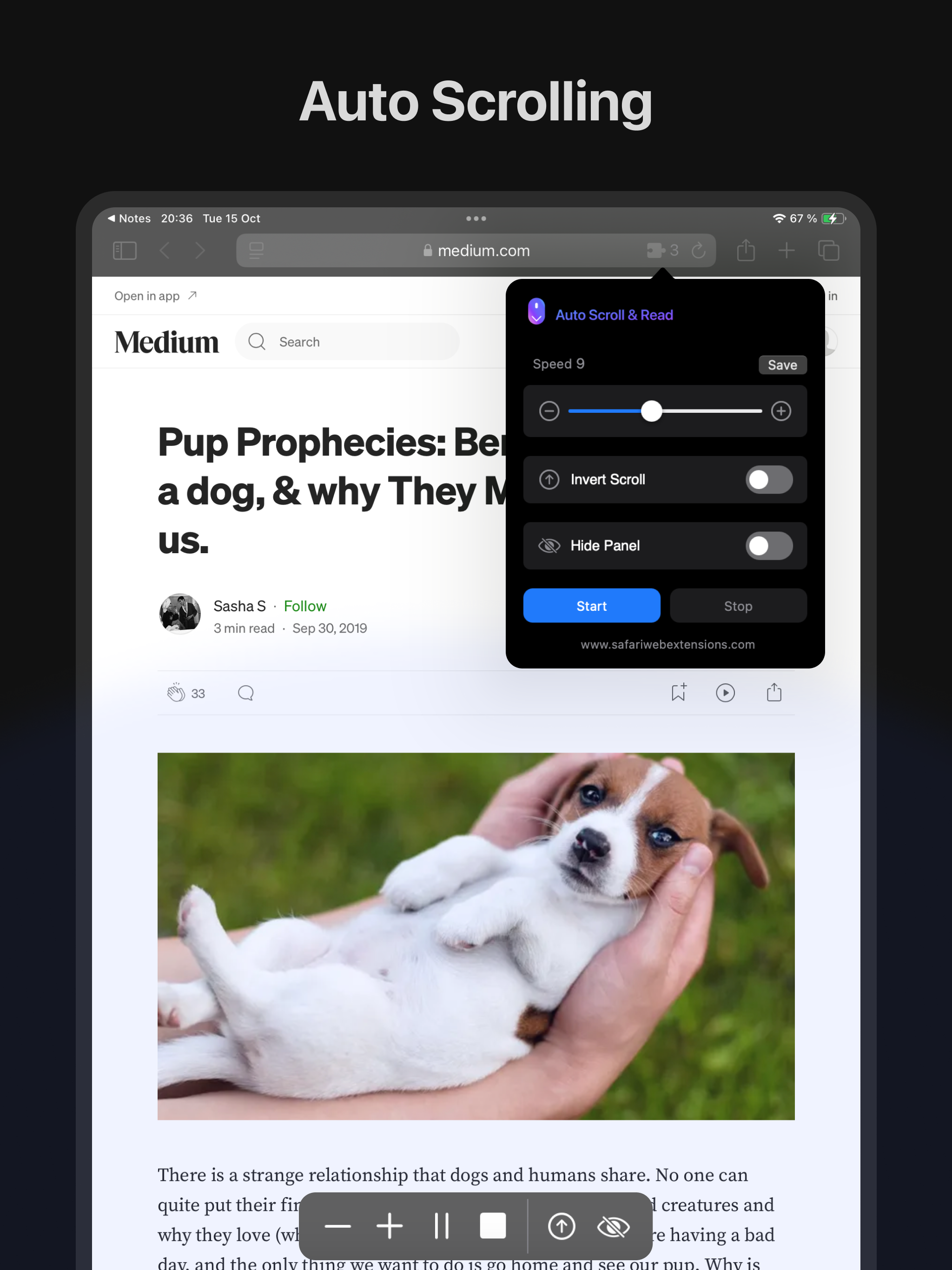
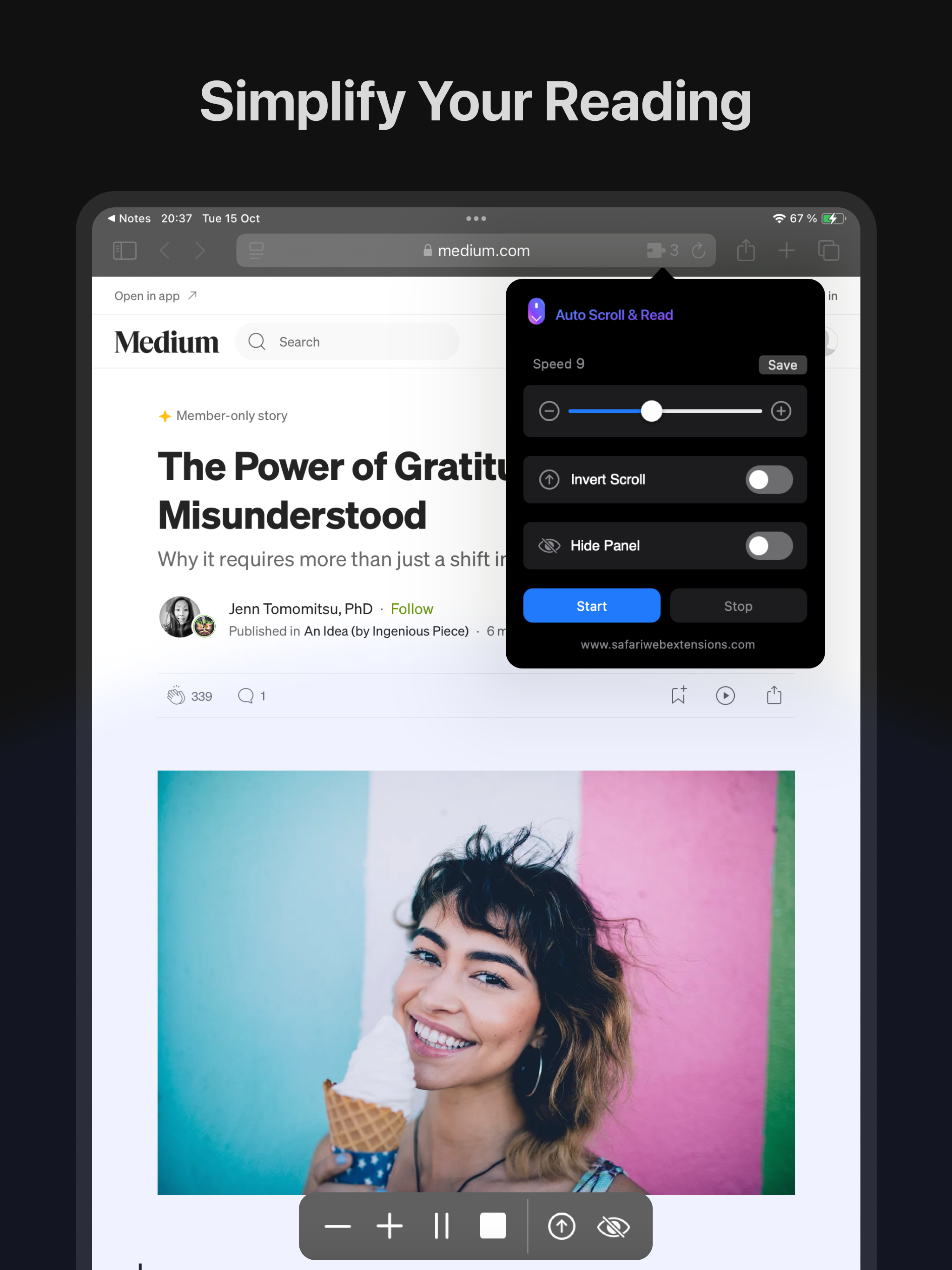
This app works perfect for reading documentation. The scroll speed and direction is adjustable. One purchase works for all of my devices, iPhone , iPad, and a MacBook Pro. All you have to do is enable the extension in your Safari settings. I 100% recommend this extension.
To say the very least I was skeptical since this app had only 4 ratings and I found it via Reddit, but my hand was so tired from scrolling and reading mangas I had to give it a try. The set up was straight forward and easy and I like that there’s an option to speed up/slow down the auto scroll. Great app!
First of all, I tried this and had some issues with it. It worked, but not the way I wanted to use it. I contacted the developer, Alfredo, and he made it work just as I wanted to use it. And it's super-useful. If I now want to scroll through a ton of, e.g., Shutterstock photos, I can set the scroll speed and its justs hums along. And then I can stop the scrolling when something catches my eye. SO helpful!
Auto Scroll and Read - Your Ultimate Browsing Companion Transform the way you browse the web with the "Auto Scroll and Read" Safari extension! Whethe...