Check the acquisition promise
Read the store headline, screenshots and description. What problem is the app promising to solve?
Study the storefront ↗
Nguyen Trung · iOS
Explore the ad evidence, study the storefront, and build your next acquisition hypothesis.
01 / Creative research
Read the store headline, screenshots and description. What problem is the app promising to solve?
Study the storefront ↗Explore apps with direct store-link matches. Compare their hooks and formats without assuming the same approach works here.
Browse observed advertisers ↗Store rankings and revenue estimates describe market context. They do not establish ad spend, conversions or ROAS.
Review the market context ↗02 / Storefront & product
Study the product story and store experience behind the acquisition funnel.




03 / Market context
Keep revenue, downloads and store rankings separate from advertising performance.
Hear ye, all wanderers of the App Store marketplace, and mark well mine warning. this so called auto clicking contraption is naught but a cursed grift forged in the foulest pits of greed. I sought but a humble tool to tap upon mine screen, yet was ambushed by toll gates, false promises, and a miser’s ransom demanded by the weak. Upon opening the accursed thing, I was met not with service, but with trickery. a ticking clock of false urgency, buttons of deceit, and a hidden “Skip” tucked away like a rat in straw. Verily, these knaves would charge peasants coin merely to let a finger phantom poke the glass. The makers of this abomination possess the honor of a swamp goblin and the mercy of a tax collector. “Priority support,” say they. as though one requires royal counsel for an app whose sole labor is tapping. Save thy coin, preserve thy dignity, and flee this digital plague cart at once. I would sooner hire a pigeon to peck mine screen than suffer this villainy again. One star. May the servers know eternal lag.
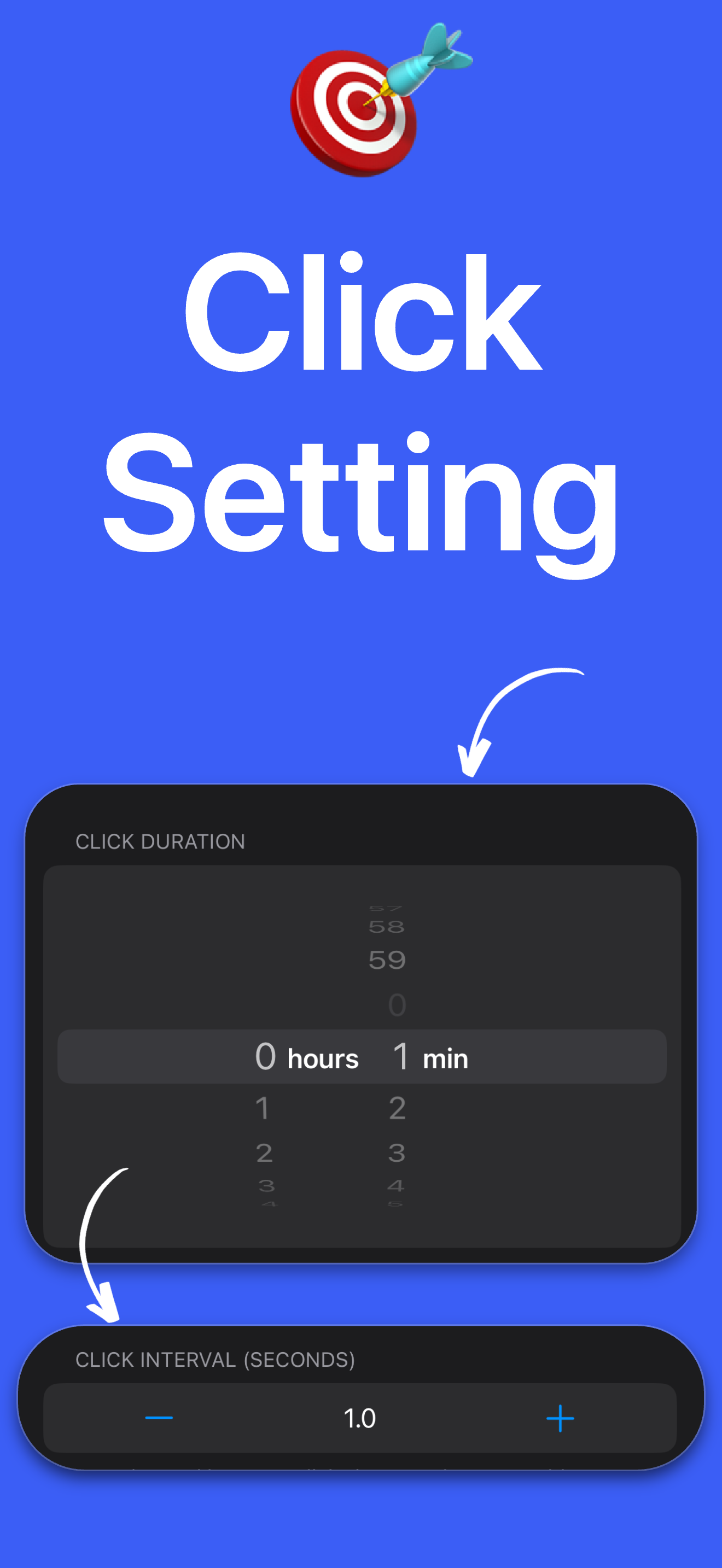
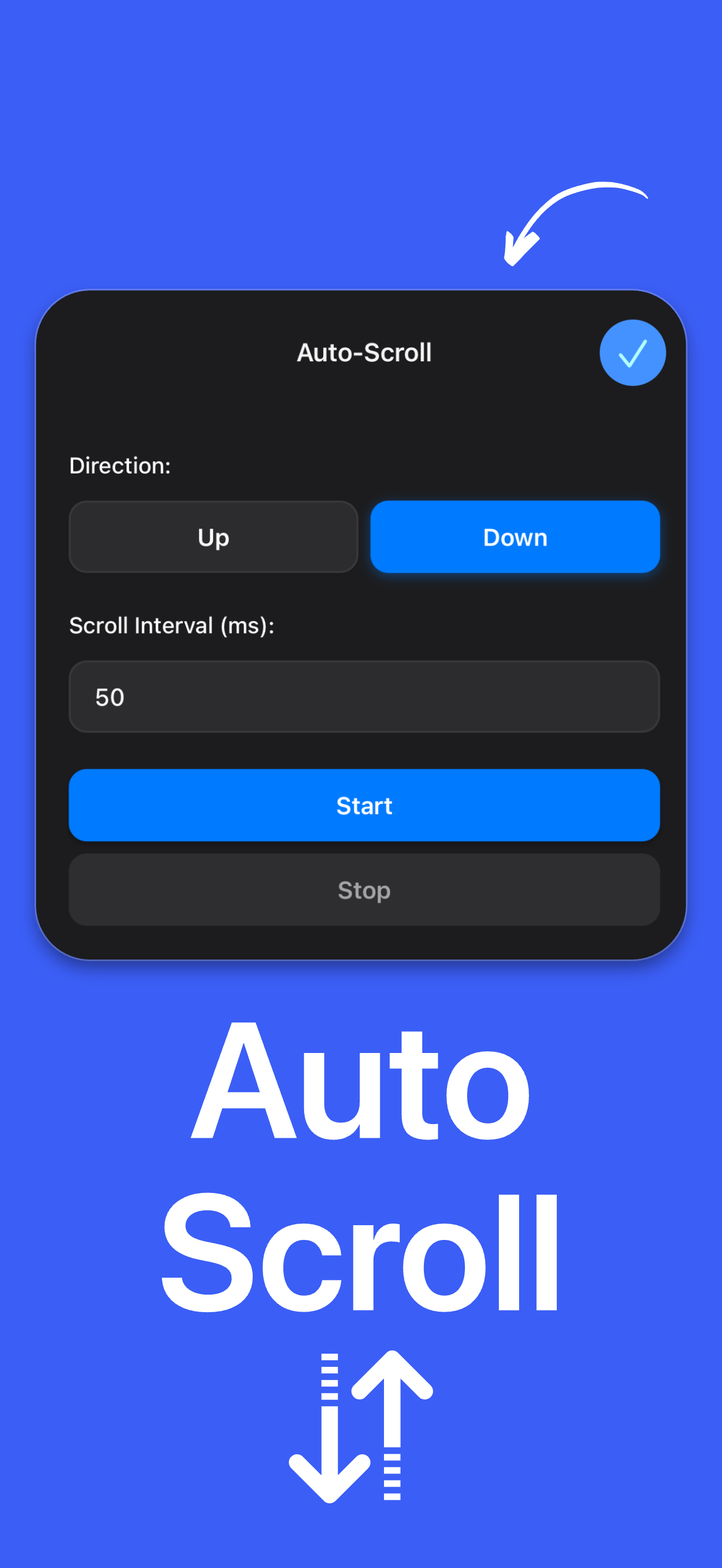
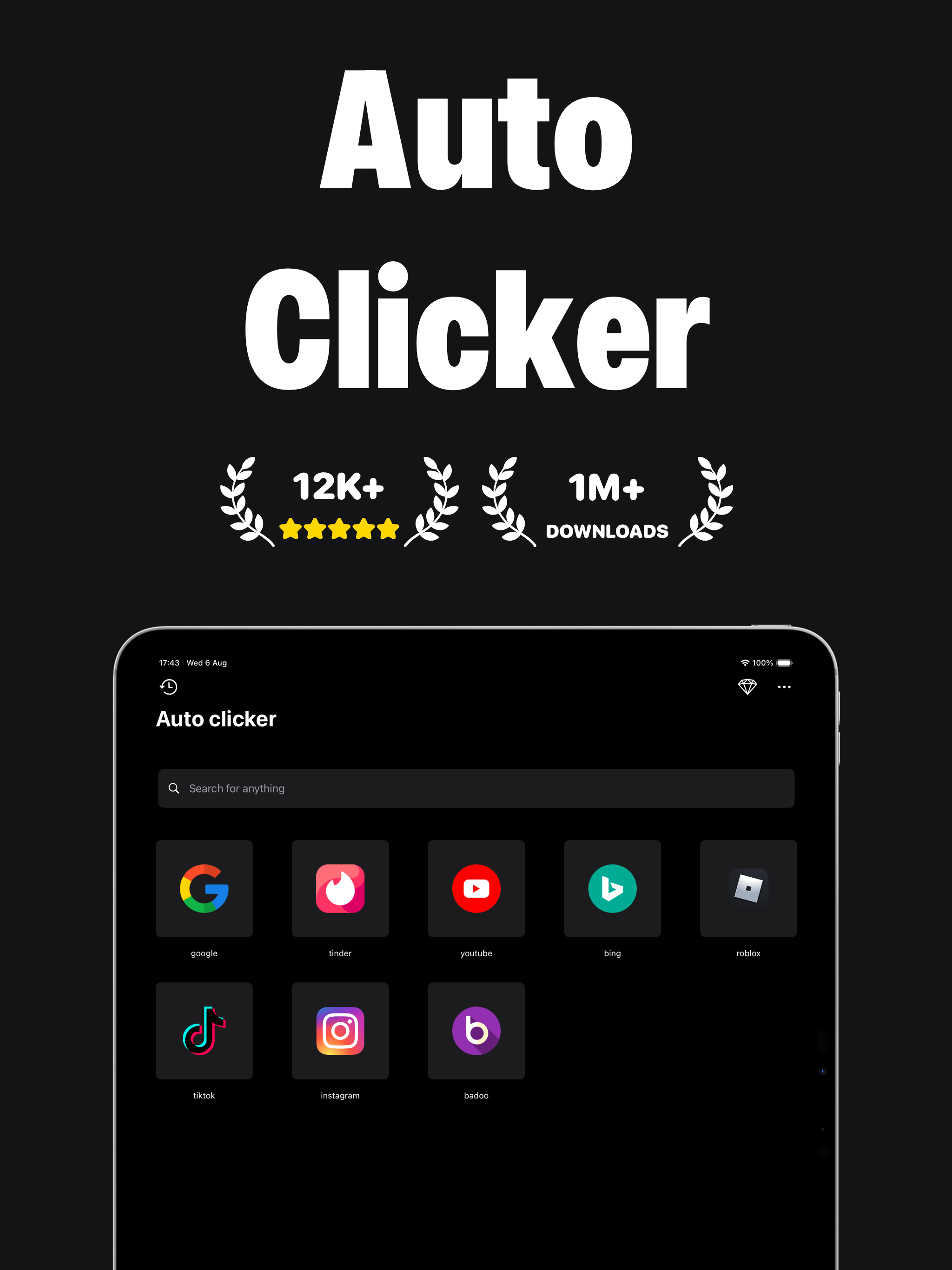
In today’s fast-paced digital world, efficiency and convenience are more important than ever. The Auto Clicker app is designed to help users automate repetitive tapping tasks on their devices, making it especially useful for gaming, testing apps, or completing routine actions without constant manual input. Overall, the app delivers on its promise, though it comes with both strengths and a few limitations. One of the biggest advantages of Auto Clicker is its simplicity. The interface is straightforward and easy to understand, even for beginners. Users can quickly set up automatic taps, adjust the speed, and choose specific locations on the screen. This makes it ideal for people who want a quick solution without needing advanced technical knowledge. Additionally, the app saves time by allowing tasks to run automatically, which can be very helpful for repetitive activities. Another positive aspect is its flexibility. Users can customize click intervals and patterns, which makes it useful for a variety of purposes, from gaming to productivity tasks. The app also runs smoothly on most devices, with minimal lag or crashes, which improves the overall user experience. However, there are some downsides. Depending on the device, the app may require special permissions or accessibility settings, which can be confusing or feel risky to some users. In some cases, ads can also interrupt the experience, especially in the free version. Additionally, not all apps or games allow the use of auto clickers, which may limit its functionality. In conclusion, Auto Clicker is a practical and effective tool for automating repetitive tasks. While it has minor drawbacks such as ads and permission requirements, its ease of use and customizable features make it a valuable app for many users. For anyone looking to save time and reduce effort on repetitive actions, Auto Clicker is definitely worth trying.
This is for mobile but my question is why does it not work on mobile I tried to use it on Roblox and it wouldn’t let me join using it but if I pressed it normally it would so 3 stars just fix that error pls because I’ll use this for a long time if you do if you do I’ll change this to 5 stars
Tired of endless tapping? Let AutoClicker do the work for you. AutoClicker saves your time and effort by automating repetitive clicks — fast, simple,...
| Name | Price | Type |
|---|---|---|
| Auto Clicker Pro | $1.99 | One-time |
| Weekly Access | $2.99 | Weekly |
| Weekly Access | $3.99 | Weekly |
| Weekly Access | $3.99 | Weekly |
| Weekly Access | $4.99 | Weekly |
| Premium access (Weekly) | $4.99 | Weekly |
| Premium access (Annual) | $39.99 | Yearly |