Check the acquisition promise
Read the store headline, screenshots and description. What problem is the app promising to solve?
Study the storefront ↗
Fitness Labs · iOS
Explore the ad evidence, study the storefront, and build your next acquisition hypothesis.
01 / Creative research
Read the store headline, screenshots and description. What problem is the app promising to solve?
Study the storefront ↗Explore apps with direct store-link matches. Compare their hooks and formats without assuming the same approach works here.
Browse observed advertisers ↗Store rankings and revenue estimates describe market context. They do not establish ad spend, conversions or ROAS.
Review the market context ↗02 / Storefront & product
Study the product story and store experience behind the acquisition funnel.




03 / Market context
Keep revenue, downloads and store rankings separate from advertising performance.
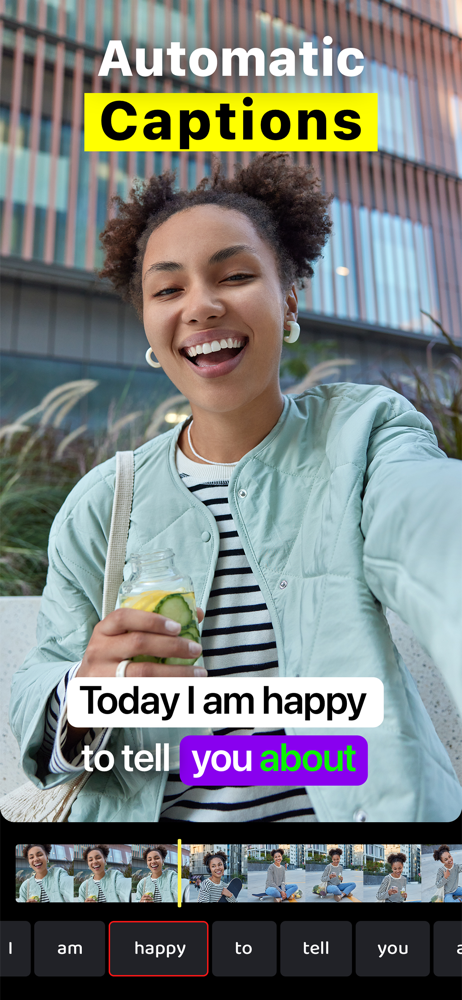
Initial impression on my first time using the app is excellent bit for being user friendly and theme appropriate but I definitely would like to be able to zoom in and add more features later.
I chose this app because I wanted to be able to select the sizing of my fonts and number of words per text box and adjust when exactly on the timeline they would be said just like in Capcut, but I can’t do that here, the system automatically jams however, many words it wants on the screen, even if it doesn’t fit the sentence properly. So annoying. And it doesn’t do numbers as well either, for example, if I say “1.5” it will literally type in “1” “.” “5” so that each part has a separate box instead of putting it all together. Same thing with dates like 1958 will be. “19” “50” “8” which is so annoying.
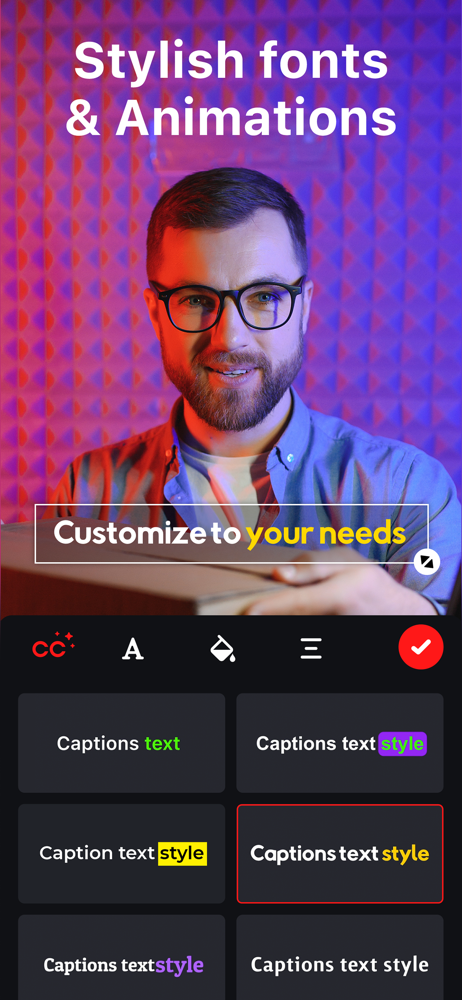
I downloaded & try it, I notice that it runs smooth and very fast adding subtitles as well as fast uploading my videos, it detects the language very accurate with no mistakes doing subtitles very fast which impressed me for real love it, style subtitles are for so beautiful & there’re lot of options to change styles and editing the video, is incredibly simple navigating on it, I won’t need another tool, no more apps downloaded then deleted because just don’t like them but I’ll stay with this app cuz’ its architecture is elegant simple fast and the most important for me the accuracy of the subtitles recognizing the voices of any speaker on any video, so nice.
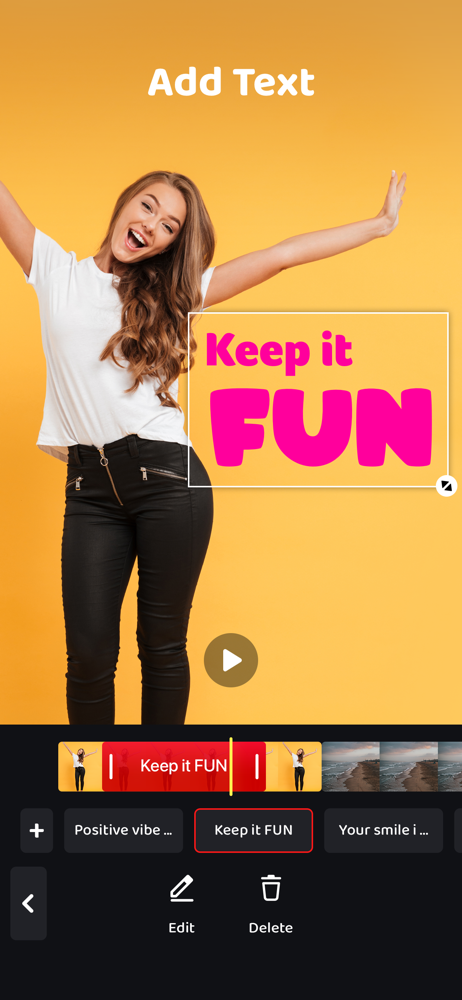
Transform your videos with Auto Captions, the smart video editing app that makes captioning fast, easy, and stylish. Whether you're creating content...
| Name | Price | Type |
|---|---|---|
| Captions Pro (Annual) | $29.99 | Yearly |