
Check the acquisition promise
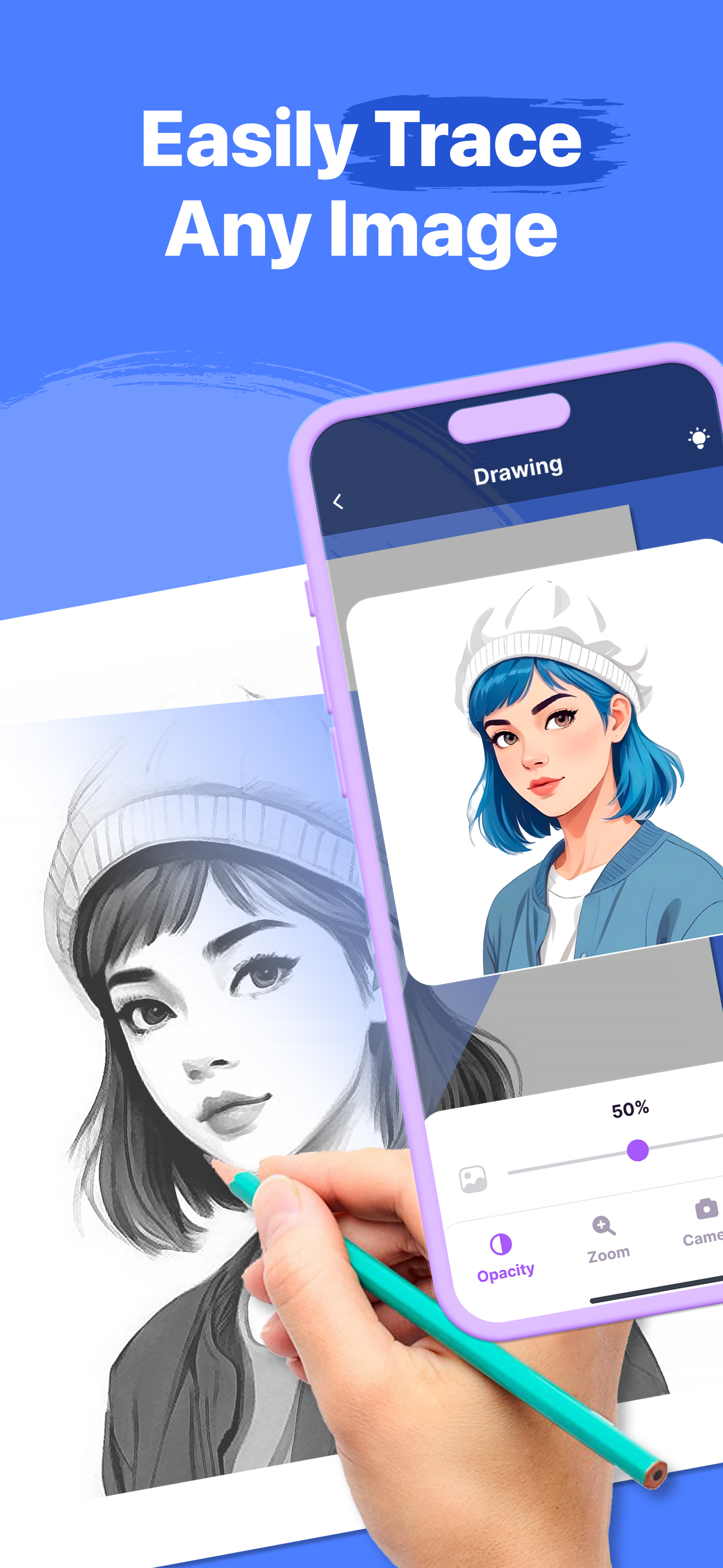
Read the store headline, screenshots and description. What problem is the app promising to solve?
Study the storefront ↗
Dipak Jagtap · iOS
Explore the ad evidence, study the storefront, and build your next acquisition hypothesis.
01 / Creative research
Read the store headline, screenshots and description. What problem is the app promising to solve?
Study the storefront ↗Explore apps with direct store-link matches. Compare their hooks and formats without assuming the same approach works here.
Browse observed advertisers ↗Store rankings and revenue estimates describe market context. They do not establish ad spend, conversions or ROAS.
Review the market context ↗02 / Storefront & product
Study the product story and store experience behind the acquisition funnel.





03 / Market context
Keep revenue, downloads and store rankings separate from advertising performance.
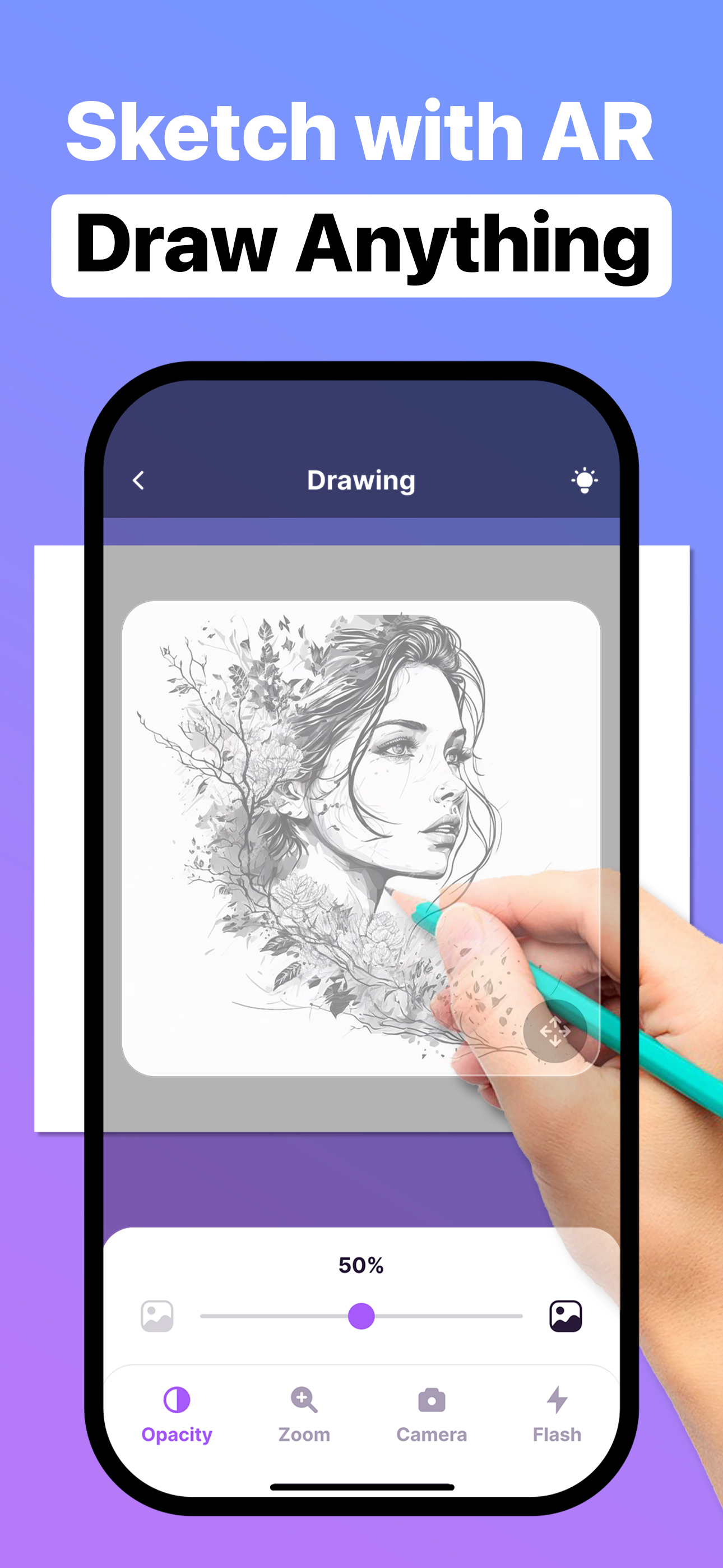
I started drawing and painting six or seven years ago. I have no freehand sketching skills, so I began with grids which were more time consuming than the actual drawing process. As soon as I discovered the DaVinci app it cut my prep time by two thirds. But there was usually something off with the finished drawing that I couldn’t detect once I removed the anchor card. This morning I discovered AR Drawing and found it has the potential to change my paintings, if not my life. I loaded a picture and pointed my phone at the painting I had rendered from it. I immediately saw what I could never quite see when I held the painting and the picture side by-side: all the flaws were revealed by sliding the opacity switch. Before AR Drawing I knew something was wrong, now I can easily see what it is and correct it.
This app is the BEST 10 / 10 but there is one thing you haft. To pay a monthly or weekly or even yearly payment to get premium. But I’ve been on this app for 15 minutes and there only been 3 adds . ッ
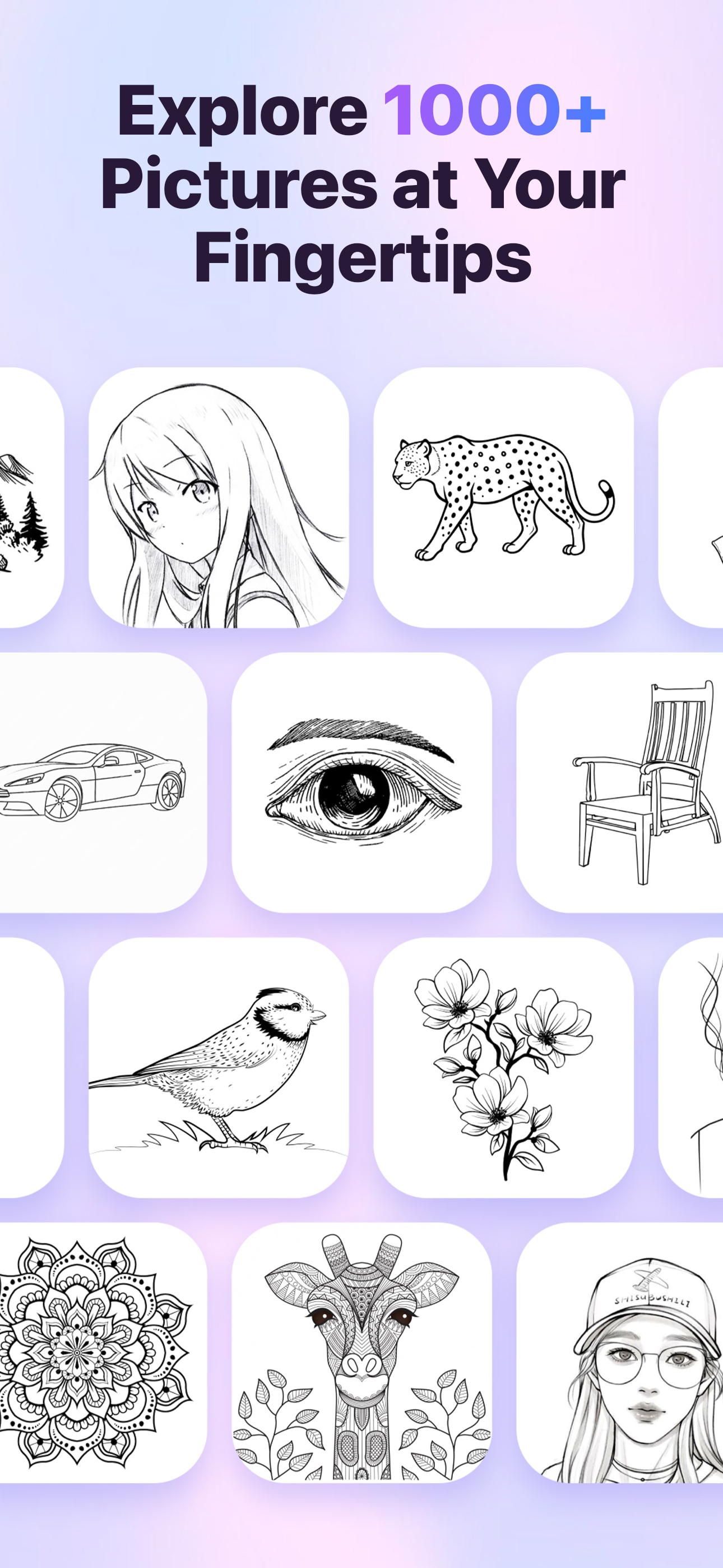
Your app gives people to many will you rate us and I know people need to make money out in this world but I think you should add more pictures and let people project them like more pictures that don’t need more stuff. I will tell anyone that is reading this that anime lover that can’t draw would love this app you just need to put more pics and stuff. Like I would keep this app is I could draw more anime I like so you guys and girls should look at many different anime’s as well. This is mainly why I gave you a one star and stuff. Here are some good anime Bungo stray dogs, one piece all that jazz. One more thing is that people should not use ai art. Is art looks weird and not good because it can’t comprehend fully what some people are asking.
Introducing AR Drawing Sketching Projector, the innovative app that transforms your iPhone into a powerful canvas for creating stunning sketches and d...
| Name | Price | Type |
|---|---|---|
| One Time Purchase | $0.00 | One-time |
| AR Drawing Weekly Subscription | $4.99 | Weekly |
| ARDrawing Monthly Subscription | $9.99 | Monthly |

