
Check the acquisition promise
Read the store headline, screenshots and description. What problem is the app promising to solve?
Study the storefront ↗
Akikazu Yoshikawa · iOS
Explore the ad evidence, study the storefront, and build your next acquisition hypothesis.
01 / Creative research
Read the store headline, screenshots and description. What problem is the app promising to solve?
Study the storefront ↗Explore apps with direct store-link matches. Compare their hooks and formats without assuming the same approach works here.
Browse observed advertisers ↗Store rankings and revenue estimates describe market context. They do not establish ad spend, conversions or ROAS.
Review the market context ↗02 / Storefront & product
Study the product story and store experience behind the acquisition funnel.




03 / Market context
Keep revenue, downloads and store rankings separate from advertising performance.
I recently uploaded some MS Word 2016 docx files to the IOS cloud and was bummed by not being able to edit any of them without being forced to pay a weekly or monthly fee to use an editor from the AppStore that advertised itself as free but after the download forced you to make a choice how to proceed. I finally found AO Office, (OpenOffice for Mobile) and downloaded and installed it FOR FREE. Very slick app, even in the free version. To be able to export to a PDF file, a simple $20 purchase was all that was required for a lifetime license. Anyone wanting to easily export a PDF can easily convert it back to a Word DOCX file without having MS stick its hand in your wallet.
I wanted to review this product, because I couldn’t find this answer under app information, but this was the most important aspect for me. The app supports Open Office extensions. I write in a language that does not have native spelling support on iOS, and I was able to install my custom dictionary to the app. If you are looking for extension support and the ability to install custom dictionaries in a word processor this is the app for you. The price is a bit steep, but I was worth it to me
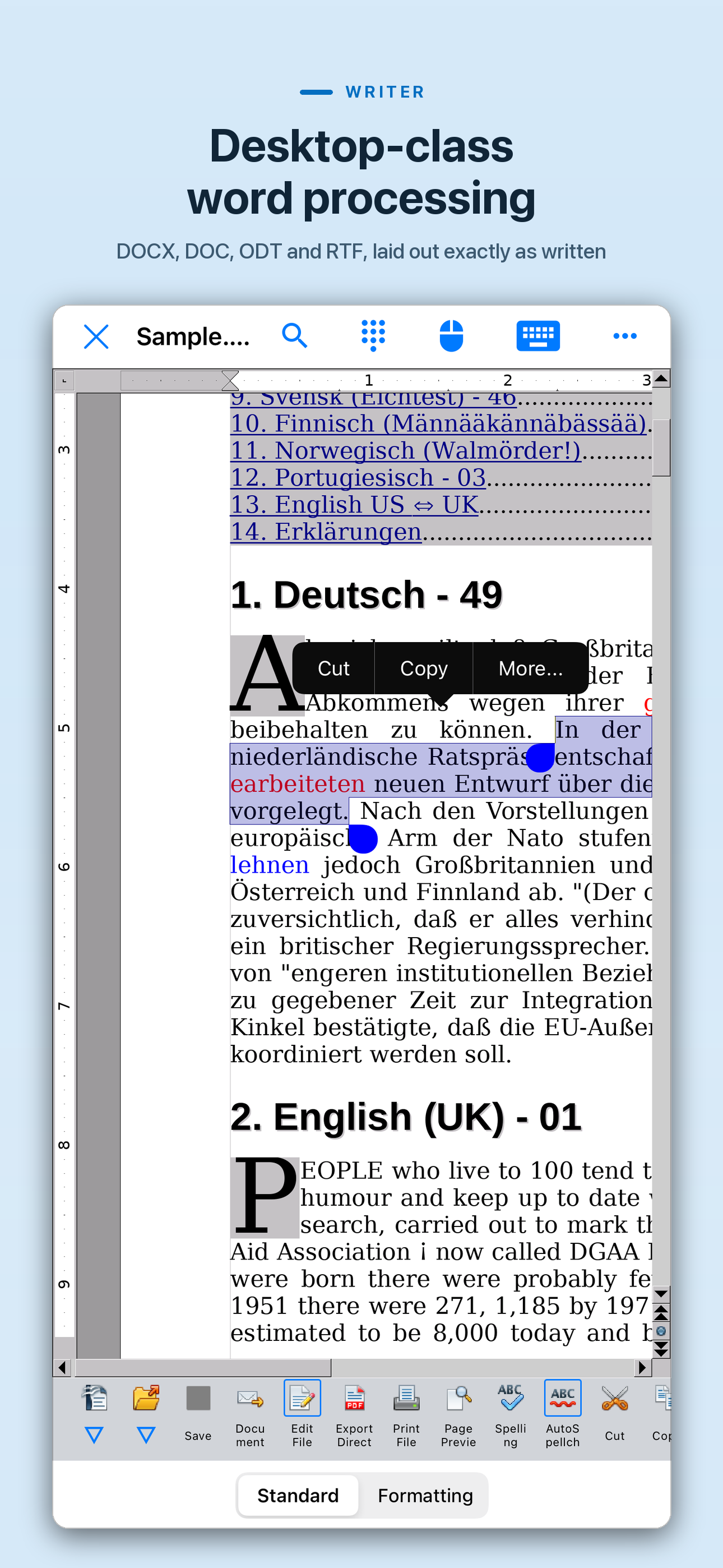
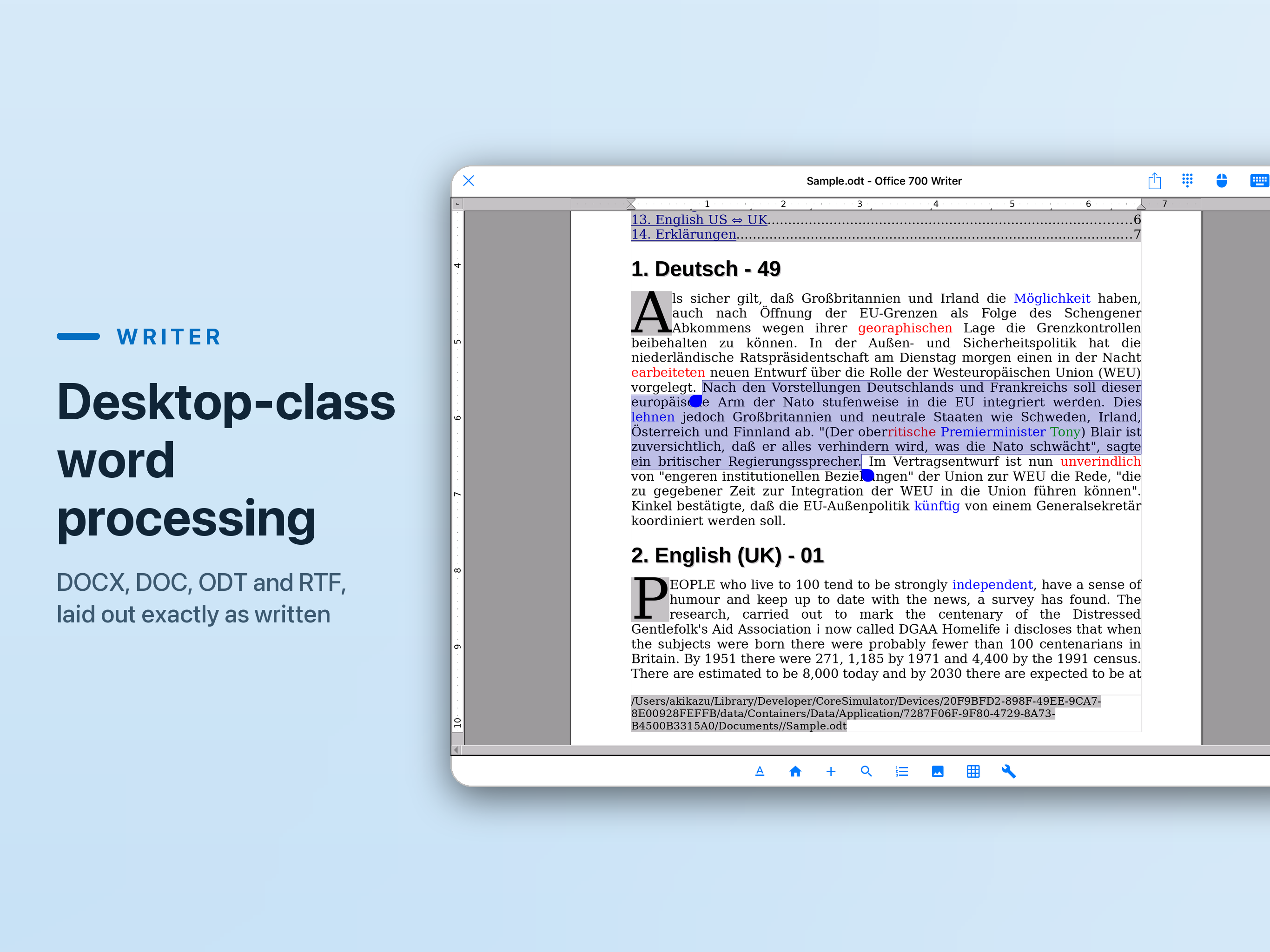
Admittedly, I have barely any experience yet with this app, just a short test run. But it may be the app I’ve been looking for! Initially, I was unable to select text with my iPad. After submitting a review, the developer reached out to me and suggested double tapping the text. This worked to highlight a word. Handles appear, which one can drag to encompass more text. By tapping the left handle, I was able to open a small menu which includes the option to Copy. From there, I needed to experiment a bit before finding that it was then possible to single tap at the point I wished to paste text. This app has many options to change font, text size, and other typical Word type functions, including word count, which is crucial for me. It doesn’t work exactly like Word for the iPad, which I can no longer use due to my iOS, so I anticipate a slight learning curve. I have not yet tried the other possibilities in this Office-type suite, but it looks quite similar to what I am used to in MS. I want to thank the developer for making this available and for being so responsive.
AO Office is the world's first porting of OpenOffice for iOS and it's a powerful and complete office suite for OpenOffice / LibreOffice documents. Yo...
