Check the acquisition promise
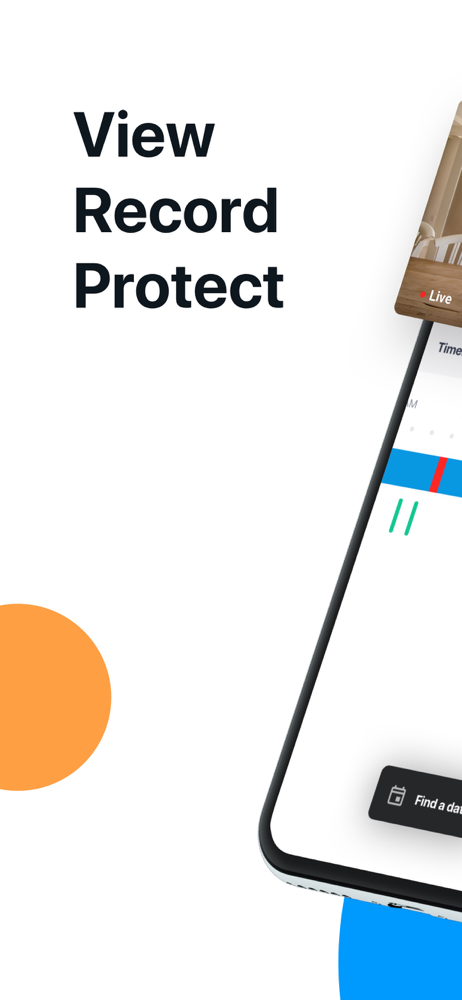
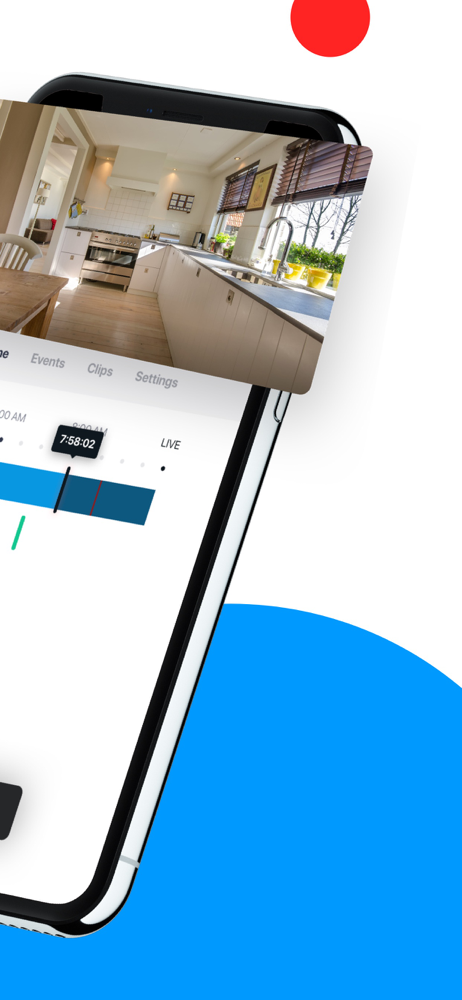
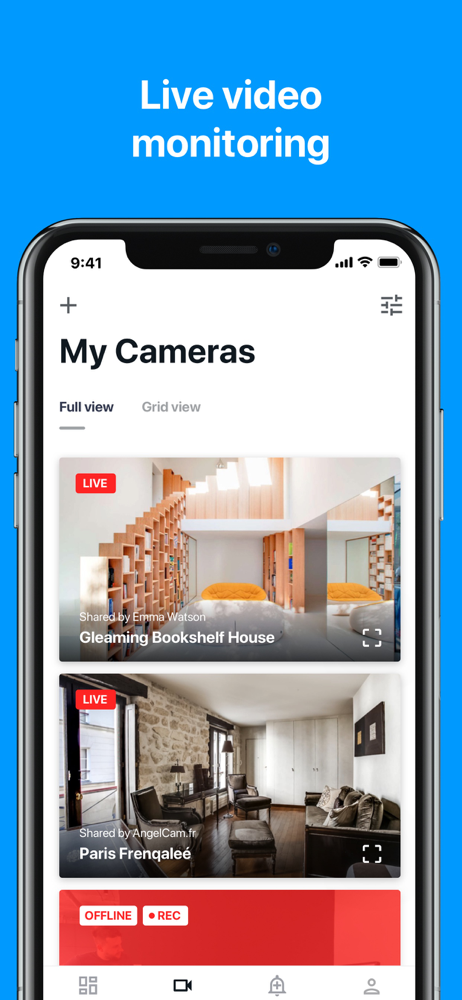
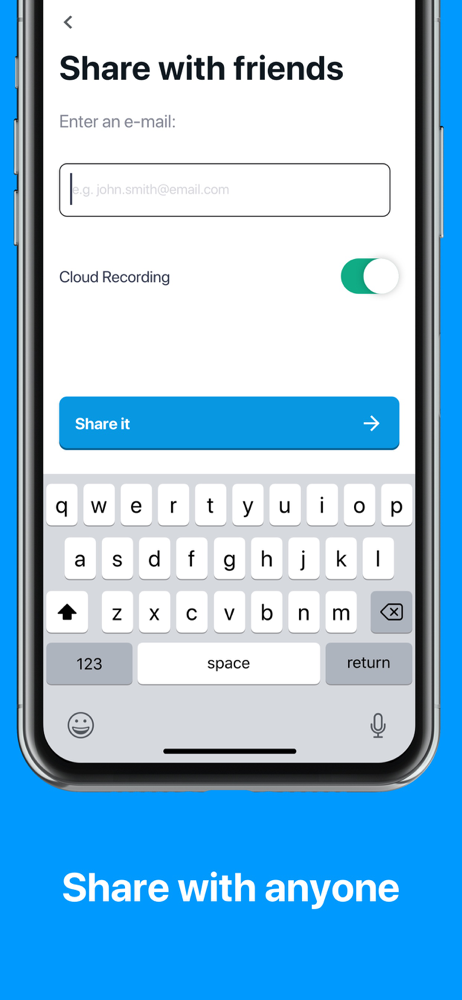
Read the store headline, screenshots and description. What problem is the app promising to solve?
Study the storefront ↗
Angelcam, Inc. · iOS
Explore the ad evidence, study the storefront, and build your next acquisition hypothesis.
01 / Creative research
Read the store headline, screenshots and description. What problem is the app promising to solve?
Study the storefront ↗Explore apps with direct store-link matches. Compare their hooks and formats without assuming the same approach works here.
Browse observed advertisers ↗Store rankings and revenue estimates describe market context. They do not establish ad spend, conversions or ROAS.
Review the market context ↗02 / Storefront & product
Study the product story and store experience behind the acquisition funnel.
03 / Market context
Keep revenue, downloads and store rankings separate from advertising performance.
Using the angel box is fairly simple but viewing through angel cam is horrible. Cameras frequently quit and go offline even though they view other apps just fine. Update: I finally got it working but sadly have to tune the cameras down to their lowest setting possible for frame rates. Seems silly to get a nice clear cam then having to turn it down to its lowest quality to get it to stream. They stream fine on other apps. The customer support is horrendous when I contacted them to help resolve the streaming. After a day I was just sent over to a self help article, which I had already done, and told that “they weren’t a replacement for my IT guys” and to just play with the settings till it worked. I am a private individual, I don’t have an IT dept. As far as the streaming it seems to work ok, at least till I get another option up and running. Their lack of assurance as well as taking over 3 days to respond, shows they really don’t care about the customer.
Paul Ocasek worked on setting up two stubborn cameras for me. I can’t thank him enough. The online interface is simple yet effective for a novice like me. I added the mobile app and was up and running immediately.
I’m not a casual user. I personally manage the second largest single-entity CCTV system in the country (just over 11,000 IP cams and counting). My NAS drive for my home system died just before I went on vacation, so I hit up this service for the time being. I only activated three of my six Axis P3365 cams. First off, the setup for motion detection was not easy. You have to program the functionality on each camera with triggers and emails and getting your sensitivity levels just right and making sure certain ports are open... Next, for sake of bandwidth, Axis cams are all capable of H.264, and running through the Axis VMS on my NAS drive, that works just fine. This app, however, doesn't seem to play well with that functionality. As a result: Recording even just 3 days on 3 cams at 1080 and I’ve absolutely blasted out a hole in my ISP data plan. I had to think for a second about what was causing it because I have five kids (three teens) so at first I thought someone was on a downloading bender. No. Instead its the MJPEG on just three cams. My data usage more than doubled. Let that sink in. Five kids... And here’s the kicker. The resolution is fine, but the FPS completely undermines usefulness unless the motion is moving veeeeerrrry slllloooooowly. My setting is 8 fps, but I might be getting a little less than 1 on the back end. A car traveling at 25mph across my front cam might show up on two frames. Also, no audio functionality. And honestly that’s probably for the best because otherwise who knows.
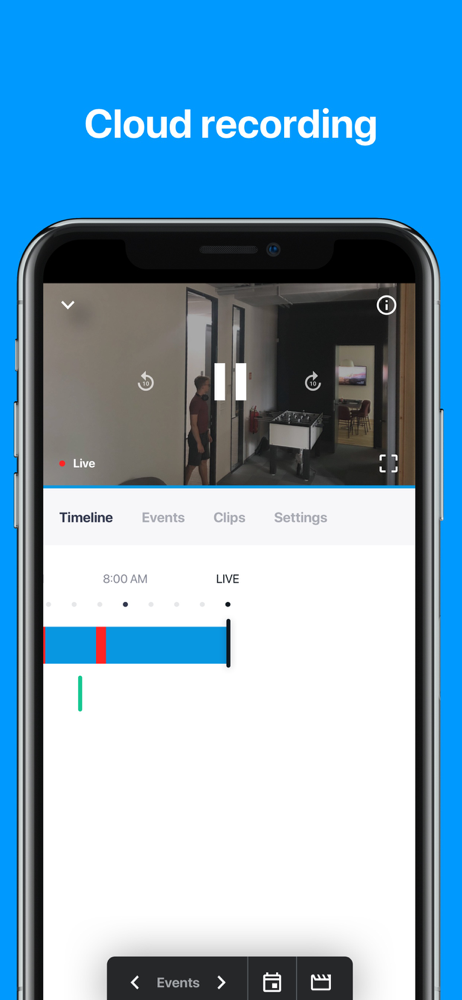
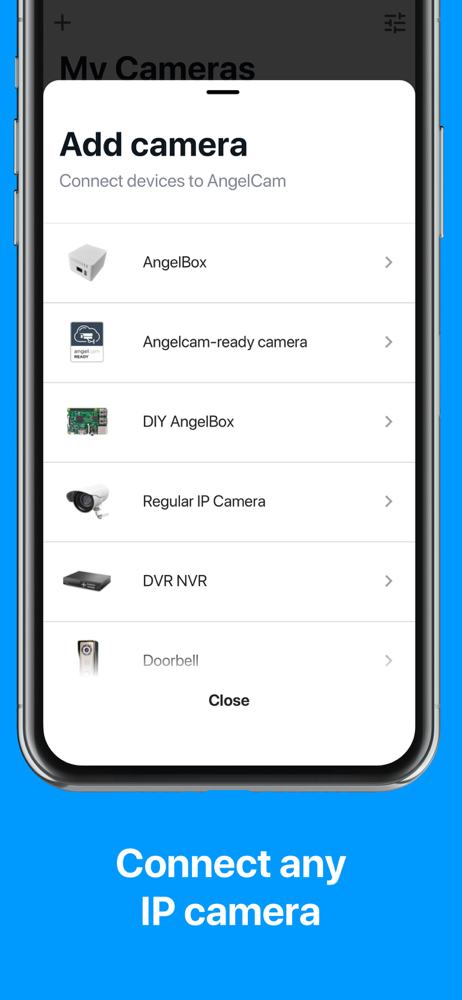
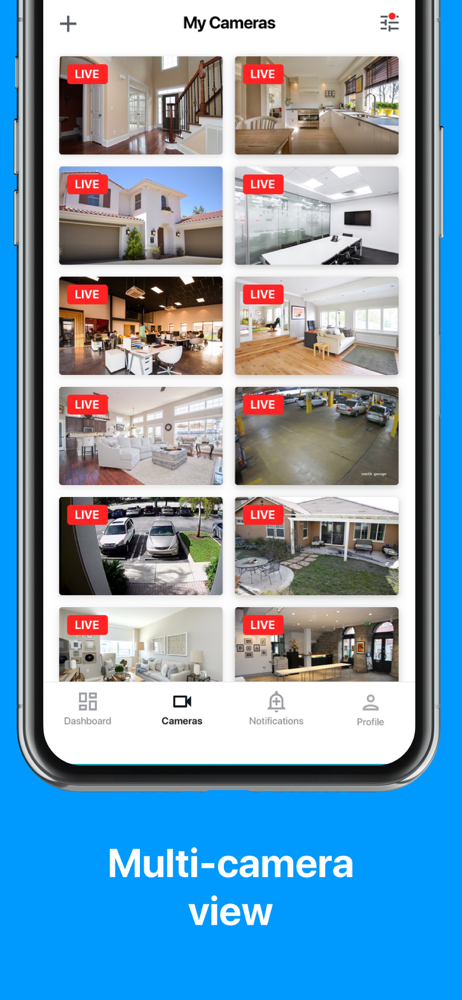
The Angelcam app is a cloud-based IP camera viewer that enables you to monitor and control your home and/or business security. Thanks to its remote ac...