Check the acquisition promise
Read the store headline, screenshots and description. What problem is the app promising to solve?
Study the storefront ↗
Sunshine Valley Systems · iOS
Explore the ad evidence, study the storefront, and build your next acquisition hypothesis.
01 / Creative research
Read the store headline, screenshots and description. What problem is the app promising to solve?
Study the storefront ↗Explore apps with direct store-link matches. Compare their hooks and formats without assuming the same approach works here.
Browse observed advertisers ↗Store rankings and revenue estimates describe market context. They do not establish ad spend, conversions or ROAS.
Review the market context ↗02 / Storefront & product
Study the product story and store experience behind the acquisition funnel.




03 / Market context
Keep revenue, downloads and store rankings separate from advertising performance.
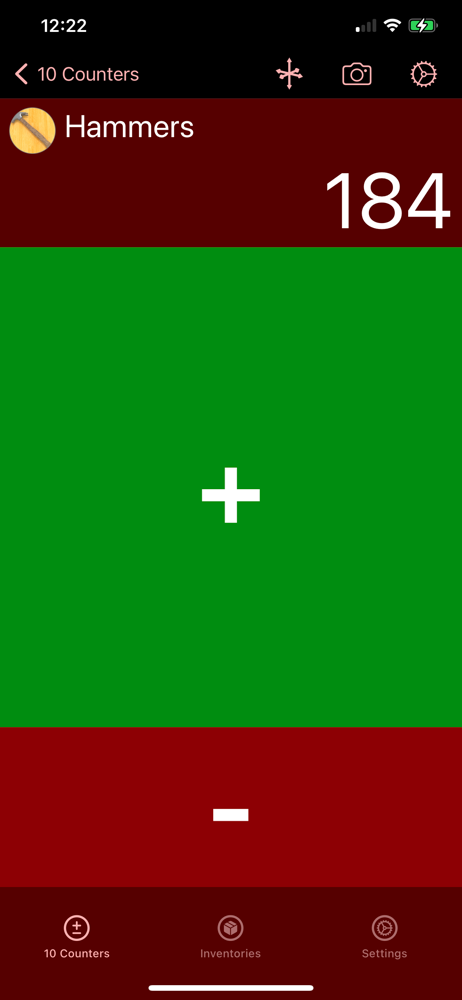
I’m trying to push my counters from the iPhone to iWatch. I’m having trouble activating the contextual menu to the watch. Any help appreciated!
I was surprised not to see any reviews. Works perfectly for the inventory keeping I do at work. I like the audible and tactile feedback you get when using it. I'm next going to try and use the import csv ability. I do wish you could deselect all the items from the inventory items screen with one button. Like a select all/deselect all button. I imported a master item list with descriptions which was nice but I only wanted the parts I'm dealing with in my dept currently which changes from the master list so I have to deselect the majority of 6000 plus items.
Great app works like a charm. Only thing they need to be able to turn off the swipe sound while still having the click sound. The swipe audio is soooooo loud.
All Counter is a utility for counting items. Counters are organized in inventories and can be imported and exported as CSV files. Counters can be add...