Check the acquisition promise
Read the store headline, screenshots and description. What problem is the app promising to solve?
Study the storefront ↗
SAND STUDIO CORPORATION LIMITED · iOS
Explore the ad evidence, study the storefront, and build your next acquisition hypothesis.
01 / Creative research
Read the store headline, screenshots and description. What problem is the app promising to solve?
Study the storefront ↗Explore apps with direct store-link matches. Compare their hooks and formats without assuming the same approach works here.
Browse observed advertisers ↗Store rankings and revenue estimates describe market context. They do not establish ad spend, conversions or ROAS.
Review the market context ↗02 / Storefront & product
Study the product story and store experience behind the acquisition funnel.



03 / Market context
Keep revenue, downloads and store rankings separate from advertising performance.
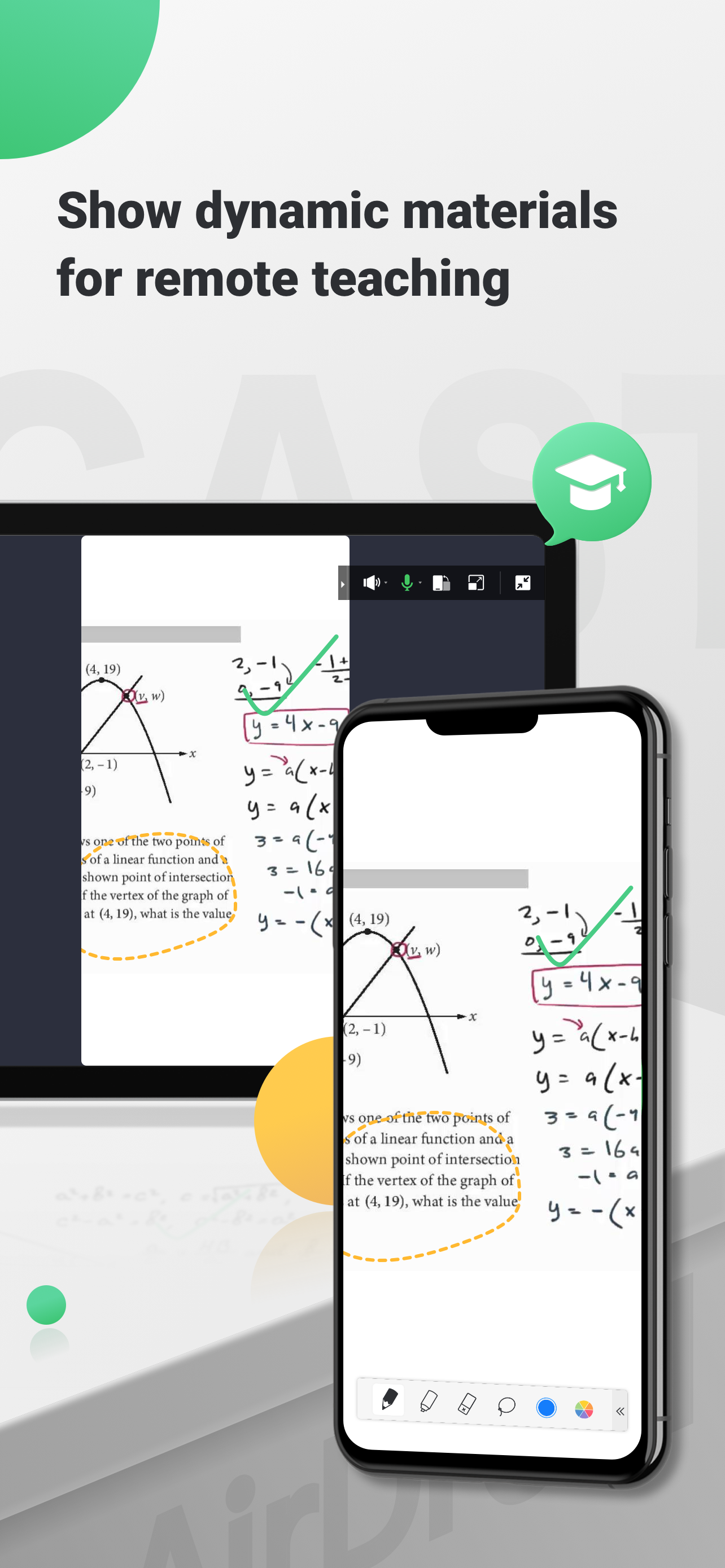
I teach online. I draw terribly with a mouse on my work PC. We are not provided drawing accessories for our online teaching(which is fine, I don’t even teach art. I just want to notate or draw on slides or virtual whiteboards). I have been trying all sorts of options to use my iPad as a drawing tablet. I have tried downloading the respective apps we use on our PCs/Chrome browsers, I have tried apps on my iPad and having admin approve with password. Nothing works consistently without a subscription or downloading iTunes and plugging it in. Until I tried this! I can screen share anything on my iPad and simply open that window on chrome for google meet to share that tab(that allows sound). Thank you! I’m no longer frustrated!!
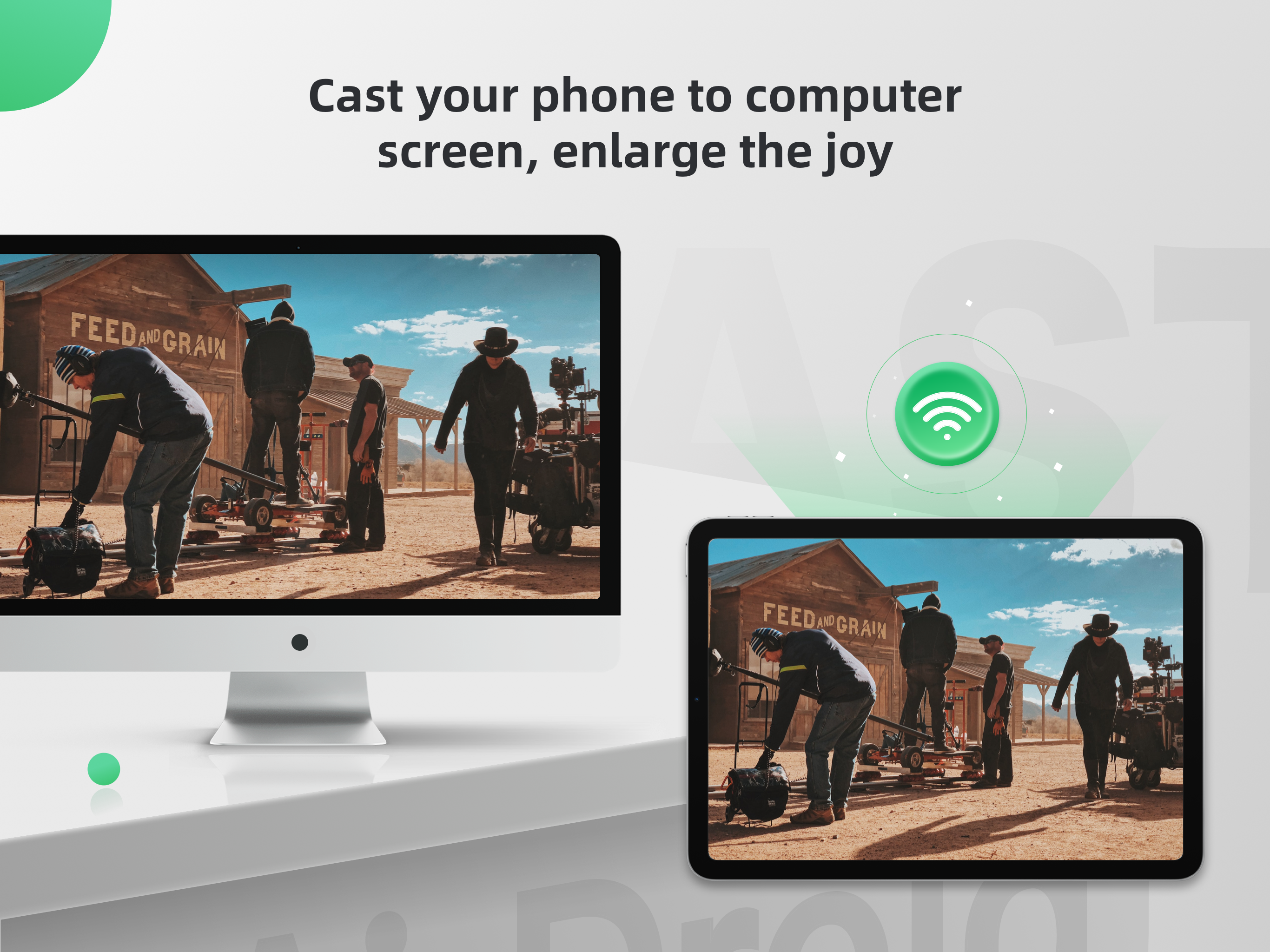
I needed a way to cast from my iPad to my wide screen monitor. I spent a couple hundred on various cords and several months trying to make it work but my iPad was too old. My tutor told me about this app. I thought it was too good to be true, but after three tries I figured it out and it is fantastic. Once I figure out it’s other capabilities I would be willing to do the in app purchase because it is so worth it.
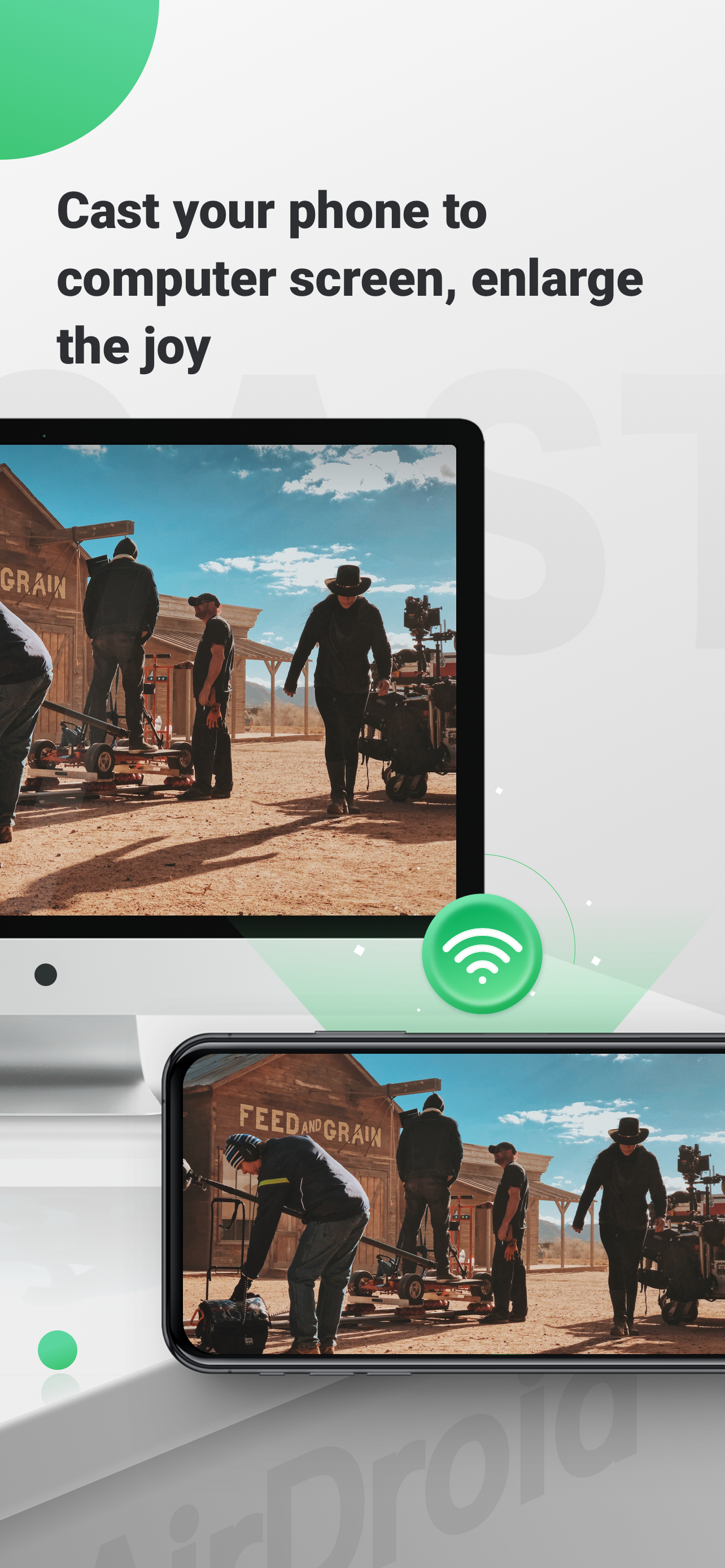
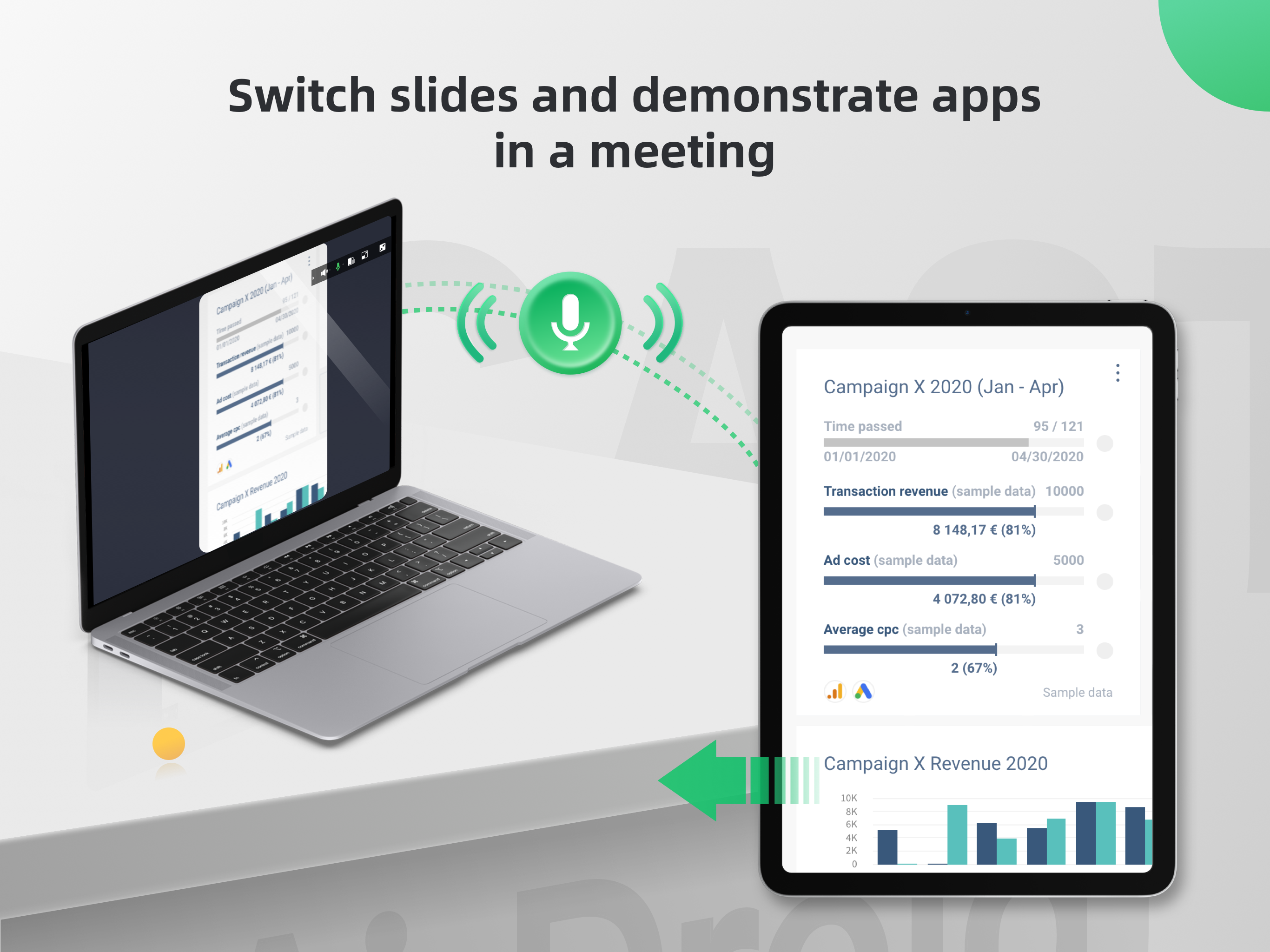
I’ve tried with screen mirroring with so many different apps in the App Store. Most of them were either not working properly or have many false information. This app works right out of my first try and it works with wifi and internet to mirror my iPhone 13 Pro Max to Windows PC. Not only that, I can rotate my iPhone and the mirroring responses instantly. There is a rotate button on the PC app that I can independently rotate my iPhone. I need this feature because I was demonstrating an AR app on the iPhone, and I need to rotate the screen without rotating the actual iPhone. I needed this for my AR app. To the developers of this app. Please add keyboard shortcuts to quickly rotate the screen in addition to using the mouse. Thank you for creating this wonderful app. You deserve ten stars! Cheers
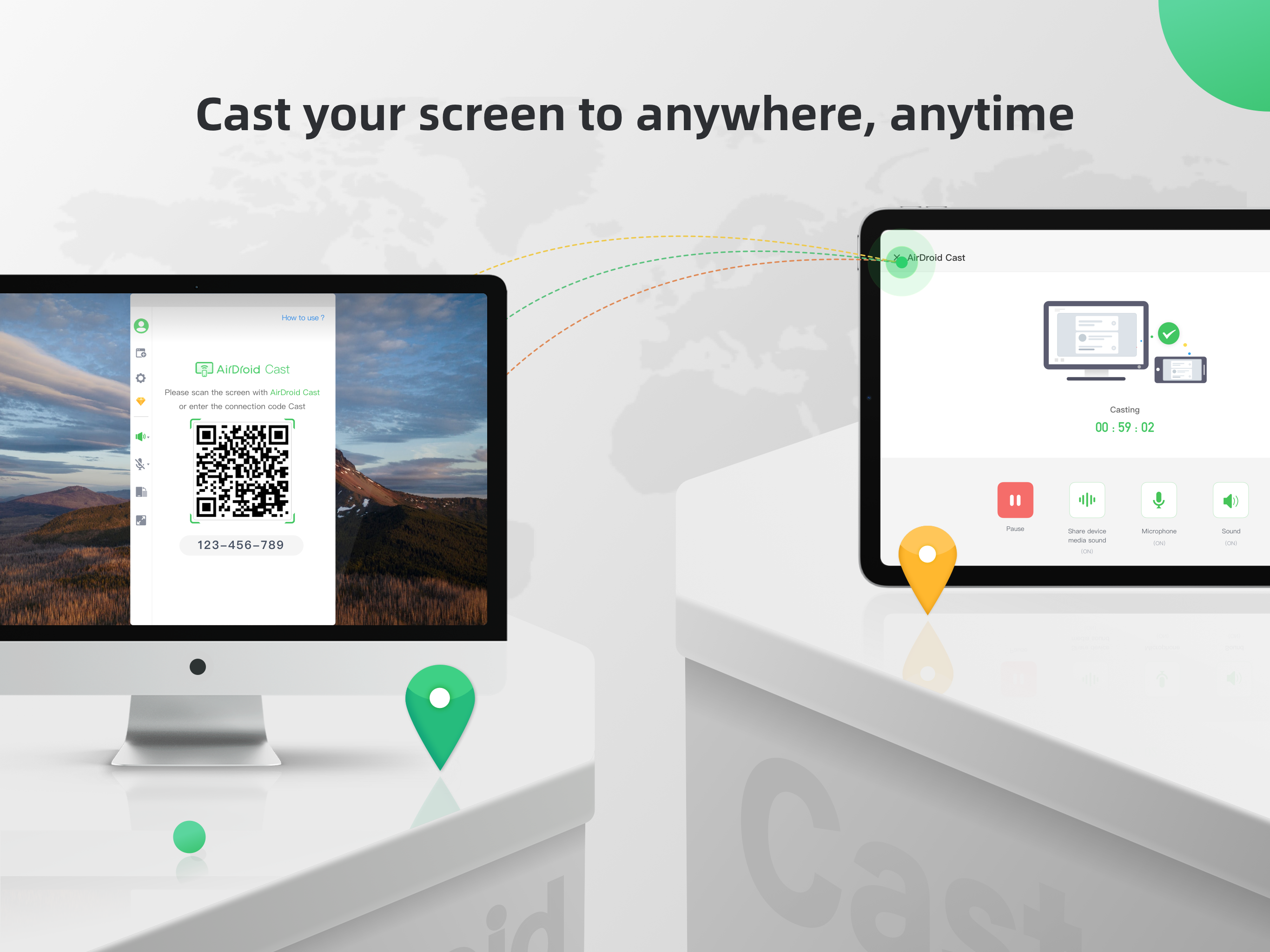
AirDroid Cast is a cross-platform screen mirroring app. It offers seamless screen mirroring via USB / AirPlay / wireless local and remote network, for...
| Name | Price | Type |
|---|---|---|
| Remote Casting - Monthly | $2.49 | Monthly |
| Cast & Control - Monthly | $3.49 | Monthly |
| Remote Casting - Yearly | $19.99 | Yearly |
| Cast & Control - Yearly | $29.99 | Yearly |