Check the acquisition promise
Read the store headline, screenshots and description. What problem is the app promising to solve?
Study the storefront ↗
Super Duper Publications · iOS
Explore the ad evidence, study the storefront, and build your next acquisition hypothesis.
01 / Creative research
Read the store headline, screenshots and description. What problem is the app promising to solve?
Study the storefront ↗Explore apps with direct store-link matches. Compare their hooks and formats without assuming the same approach works here.
Browse observed advertisers ↗Store rankings and revenue estimates describe market context. They do not establish ad spend, conversions or ROAS.
Review the market context ↗02 / Storefront & product
Study the product story and store experience behind the acquisition funnel.



03 / Market context
Keep revenue, downloads and store rankings separate from advertising performance.
I have the physical deck as well.It would’ve been nice if there was a way to have two and three step directions along with conditional directions like “if”directions.
I just wish there was a way to create two step commands. I know the physical deck has "and," "or," "before," and "after" cards. I wish this was incorporated into the app as well.
The directions are short and specific, and the graphics are engaging, but many IEP goals are written that children, after having completed one-step directions, should follow multiple step directions and I feel that this application would be much more versatile if there were options for putting 2, 3, even four cards on the screen at a time for language processing, sequencing, and memory skills. I feel this app should be at least as useful as the deck itself, and there are no restrictions to how many steps you can order i a row when you are using the cards. Please o please o please, Super Duper, please add an option for using more than one card at a time! ( you always said you wanted suggestions. i hope you are also resposive)
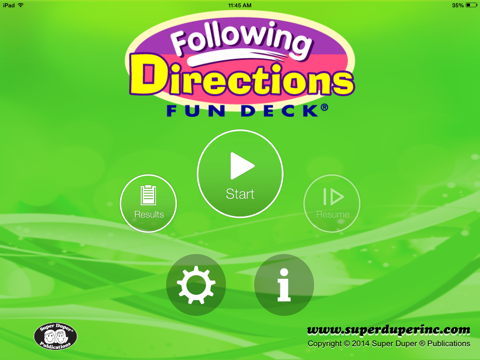
This colorful educational App for the iPhone®, iPad®, and iPod touch® has all 52 illustrated picture flash cards (plus audio of each card text) from t...