
Check the acquisition promise
Read the store headline, screenshots and description. What problem is the app promising to solve?
Study the storefront ↗
Robert Wilkens · iOS
Explore the ad evidence, study the storefront, and build your next acquisition hypothesis.
01 / Creative research
Read the store headline, screenshots and description. What problem is the app promising to solve?
Study the storefront ↗Explore apps with direct store-link matches. Compare their hooks and formats without assuming the same approach works here.
Browse observed advertisers ↗Store rankings and revenue estimates describe market context. They do not establish ad spend, conversions or ROAS.
Review the market context ↗02 / Storefront & product
Study the product story and store experience behind the acquisition funnel.






03 / Market context
Keep revenue, downloads and store rankings separate from advertising performance.
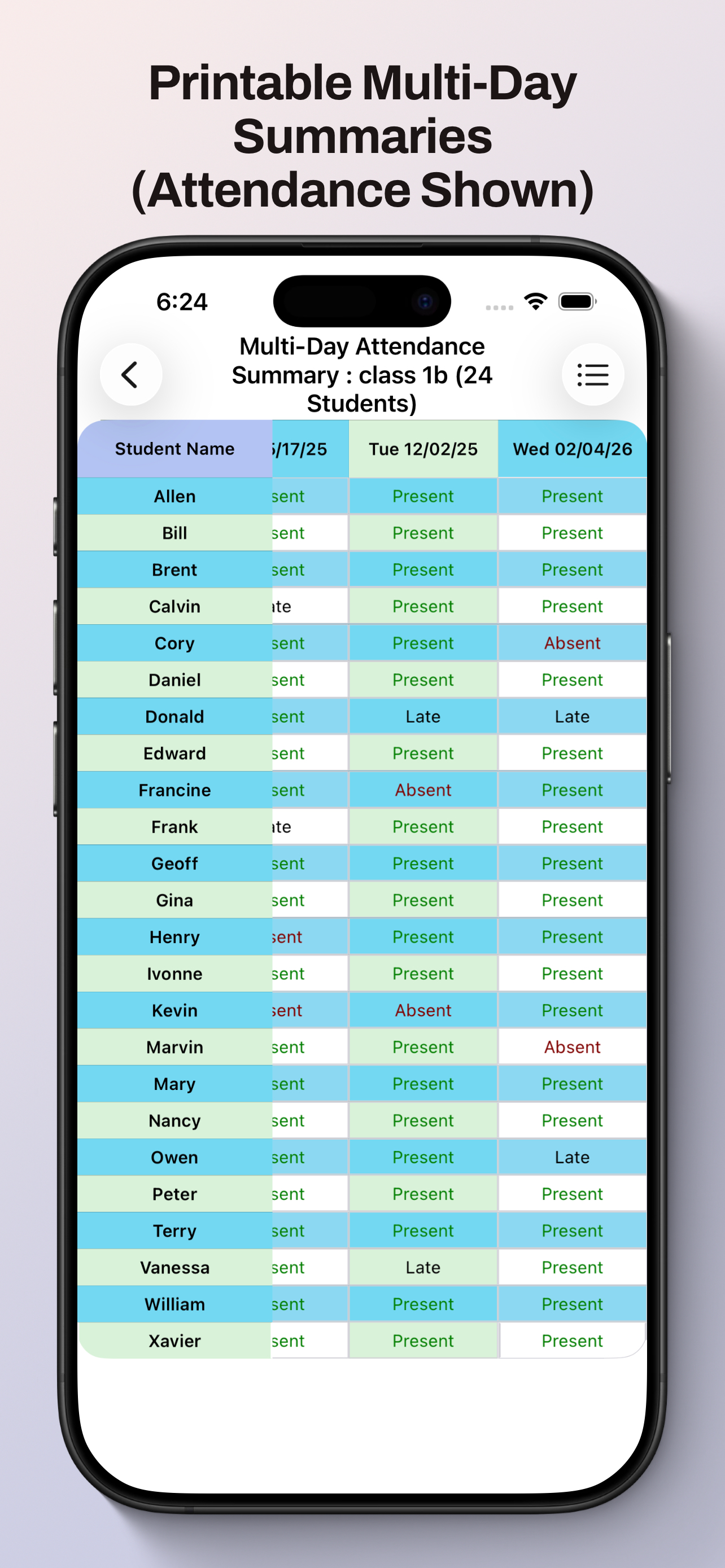
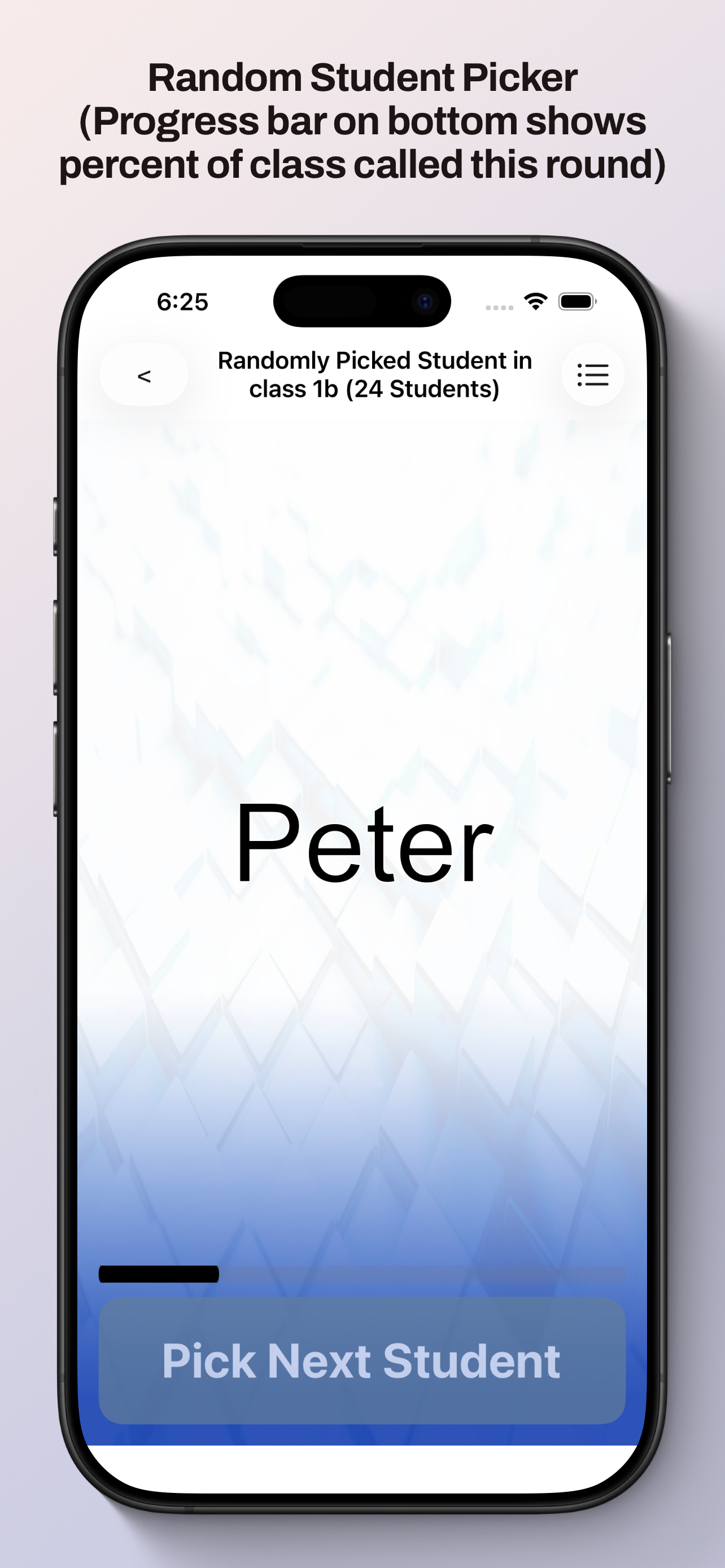
In addition to easy seating chart creation and use, this app has what I’ve been looking for in a class assist app- random group creation and random choosing of student. It will even leave absent students out of groups. I can add student photos to my seating chart. It is often updated with better and better features. I use it all day every day. Bravo!
Let’s face it, there aren’t too many seating chart apps out there. I’ve probably tried them all. As someone who has 500+ students a week, a seating chart app with pictures is crucial for my job. The downfall of this app is that visually, it isn’t the greatest when it comes to graphics appeal. It is a little wonky in the beginning trying to navigate all the menus and how to do certain things. However, once you get used to it, it’s all good. The app works perfectly and does everything I need for a music teacher needing something like this. BONUS points for the developer Robert who is quick to respond to emails and suggestions!!!
I love this app for organizing all my classes and seating charts. You can move students to new seats with a touch of a button. Very user friendly for creating groups and for cold calling on students with the random student button. The few things I didn’t like about the app I emailed to the designer and he fixed within a day! I’ve been looking for a good class management app for a while now and this one is really good.
Student Centered Classroom Assistant Pro Empower your teaching with the classroom management tool designed by an educator* for educators. Take atten...


