Check the acquisition promise
Read the store headline, screenshots and description. What problem is the app promising to solve?
Study the storefront ↗
Crookneck Consulting LLC · iOS
Explore the ad evidence, study the storefront, and build your next acquisition hypothesis.
01 / Creative research
Read the store headline, screenshots and description. What problem is the app promising to solve?
Study the storefront ↗Explore apps with direct store-link matches. Compare their hooks and formats without assuming the same approach works here.
Browse observed advertisers ↗Store rankings and revenue estimates describe market context. They do not establish ad spend, conversions or ROAS.
Review the market context ↗02 / Storefront & product
Study the product story and store experience behind the acquisition funnel.



03 / Market context
Keep revenue, downloads and store rankings separate from advertising performance.
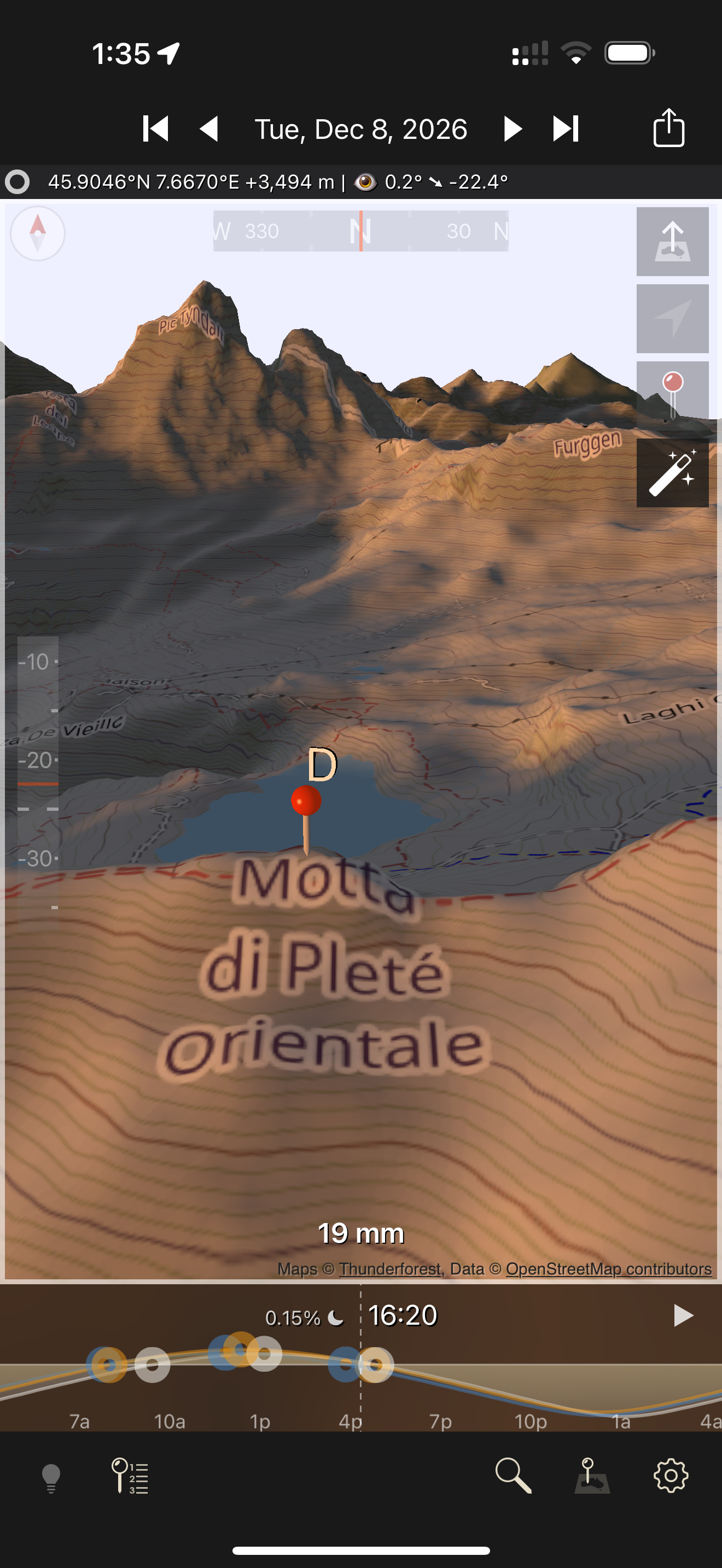
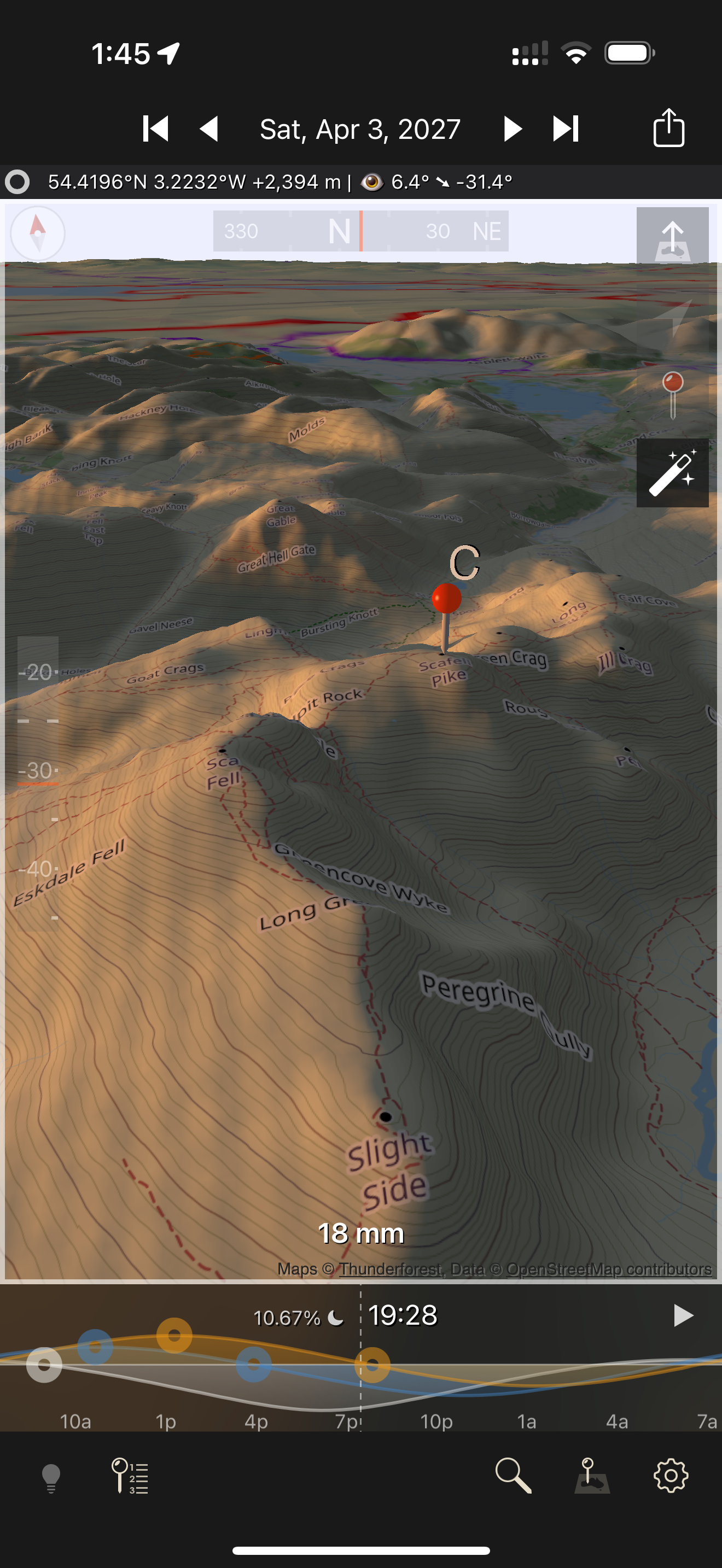
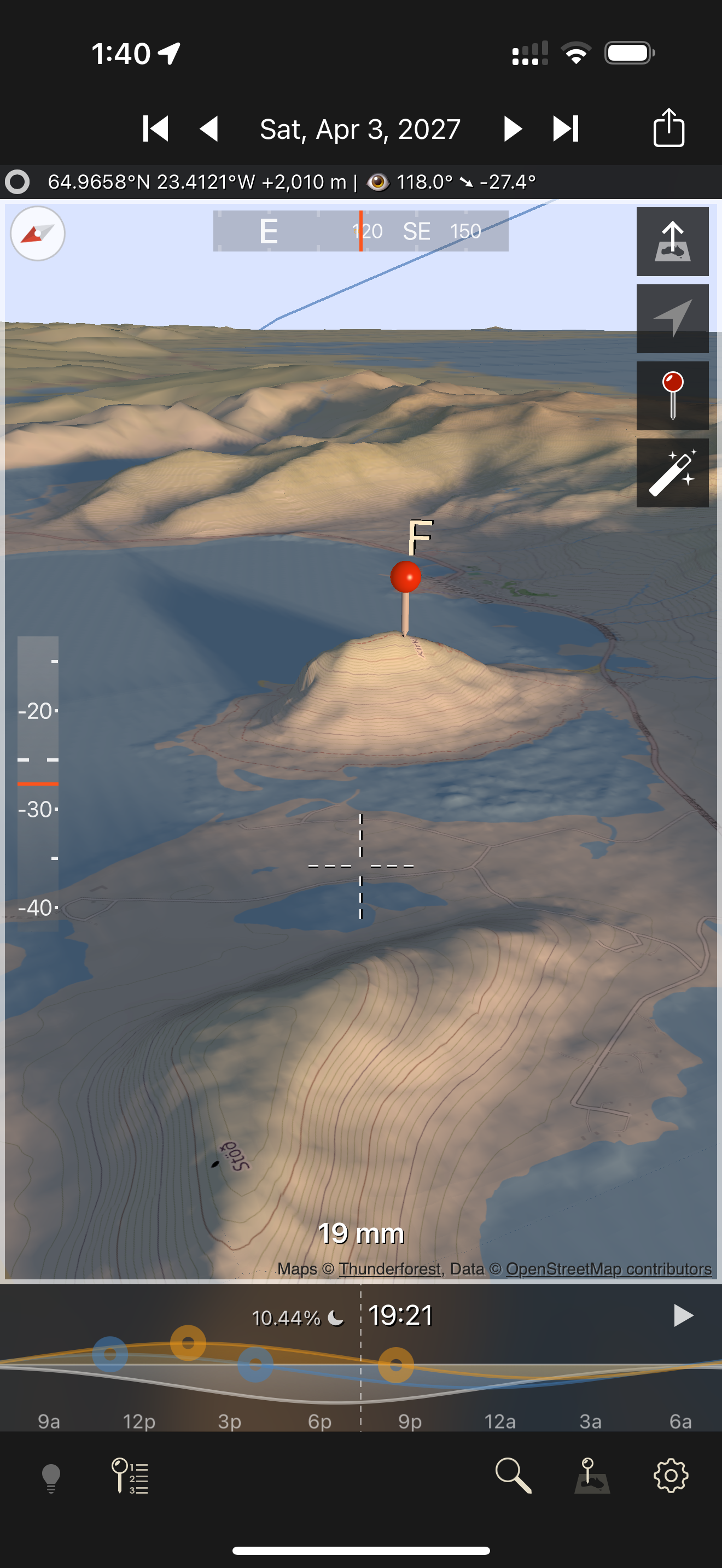
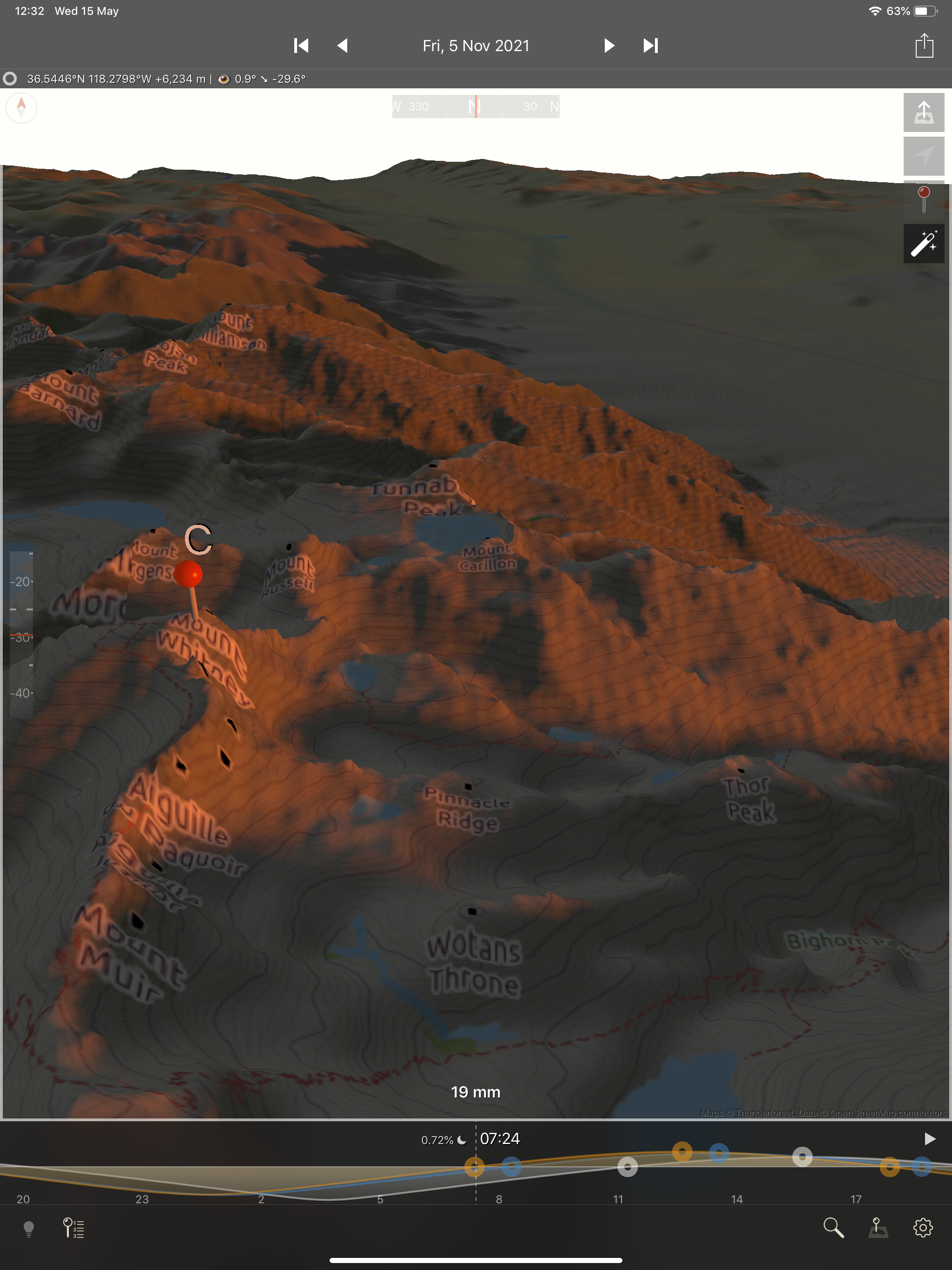
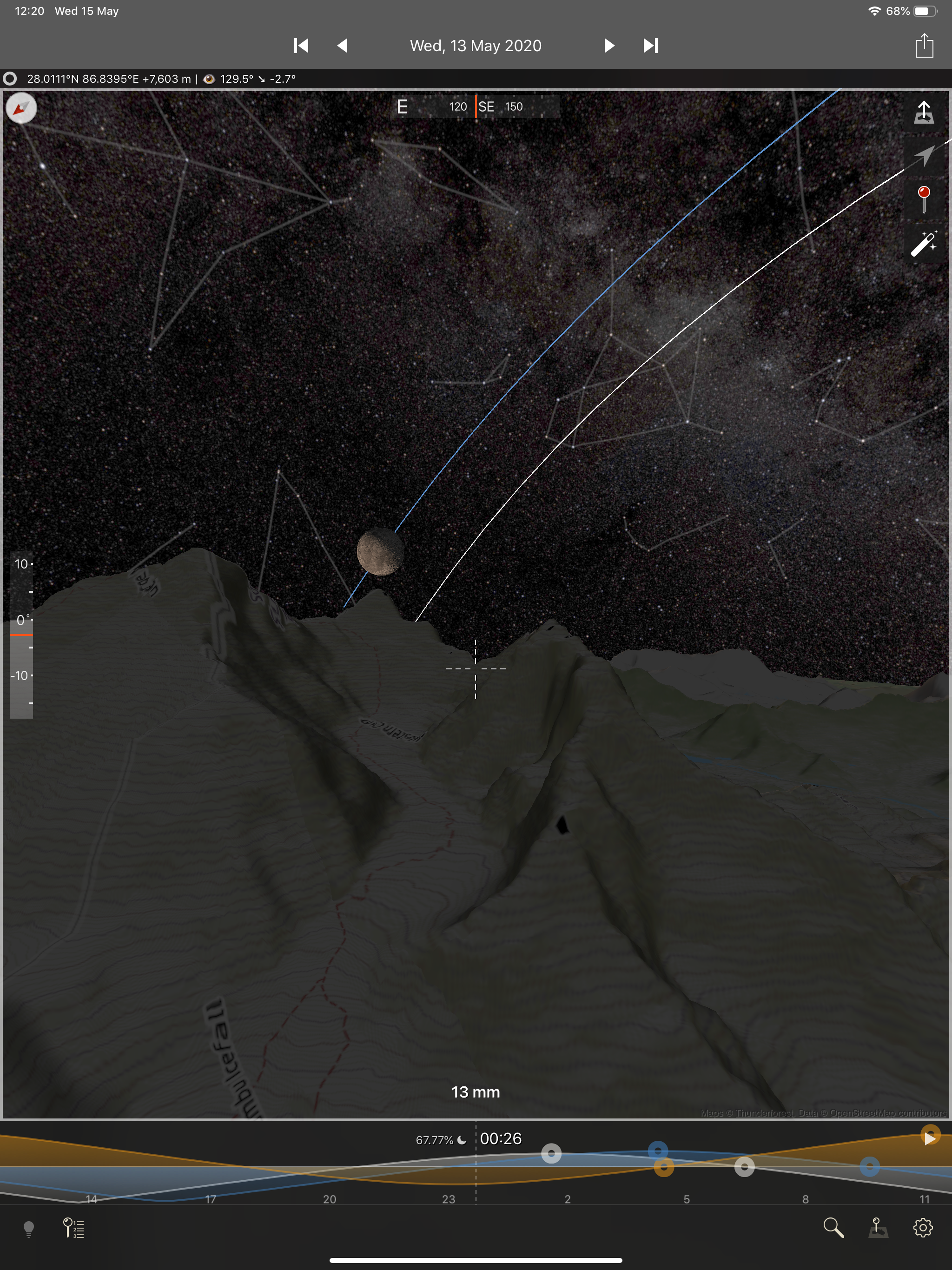
The app works great for visualization of how the light will fall. Honestly it’s only competitor is Google Earth Pro (desktop only) and this does a better job than that. The controls take a bit getting used to, and I still slide around sometimes, but it’s workable. The *only* reason this doesn’t get 5 stars is the amount of juice this app uses- on my iPhone 7 Plus it absolutely cranks and destroys the battery life; I pretty much can only use it plugged in if I don’t want to lose obscene percentages of battery quickly. However, newer phones may handle this better, I’m not able to test that unfortunately. Even with this issue I still love this app.
Great app for framing landscape shots and planning for light. Was very helpful on my Iceland trip. I’m unaware of another app that does this. On my iPad Pro, the two search buttons at bottom right bring up a grey screen that I can’t exit out of. I have to force close the app. This makes it so I can’t jump from Iceland back to the sites in the US that I’m shooting. The app is basically broken for me right now. NEW UPDATE: Its not network io. It’s screen orientation. When in portrait mode, the search pane is rendered off the screen. To see it, switch to landscape mode. UPDATE: I waited about five minutes and the saved places screen finally came up. What I may be seeing is the app waiting for data that never comes. When I tap those buttons now, the saved places screen comes up fast now. Suggest adding a spinner or a way to cancel the sync. UPDATE: I was able to verify the developer’s response. Things look good now. Been using the app a lot lately, (helped out a bunch on a trip last weekend to plan a Milky Way shoot). I’m very happy with the app. Thank you for the bug fixes!
Takes awhile to load the map even when on fast WiFi. When pinching to zoom out, once you hit the “flight ceiling” (which isn’t that high) it stops recognizing your pinch and thinks you’re pointing so the map starts moving around. what’s the point of tilt slider on the left if you can’t manually change your tilt? if you tap or press it goes to -25. On a second tap it goes to 0 and every subsequent tap takes you back and forth between these angles. The elevation slider minimizes too quickly when trying to do subtle changes. Say i want to lower my elevation 2 full swipes of the slider. I slide my finger from bottom to top. Then quickly move it to the bottom and begin to slide up again and the bar is in the process of minimizing so i’m moving the map not changing elevation. I have to wait for the bar to finish minimizing before i can begin swiping again. Unless you are frantically flicking your finger the bar minimizes before you get back to the bottom. I also tried using both my index fingers and it would still minimize almost instantaneously after i took 1 finger off my phone. The light tracking is nice and is what the app for. Bottom line: I expect more out of apps I pay for.
3D Light Visualization for Outdoor & Night Photographers See exactly how natural light will fall on the land — day or night, anywhere on Earth. TPE 3...